APPENDIX D – TROUBLESHOOTING
71.
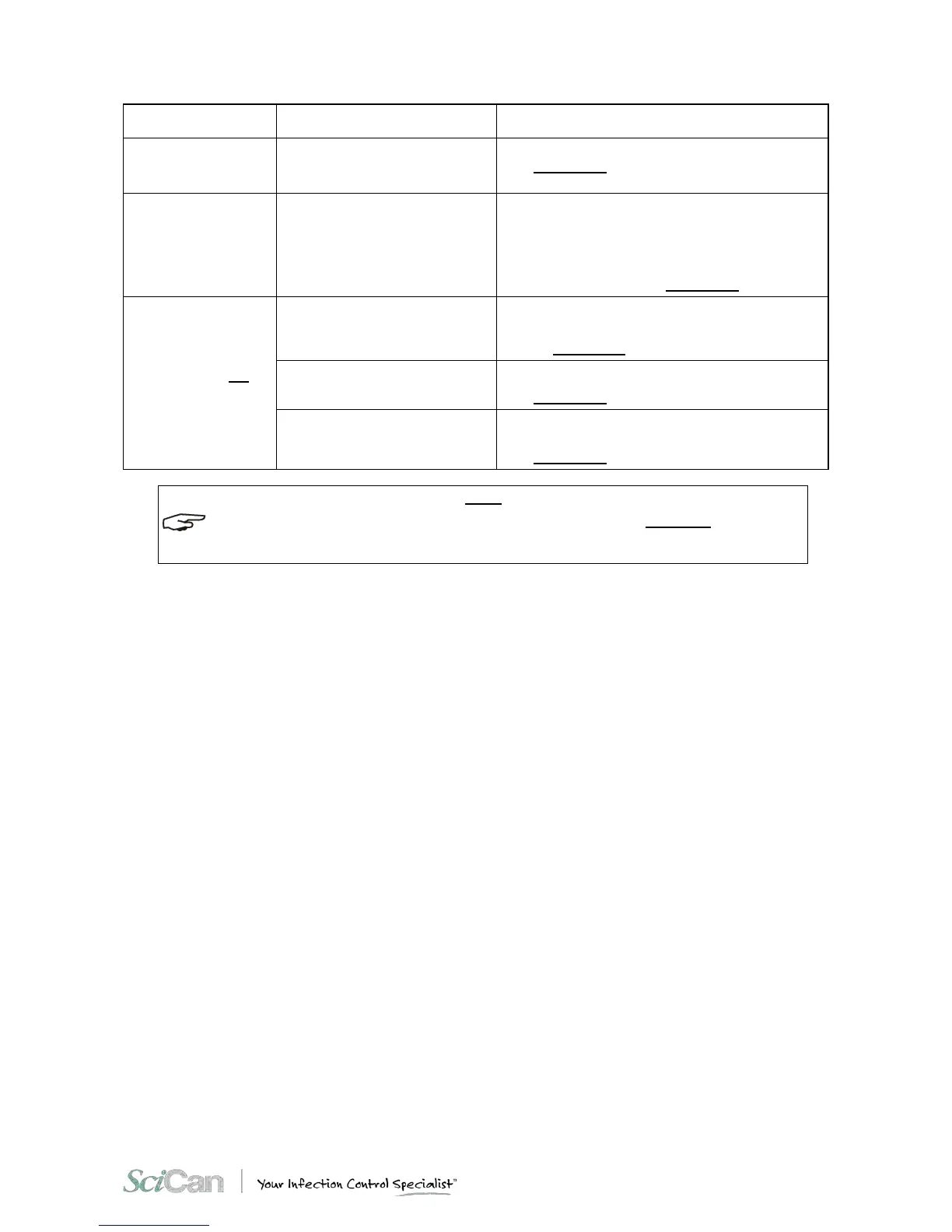
Lime residue on the wall of the
sterilization chamber and/or
accessories.
Clean the device and its parts, as required.
(See Appendix C “Ma i ntenance”).
Blackening of the
instruments or damage
to the material.
Wrong sterilization program
selection.
Check the adequacy of the sterilization temperature of
the selected program in relation to the material to be
treated.
(See the Summary Table in Appendix B, Programs).
The printer (optional on
some models) is not
printing the summary
report.
Wrong printer configuration.
Configure the sterilizer for the type of printer used
(Configuration program).
(see the Chapter 6 - Configuration).
Insert a new roll of paper.
(See Appendix C, Replacing the Paper).
Clear the jam.
Check the dimensions of the paper roll.
(See Appendix C, Replacing the Paper).
SHOULD ANY OF THESE PROBLEMS PERSIST, CONTACT CUSTOMER SERVICE (SEE APPENDIX Z) PROVIDING THE
MODEL OF THE STERILIZER AND THE SERIAL NUMBER. THIS INFORMATION IS FOUND ON THE SERIAL NUMBER
PLATE ON THE REAR OF THE DEVICE AND ON THE WARRANTY CERTIFICATE.



 To Next Page