Installation
700-0042 R004 2–5
2.3. Step 2: Installing the DVR in the Lock Box
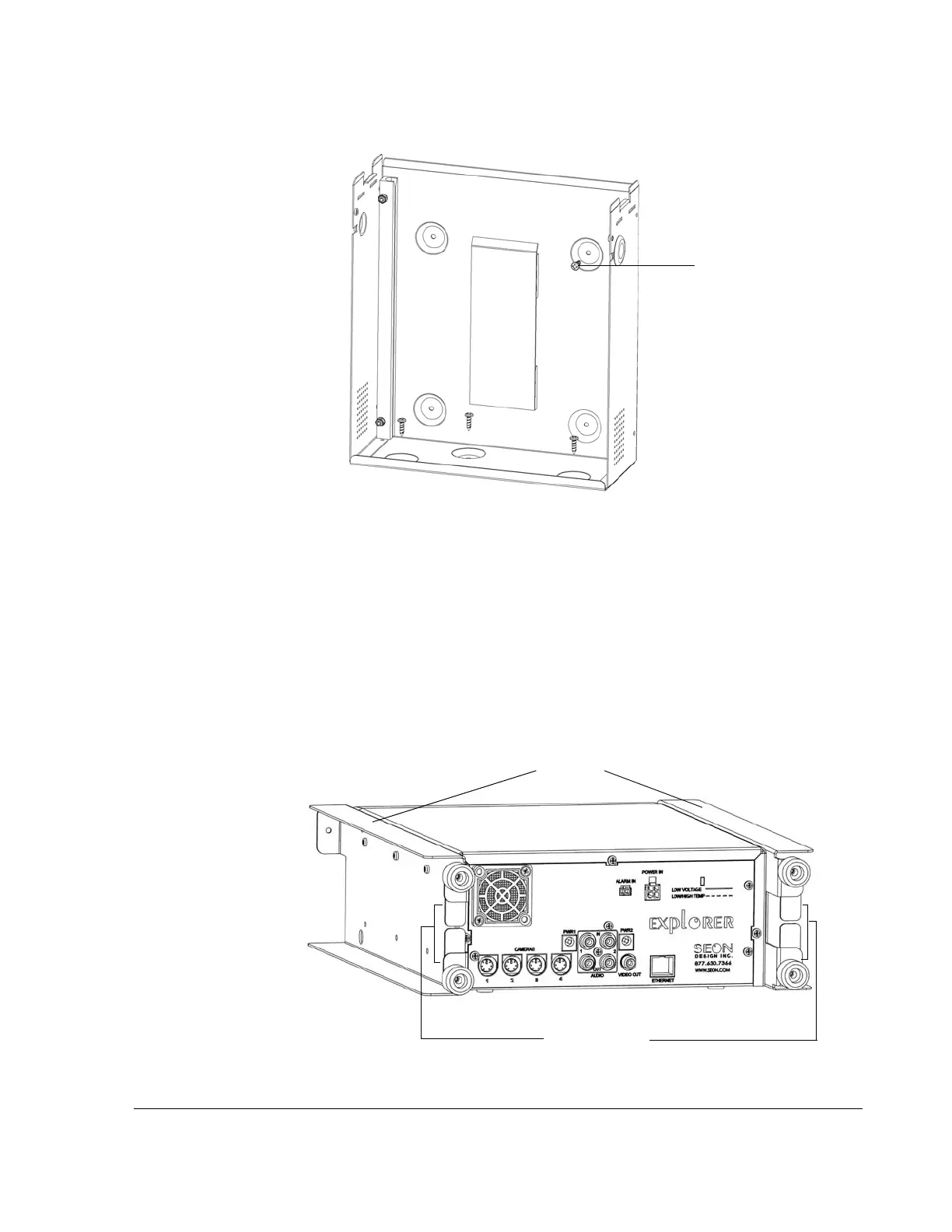
The DVR has two brackets attached to the sides that allow the DVR to slide easily
in and out of the lock box. The brackets also enable easy top-up orientation of the
DVR when the unit is installed on the floor or under a seat.
The rear of each bracket has two plastic retainers that allow cables to easily slip in
between to ensure they do not get pinched at the back of the lock box when the
DVR slides in. See Figure 2-3.
Figure 2-2
Lock box vertical installation
Vertical mounting
screw
Figure 2-3
Brackets and cable retainers
Brackets
Cable retainers



 To Next Page