Configuring the DVR
700-0042 R004 3–3
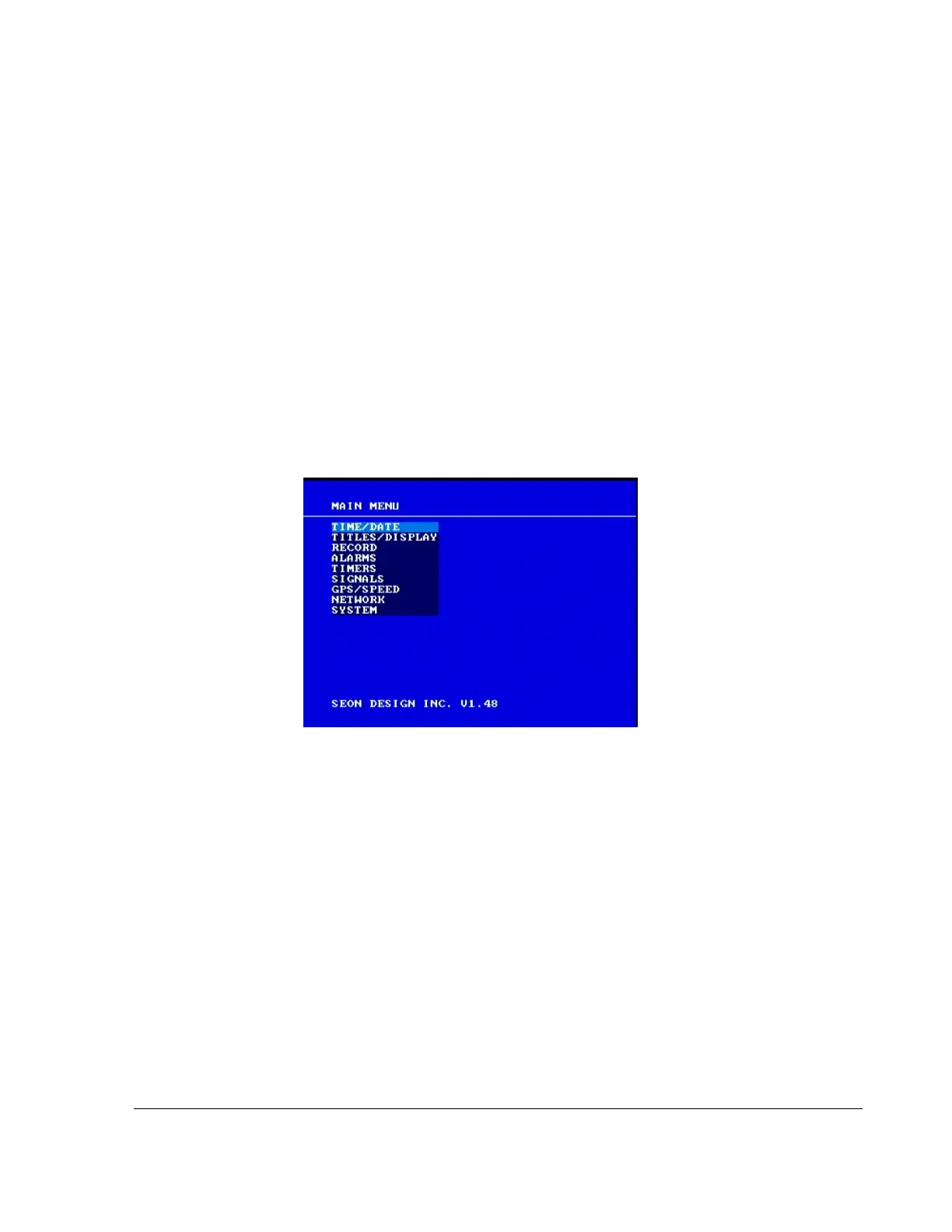
3.2. EX4 DVR Main Menu
The EX4 DVR main menu lets you set the time and date, create titles, and
customize other menu items.
To view the main menu:
1. If the DVR is recording or playing, press the
STOP button on the front of the
DVR.
2. Press the
MENU button to display the main menu. Figure 3-2 appears.
3. Turn the
JOG wheel (inner wheel) clockwise to scroll to the next item in the
menu.
OR
4. Turn the
JOG wheel counter clockwise to scroll to the previous item.
Turning the
JOG wheel continuously in either direction presents the menu
items in a continuous loop.
To change a setting on the main menu:
1. On the main menu, turn the
JOG wheel to highlight the setting you want to
change.
2. Press the
ENTER button to enter the menu.
3. Turn the
JOG wheel to change the value.
4. Press the
LOCK > button to advance through the fields.
5. Press the
DISPLAY < button to move back through the fields.
6. To exit the menu, press the
MENU button.
Figure 3-2
Main menu



 To Next Page