Operating the DVR
4–10 700-0042 R004
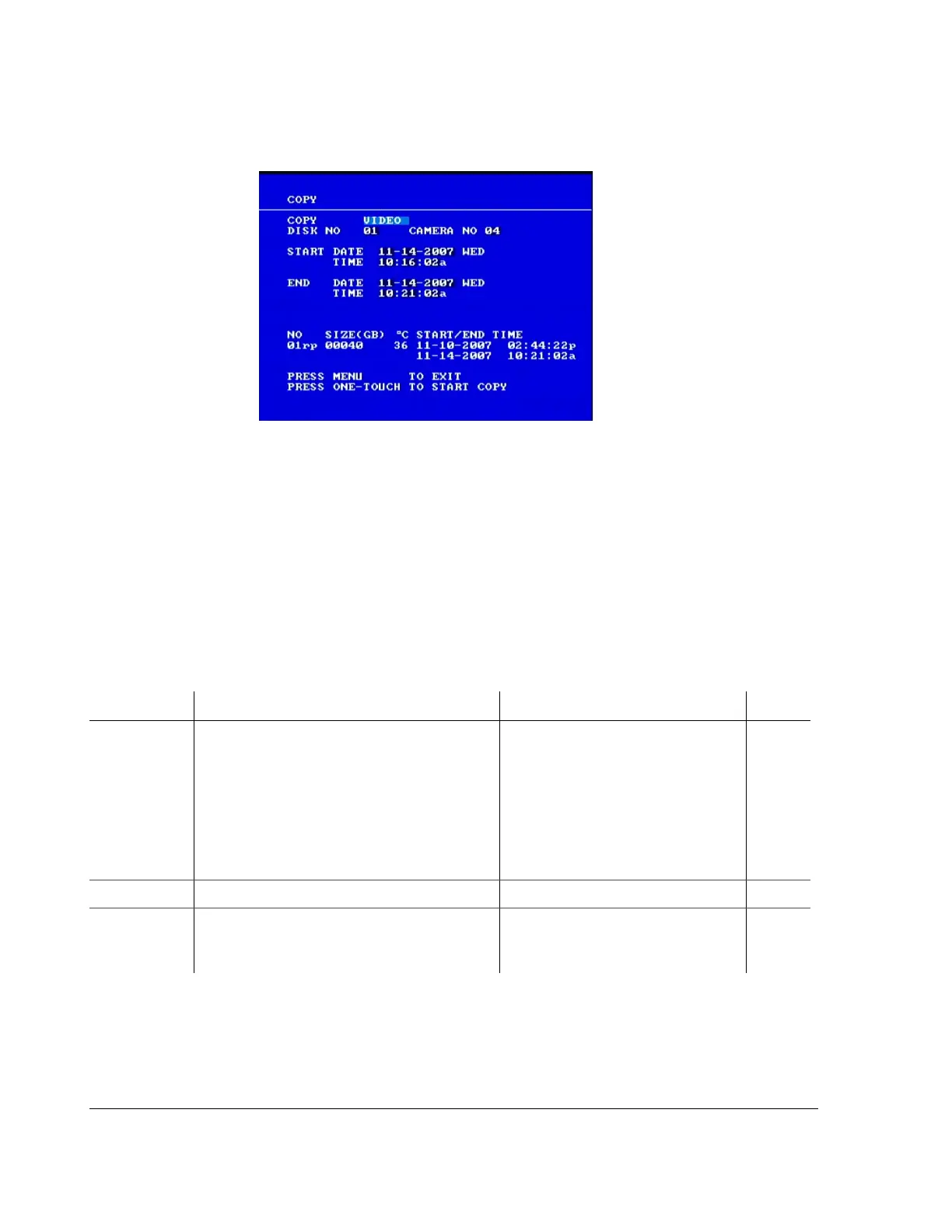
The Copy menu appears as shown in Figure 4-3.
To change a setting on the menu:
1. Turn the
JOG wheel clockwise or counter clockwise to change the value.
2. Press the
LOCK > button to advance through the fields.
3. Press the
DISPLAY < button to move back through the fields.
The selected menu item is highlighted with a pale blue background.
4. Press the
ONE-TOUCH button to start search.
5. To exit the menu, press the
MENU button.
Figure 4-3
Copy menu
Table 4-4
Copy menu configuration items
Menu Item Description Values Default
COPY The first option lets:
• Copy
VIDEO information from the DVR
• Download a small
VIEWER program. with
very limited functionality and is designed
for quick diagnosis of the video
information. It is recommended that the
Hard Drive Reader program is used to view
video from the DVR.
VIDEO
VIEWER
VIDEO
DISK
NO DISK NO field only allows the 01 option. 01 01
CAMERA NO CAMERA NO option lets you pick the camera
from which the video will be saved to the USB
memory device
1 to 8 04



 To Next Page