M90 Fusion Splicer 1-8 Operating Instructions
Getting to Know the M90 Fusion Splicer Issue 02/97
Monitor and Control Panel
Monitor
The monitor used is an
LCD
(
L
iquid
C
rystal
D
isplay) screen subdivided into three
areas.
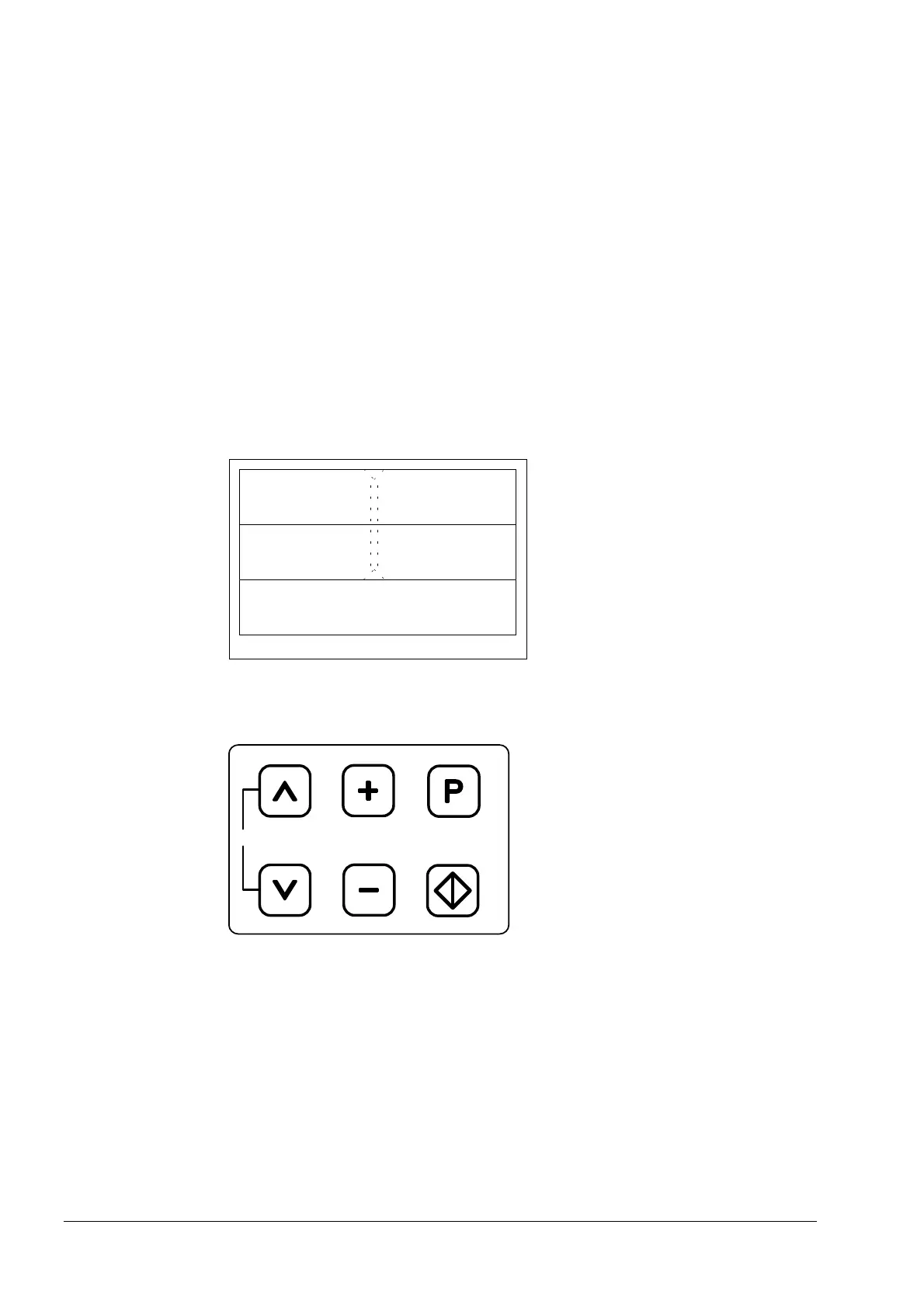
Subdivision The upper third and middle third of the monitor show the fiber pair in the X plane and
Y plane respectively, unmirrored in each case.
The bottom third contains two lines of text for displaying the current program step
and message texts.
During the self-test at switch-on and during parameter setting, the monitor switches
to full-page text display mode.
Reference line Located in the middle of the monitor and at right angles to the X and Y observation
directions are two dashed lines. The inside edges of these lines indicate the ap-
proximate required position of the fiber ends for manual positioning.
Auto-XYZ, clean,
fuse?
X plane
Y plane
Image Area with Reference Line and Monitor Display
Control panel
0
Control Panel Buttons
Artisan Technology Group - Quality Instrumentation ... Guaranteed | (888) 88-SOURCE | www.artisantg.com



 To Next Page