Operating Instructions 2-3 M90 Fusion Splicer
Issue 02/97 Preparations
Working light
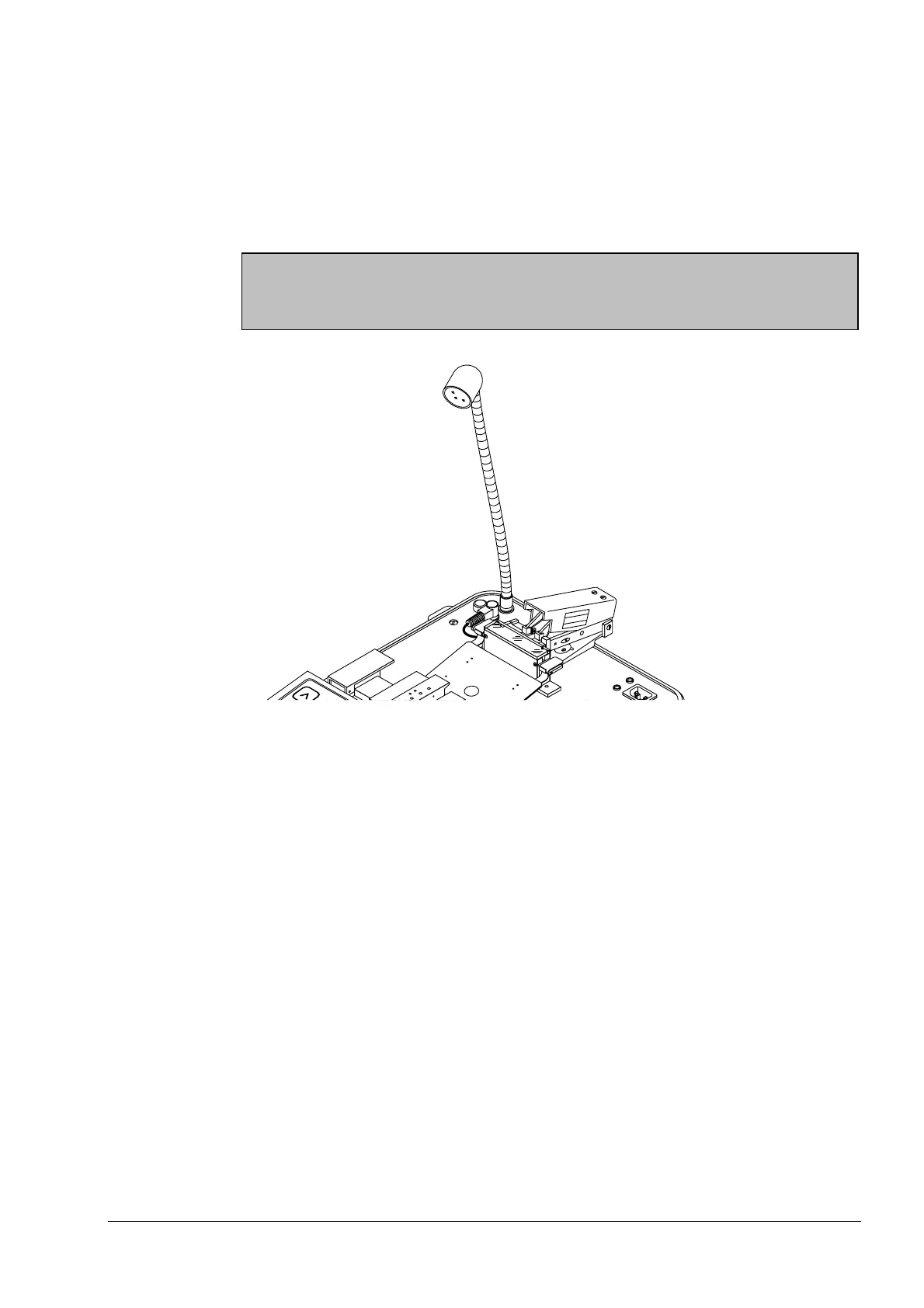
If lighting is poor, the working light can be used.
Connecting the
working light
- Remove the working light from the lid of the case.
- Now insert it into the socket at the rear.
- Switch on the working light by turning the shield of the light in clockwise direction
and switch it off by turning the shield in counter-clockwise direction.
Note
Only switch the working light on if you actually need to do so, since its operation will
considerably reduce the operating time of the splicer in battery mode.
Connecting the Working Light
Removing the
working light
- Switch off the working light and pull it out of the socket.
- Stow it away again in the lid of the case.
Artisan Technology Group - Quality Instrumentation ... Guaranteed | (888) 88-SOURCE | www.artisantg.com



 To Next Page