M90 Fusion Splicer 2-6 Operating Instructions
Preparations Issue 02/97
Checking the
electrodes
Check the condition of the electrodes as follows:
- Ensure that there are no fibers inserted.
- Select function "Fuse?" .
- Press button
- Listen out for hissing noises
Characteristics of
correctly function-
ing electrodes
The electrodes only function correctly if:
- The arc is uniform
- No hissing noises can be heard during the fusing process and
- The electrodes are not whitened or distorted
If the electrodes are not functioning correctly, clean them as described in section 7.
Electrodes which are distorted must be replaced.
Selecting the
fiber guide
There are two different types of fiber guides for the following fiber diameters:
- Fiber guide 125/900 µm for clamping on the uncoated fiber
The fiber guide 125/900 µm is fitted at the factory and is suitable for all fibers with
125-µm glass diameter and a coating diameter between 250 and 900µm. This fiber
guide is provided with a mirror in the insertion area of the coating removal edge. This
makes it easier to identify the position of the fiber when inserting it.
- Fiber guide 250/900 µm for clamping on fiber coating
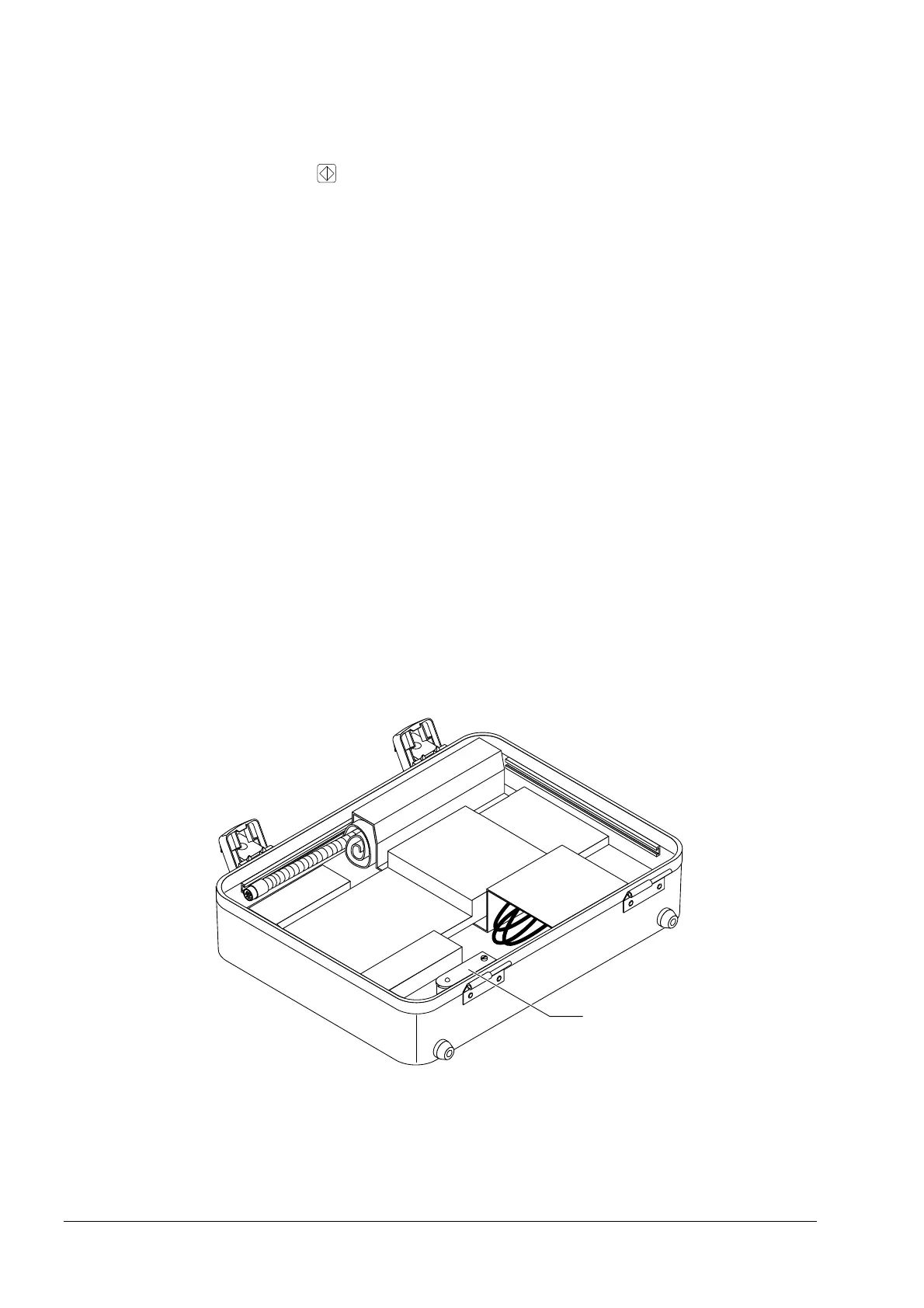
This fiber guide is located in the storage container of the case lid (item 1) and can be
readily replaced. It should be used when the length of the uncoated fiber of the
splice is required to be less than 10 mm. The fiber guide is suitable for fibers with an
outer diameter of 250 µm.
Storage Container for Fiber Guides
Artisan Technology Group - Quality Instrumentation ... Guaranteed | (888) 88-SOURCE | www.artisantg.com



 To Next Page