M90 Fusion Splicer 2-2 Operating Instructions
Preparations Issue 02/97
Putting the Splicer into Operation
Opening the
case
Place the splicer on a dry and firm base. Open the lid of the case, unhook it from the
hinges and lay it to one side.
Note:
You are working with a sensitive, high-precision device. Ensure your working environ-
ment and the device are clean. Act with care and never use force!
Power supply
The splicer is powered by either:
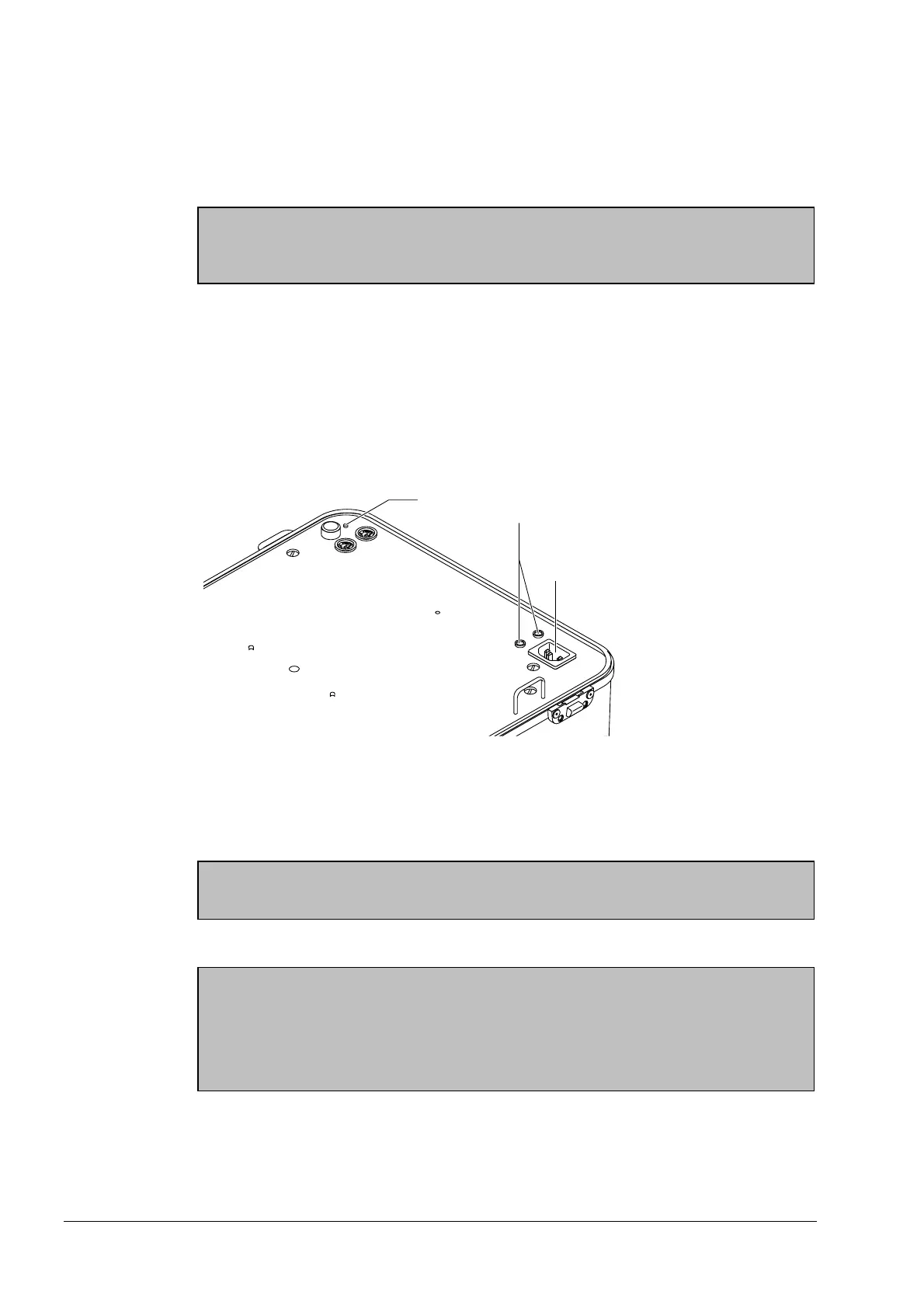
- AC line connection (95 - 260 V, 50 or 60 Hz) (1),
- External 12-V power supply (3) or
- Internal battery (accessories)
Overview of the Power Supply
AC power con-
nector
Remove the AC power cord from the lid of the case and plug it into the power socket in
the splicer (1). The charging indicator (2) lights up.
Note
If the charging indicator does not light up, see Troubleshooting in section 7
12-V connection A connecting cable is not supplied. Note the connection specifications!
Caution
The connecting cable you use must have been checked and approved by qualified per-
sonnel.
Permissible voltage range of the 12-V connection: 12-14.5 VDC.
Rating of connecting cable: 5 A.
Plug the cable into the 12-V connection sockets (3).
The connection is fuse-protected and protected against polarity reversal.
Artisan Technology Group - Quality Instrumentation ... Guaranteed | (888) 88-SOURCE | www.artisantg.com



 To Next Page