M90 Fusion Splicer 2-4 Operating Instructions
Preparations Issue 02/97
Switching on the
splicer, self-test
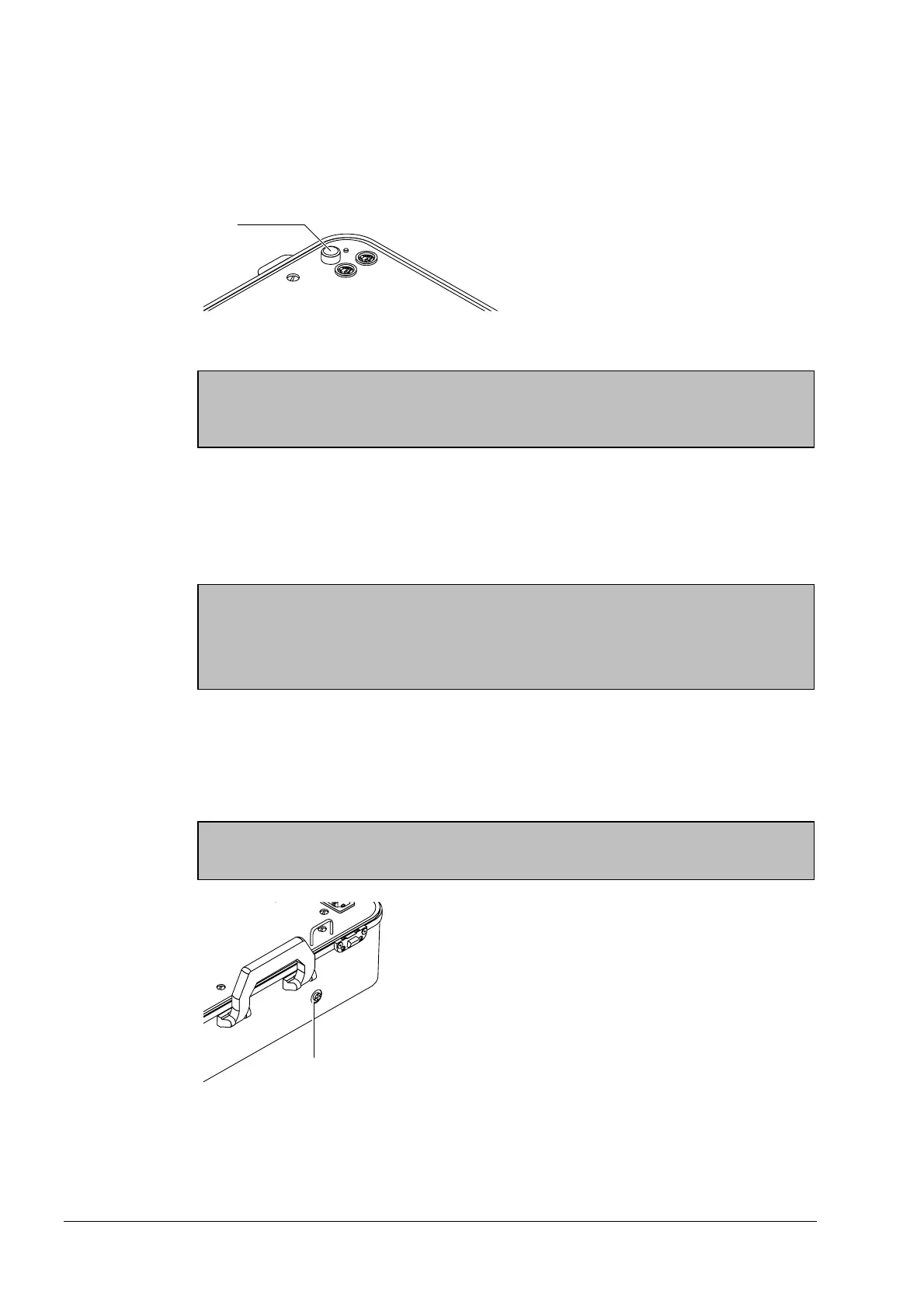
Press the mains switch (4). The monitor lights up and the microprocessor automatically
runs an internal self-test. Faults detected by the test are displayed on the monitor
(section 6).
Mains Switch
Note
Before continuing to put the unit into operation, you must first eliminate any faults that
have been detected and displayed (section 7)
Software version While the self-test is being performed, the installed software version is displayed on the
monitor.
Battery charge
level
In battery mode, the charge level of the battery is displayed in %.
Note
You should only run the splicer from the battery if the battery charge level exceeds 30%
Never stow away the splicer with the battery discharged. Recharge the battery at the
end of every working day.
"Battery empty"
If the charge level of the battery falls below the minimum level, "Battery empty" is dis-
played on the monitor and the splicer switches off automatically. Before you use the
splicer again in battery mode, you must recharge the battery (section 8).
Charging the
battery
Danger
Do not cover over the venting hole (5) ! Only charge batteries in well-ventilated rooms!
Venting Hole
Artisan Technology Group - Quality Instrumentation ... Guaranteed | (888) 88-SOURCE | www.artisantg.com



 To Next Page