7
Commissioning
SIMPRO-100
106 PRIM-2400C
7.3.5 Motor Thermal Element
Accuracy
Note: This test outlines steps to verify
performance of any of the GENERIC
thermal curves. When using the RATING
or USER thermal element setting
methods, the steps are similar, but the
expected operating times will be different,
depending on the settings you use.
1. Connect the current sources to the IA, IB, and
IC current inputs (5 A or 1 A, as indicated by
the ITAP setting).
2. Using the front-panel Set Relay\Relay
Elements\Thermal Model Elements function
or serial port SHOW command, note the
PHROT, FLA, and CURVE settings. Set the
Service Factor setting, SF equal to 1.15.
Note: Changing settings requires that you
enter the Access Level 2 password.
The factory password is 100.
3. Set the current source phase angles to apply
balanced three-phase currents. Refer to
Figure 7.1, page 100 for the correct angles,
which depend on the PHROT setting.
4. Reset the motor thermal element using the
front-panel Reset Thermal Model function.
Note: This function requires that you enter
the Access Level 2 password. The
factory password is 100.
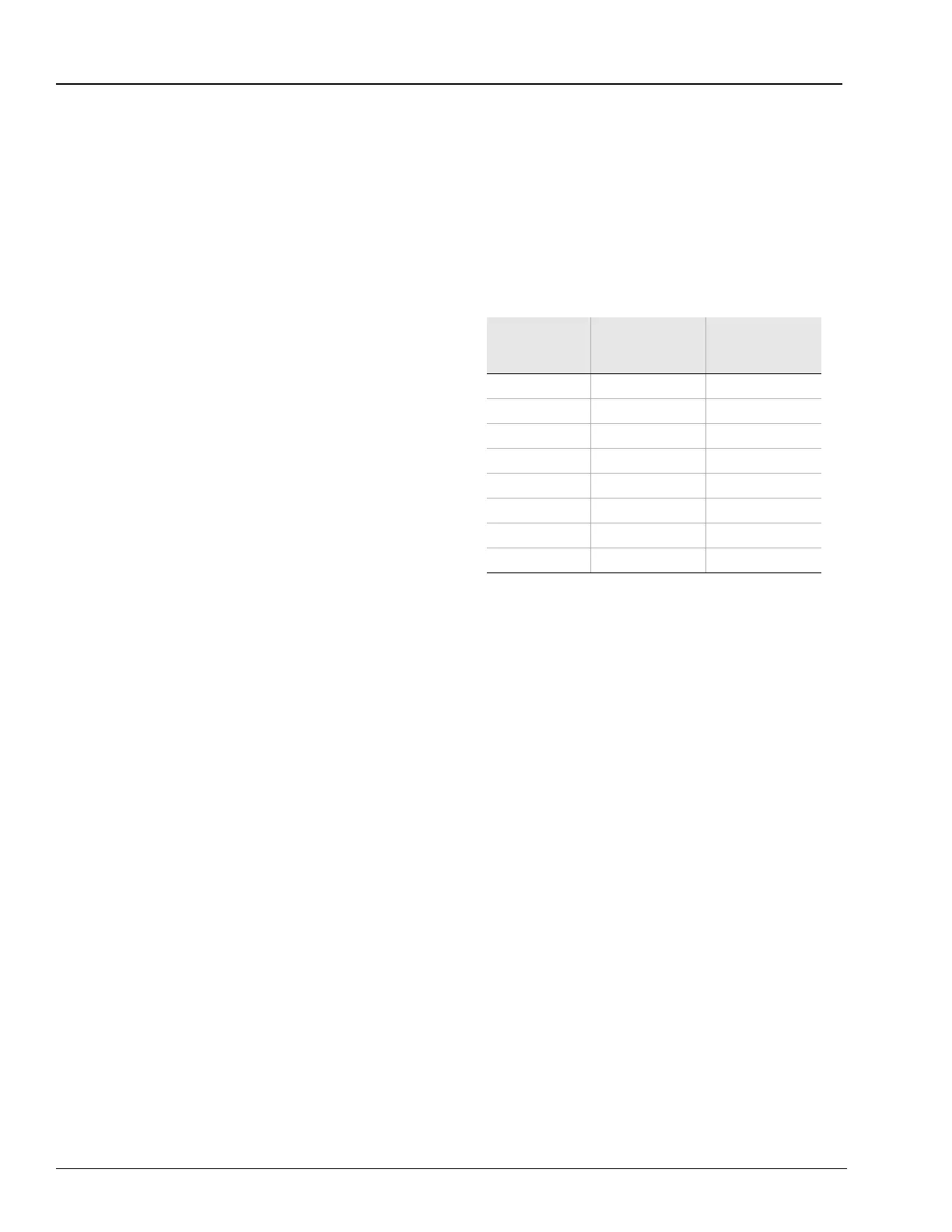
Set the current sources to apply the test current
shown in Table 7.6, then turn on the current
sources together. Refer back to Table 7.6 to
determine the expected element operating time.
For instance, when the setting CURVE is equal
to 4, the thermal element should trip in
4 • 10 = 40 seconds when applied three-phase
current equals three times the motor full load
current setting, FLA. Use the front-panel Meter
Values\Thermal & RTD Data function to view the
estimated Time to Thermal Trip during each test.
Note: Reset the motor thermal model before
each test run or the element will trip faster
than expected.
Table 7.6 Thermal Element Expected Trip Times
7.3.6 Analog Output Accuracy
1. Connect a dc milliammeter in series with the
analog output terminals (B01, B02). Connect
a PC to the relay front-panel serial port using
an appropriate serial cable. Using the
SIMPRO-PC software terminal function or
other terminal emulation software, establish
communications with the relay at Access
Level 2 (see Chapter 6, page 85 for details).
2. Use the Access Level 2 ANALOG command
to temporarily control the analog output. Refer
to Table 7.7 on page 107. Using the
milliammeter reading, verify that the analog
output is correct for each level.
Applied
Current
(A secondary)
Expected Time
to Trip
(s)
Measured Time
to Trip
(s)
1.2 • FLA CURVE • 145.7
1.5 • FLA CURVE • 51.5
2.0 • FLA CURVE • 23.3
3.0 • FLA CURVE • 10.0
4.0 • FLA CURVE • 5.63
5.0 • FLA CURVE • 3.60
6.0 • FLA CURVE • 2.50
7.0 • FLA CURVE • 1.84














 To Next Page