4
Settings Calculation
SIMPRO-100
42 PRIM-2400C
If you record the settings using the SIMPRO-PC
software, you can download them directly to a
relay, or save them to a file for future download. If
you record the settings manually, you can enter
them using the front-panel Set Relay function, or
the front-panel serial port and the Access Level 2
commands listed below.
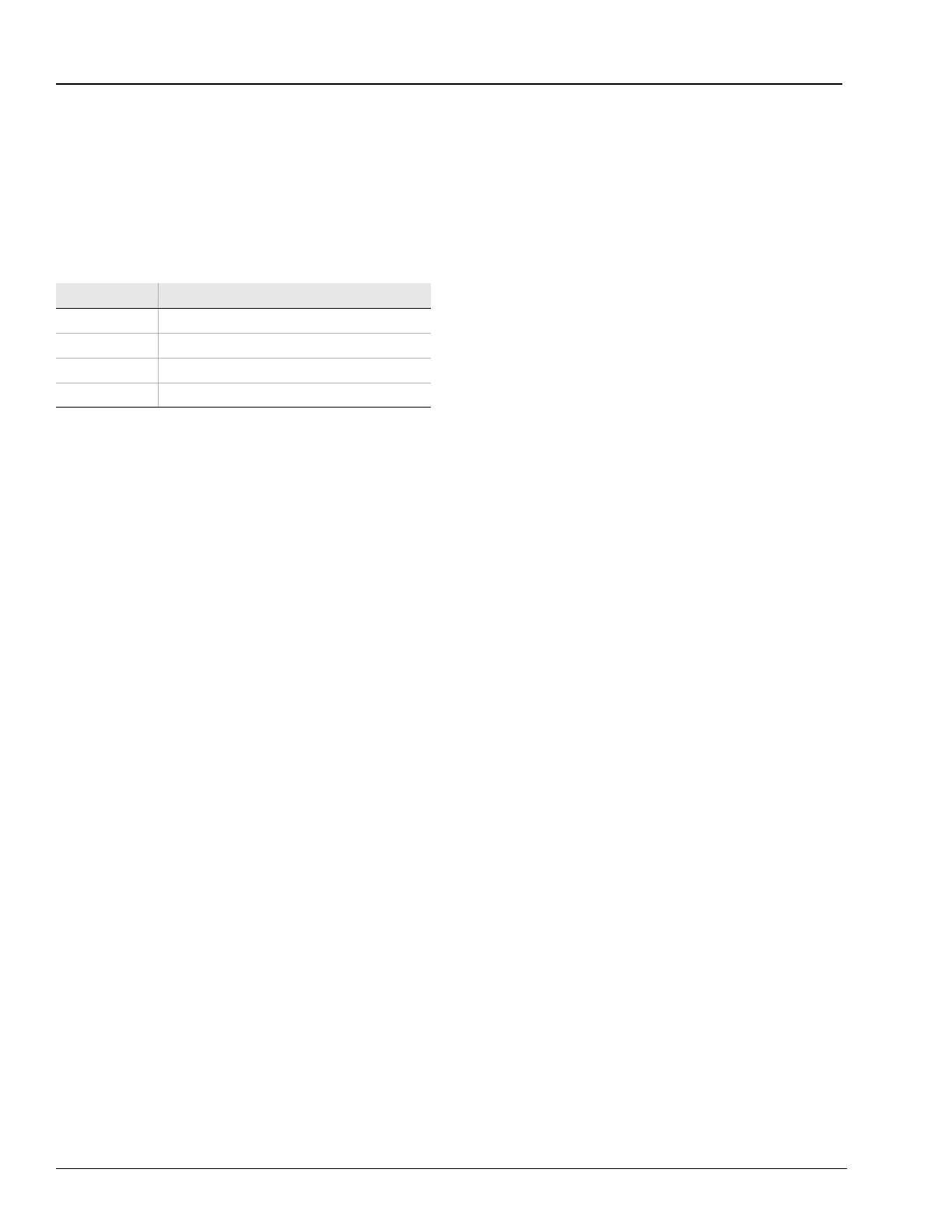
Table 4.1 Access Level 2 Commands
See Chapter 3, page 39, for more information on
SIMPRO-PC software. Chapter 5, page 75,
includes information on using the front-panel
interface; Chapter 6, page 85, includes details on
using the serial port SET command.
4.2 Application Data
It is quicker and easier for you to calculate
settings for the SIMPRO-100 Relay if you collect
the following information before you begin:
• Specifications of the protected motor
including:
– Rated full load current
– Service factor
– Locked rotor current
– Maximum locked rotor time with the motor
at ambient and/or operating temperature
– Maximum motor starts per hour, if known
– Minimum time between motor starts, if
known
• Additional data regarding the motor
application including:
– Minimum no load current or power, if
known
– Motor accelerating time. This is the
normal time required for the motor to
reach full speed
– Maximum time to reach motor full load.
This time may be significantly longer than
the motor accelerating time, particularly in
pump motor applications where the motor
may run at full speed for some time before
the pump reaches full head and full load.
• Current transformer primary and secondary
ratings and connections.
• System phase rotation and nominal
frequency.
• Voltage transformer ratios and connections, if
used.
• Type and location of resistance temperature
devices (RTDs), if used.
• Expected fault current magnitudes for motor
or cable ground and three-phase faults.
Command Activity
SET Enter relay settings
SET R Enter SER function settings
SET P F Enter settings for the front-panel serial port
SET P R Enter settings for the rear-panel serial port














 To Next Page