Page 134 (Model J)
Decrease the percentage of oxygen to 37%. The
blender will reduce the percentage of oxygen to the
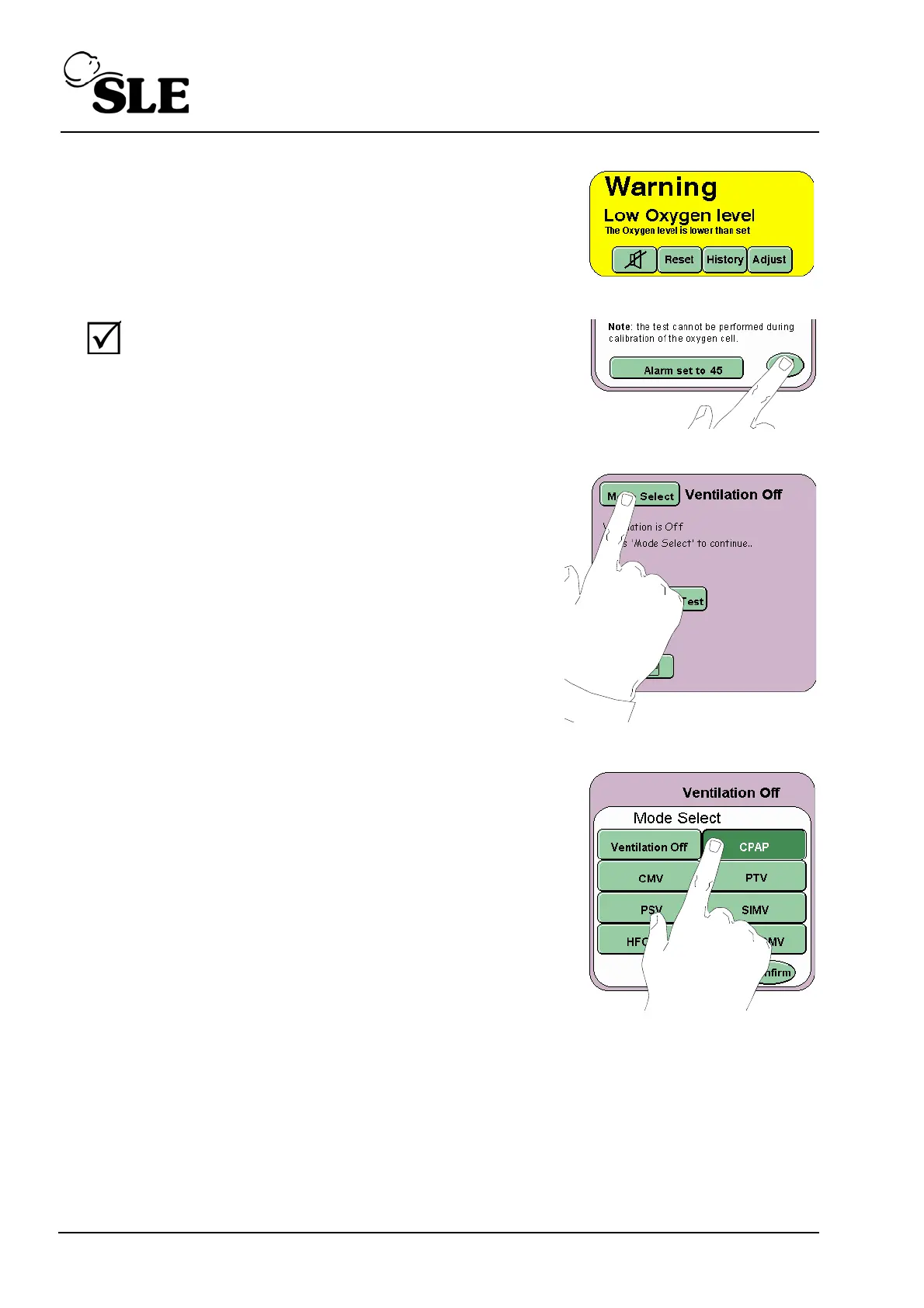
set value. The Low Oxygen Alarm will now be
triggered.
Further decrease the percentage of oxygen to 21%
and press the Return button to cancel the Oxygen
alarm test.
Step 7 Press the Mode Select button to enter the Mode
select panel.
Step 8 From the Mode Select panel select CPAP, but DO
NOT press the confirm button. Advance to Step 9.



 To Next Page