106 • Settings
[ SNOM 360 USER MANUAL V1.00 ]
LCServer: Type in the IP address of the remote LCServer if you
want your phone to connect to it. Normally, you do not need to make an
entry here. The LCServer is for snom’s internal development only.
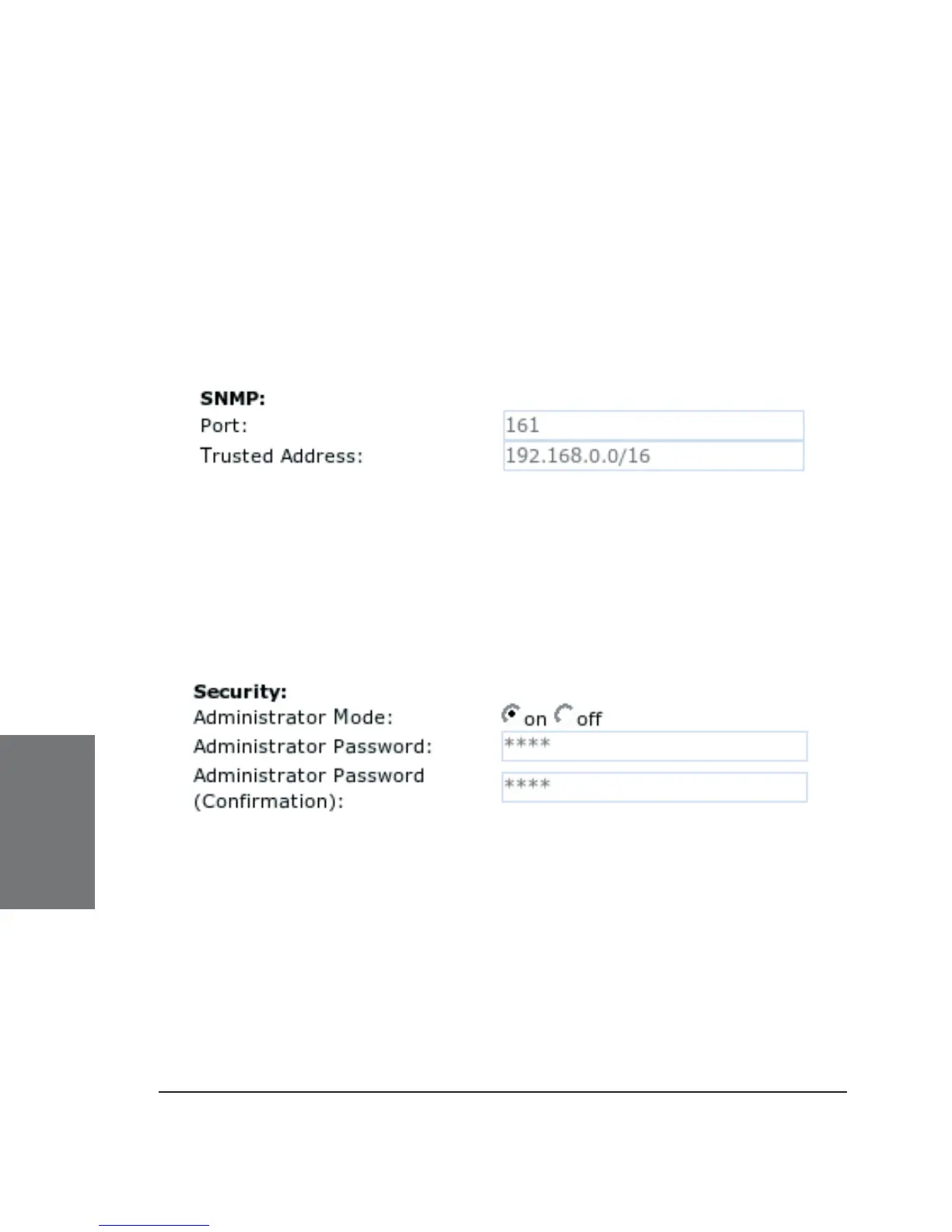
SNMP
Regarding SNMP, see our white paper “SNMP” on snom phones!
Port: Type in the port to be used for SNMP communication.
Trusted Address : Specify the address range (in CIDR notation)
solely from within which subnet SNMP requests will be accepted.
SECURITY
Administrator Mode: This setting allows you to switch between
the User and Administrator modes of the phone.
Administrator Password: When the phone is running in
administrator mode, you can change the admin password through this
setting. A password should be a numeric string of any length. The default
password to reach the administrator mode is “0000”.
Administrator Password (Confi rmation): You have to confi rm the
password to ensure no typing errors have been made.
6





 To Next Page