94 • Settings
[ SNOM 360 USER MANUAL V1.00 ]
6
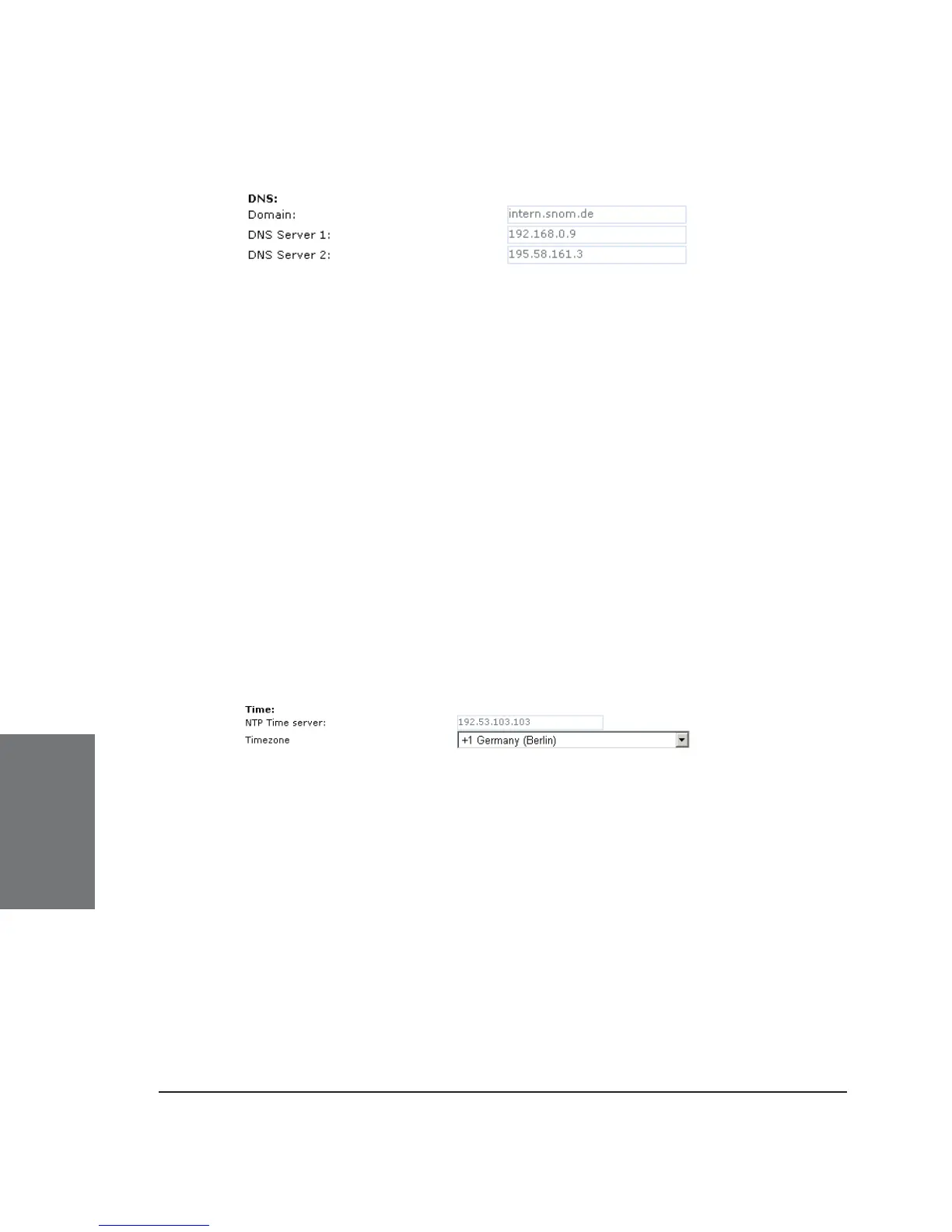
DNS
Domain: Specify the DNS domain for your phone here.
DNS Server 1: Specify the IP address of the DNS server for
your network here. This parameter is extremely important for a properly
functioning phone, so please make sure it is set up correctly.
For troubleshooting, check the DNS cache page so see whether
the phone is able to resolve DNS addresses!
DNS Server 2: Specify the IP address of a backup DNS server for
your network here.
TIME SETTINGS
NTP Time server: Specify the url or IP address of the NTP server
here.
Timezone: Select the time zone of your geographical location
through this option.





 To Next Page