snom technology AG • 95
[ SNOM 360 USER MANUAL V1.00 ]
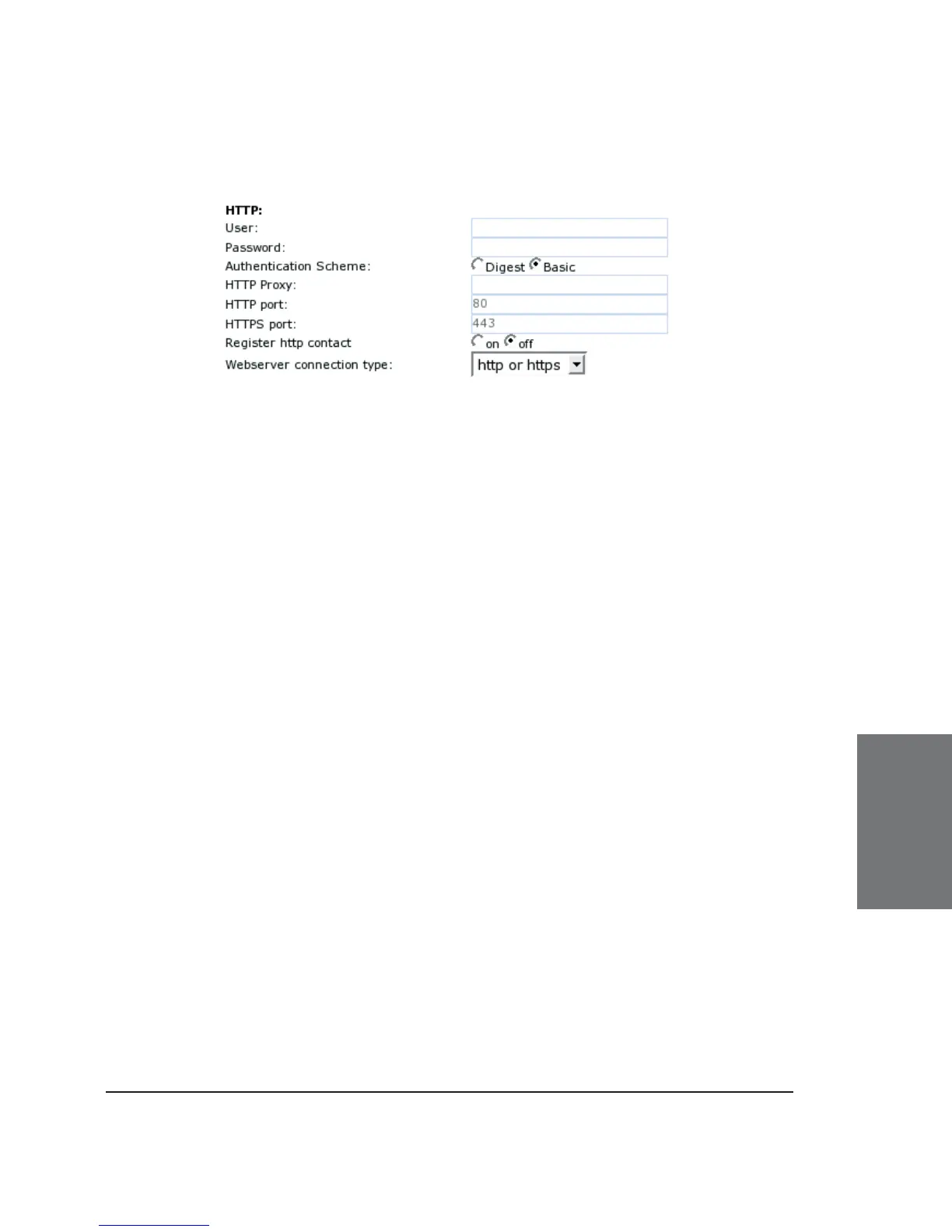
HTTP
User: Here, you can select the HTTP username for your phone.
This and the next option (Password) protect your web interface if you so
desire.
Password: Set up the HTTP password for your phone here.
Authentication Scheme: Defi ne whether “Basic” or “Digest
Authentication Scheme” should be used. The latter is the more secure
option.
HTTP Proxy: You can select the HTTP proxy address for your
phone here. This is needed if you are also surfi ng the web via such a
proxy.
HTTP port: Specify the HTTP port to be used by your phone
through this setting. By default, it is port 80.
HTTPS port: Specify the HTTPS port to be used by your phone for
HTTPS connections (default 443).
Register HTTP contact: Should the phone add the http URL of
the phone as additional contact information? WARNING: Turning this
setting on may cause a complete loss of VoIP ability if the proxy/registrar
does not support it. We urge you strongly to leave it on “off” if you are
not absolutely sure that it is supported by your proxy/registrar.
Webserver connection type: Set up the type of connection the
phone’s webserver is willing to answer to:
6





 To Next Page