Somat eDAQ
lite
20
I2773-4.4 en
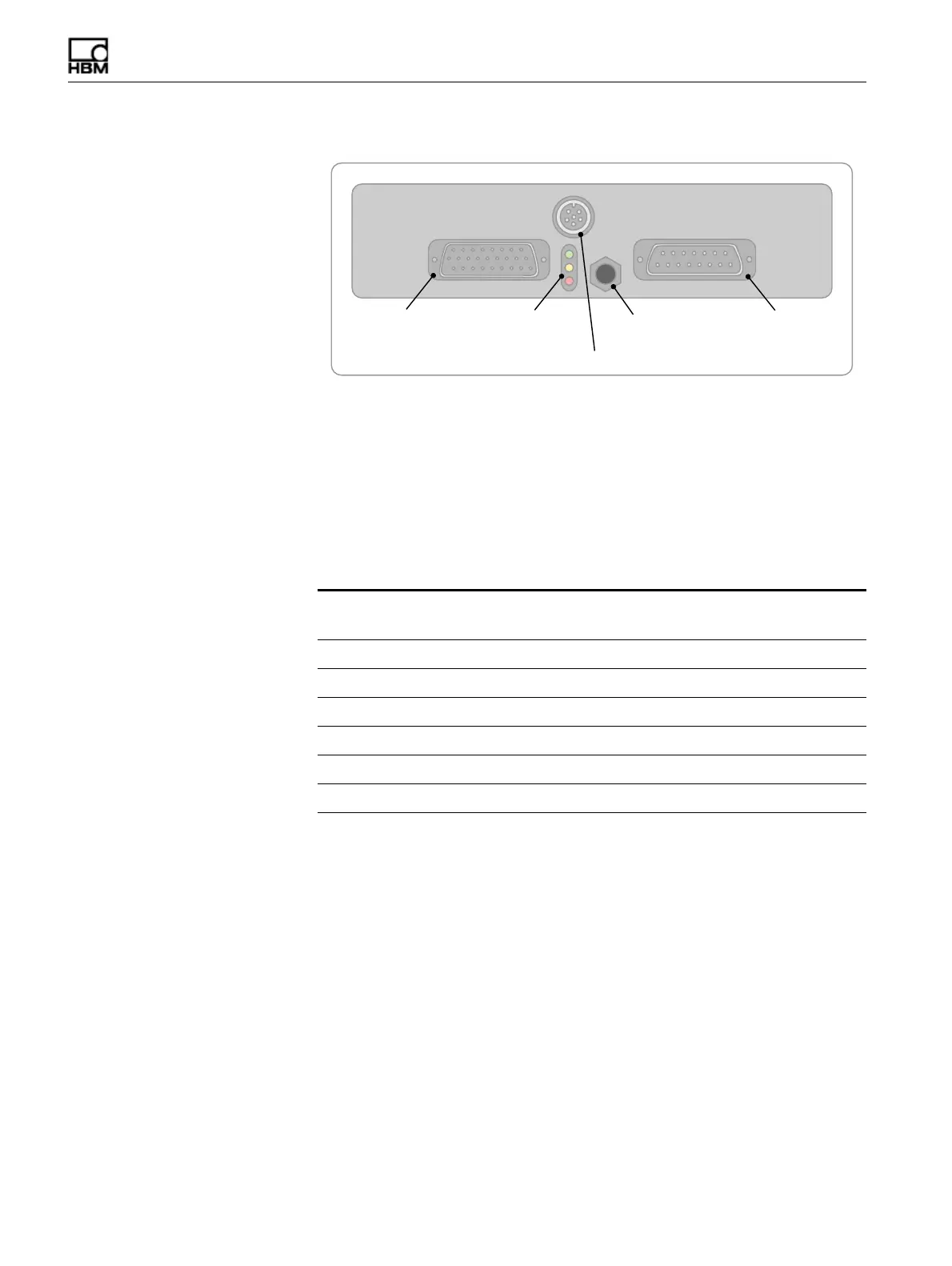
Figure 1-1:
Diagram of the eDAQ
lite
front panel.
Somat Communications Cables
The eDAQ
lite
is compatible with several different communications cables. Each cable
has a 26-pin D-Sub for connection to the eDAQ
lite
Comm port. The cables may also
have an Ethernet X/O connector for direct communication from the eDAQ
lite
to the
PC, an Ethernet HUB connector for communication through an Ethernet hub, a 9-pin
serial connector for communications through a PC serial port or a set of two LEMO
sync connectors for networking eDAQ/eDAQ
lite
systems. A summary of the available
communication cables is below.
1.3.3 Setting Up the eDAQ
lite
To power the eDAQ
lite
and establish communications with its support PC:
1. Connect the 26-pin D-Sub connector of a Somat Communications Cable to the
Comm connector on the eDAQ
lite
. For Ethernet communication, connect the
RJ-45 connector either directly to the PC or to an Ethernet hub, depending on the
communications table. For serial communication, connect the 9-pin D-Sub
connector directly to the PC. The serial connection may be removed once the setup
process is complete, but it may be helpful in network setup should difficulties arise
with Ethernet communication.
2. Connect the appropriate cable(s) to the eDAQ
lite
for the desired type of
transducers or sensors.
3. Make sure the power supply for the eDAQ
lite
is turned off and connect the Somat
Power Cable (1-SAC-EPWR15-2) between the eDAQ
lite
Power connector and the
power supply. Use the red and black pigtails on the cable labeled “POWER” for the
main power connection: black to the negative or ground terminal and red to the
Communications Cable
Ethernet
(X/O)
Ethernet
(HUB) Serial Sync
1-E-ETHERNET X/O-2 X
1-E-ETHERNET HUB-2 X
1-SAC-ESR9/XO-2 X X
1-SAC-ESR9/HUB-2 X X
1-SAC-ESYNCADAPT-2 X X
1-SAC-ESYNCADAPT-SC-2 X X X
%QOO 2QYGT
*55
2QYGT5YKVEJ
5VCVWU.'&U2KP&5WD
%QOOWPKECVKQPU
%QPPGEVQT
2KP&5WD
2QYGT%QPPGEVQT
*55%QPPGEVQTHQTG&+52.#;
HBM: public



 To Next Page