I2773-4.4 en
69
Somat eDAQ
lite
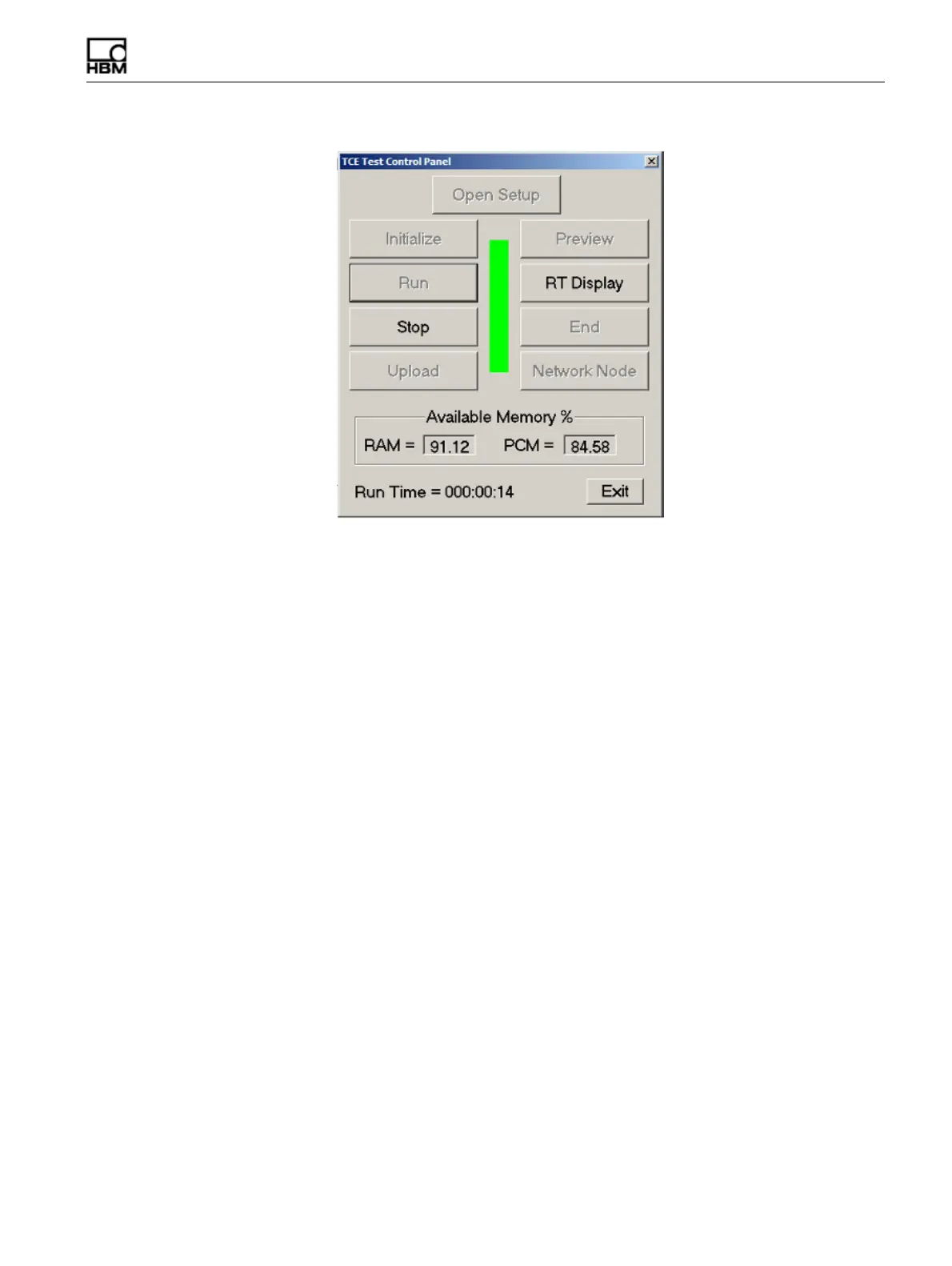
Figure 4-1:
TCE Control Panel for quick access to test run tasks.
Running a test using the existing test setup definition consists of the following steps.
4.3.1 Initializing a Test
The initialization process prepares the eDAQ
lite
for a test run. Select Initialize from
the Test Control menu or toolbar to begin initialization which consists of the following
steps.
•
Verify that the current test setup is saved to a disk file and there are no internal
inconsistencies in the test setup such as uncalibrated channels or unresolved
ID references.
•
Check that the eDAQ
lite
real-time clock agrees with the real-time clock in the
support PC within the user-specified tolerance.
•
Purge the eDAQ
lite
RAM disk and PC Card, removing previous test setup and
SIF data files.
•
Transfer the required test setup files to the eDAQ
lite
.
•
Set up the eDAQ
lite
signal conditioner excitation circuits, allowing the
maximum time for the excitation circuits to stabilize before the test run starts.
•
Create the data file and write some of the header fields.
•
For transducer channels with programmable gains and offsets, check the actual
full-scale limits to verify that the over range protection is sufficient. TCE issues
a warning for any unusual situations as specified in the TCE General
Preferences.
4.3.2 Prerun Options
After initialization and before starting a test run or between test runs, there are a
number of prerun options available through the Prerun Options sub-menu of the Test
Control menu.
HBM: public



 To Next Page