I2773-4.4 en
75
Somat eDAQ
lite
View
Select one of the two view modes available for each display.
Setup (run-time only)
Select setup to exit the current display and return to the run-time display setup window.
Units (pre-init and prerun only)
Select one of two units options available.
Quit / Off
Select Quit (run-time) or Off (pre-init and prerun) to exit the display.
4.5.3 DVM
The DVM (digital voltmeter) display samples and displays up to 16 or 256 transducer
signals in a digital format. The DVM is available pre-initialization and as a prerun
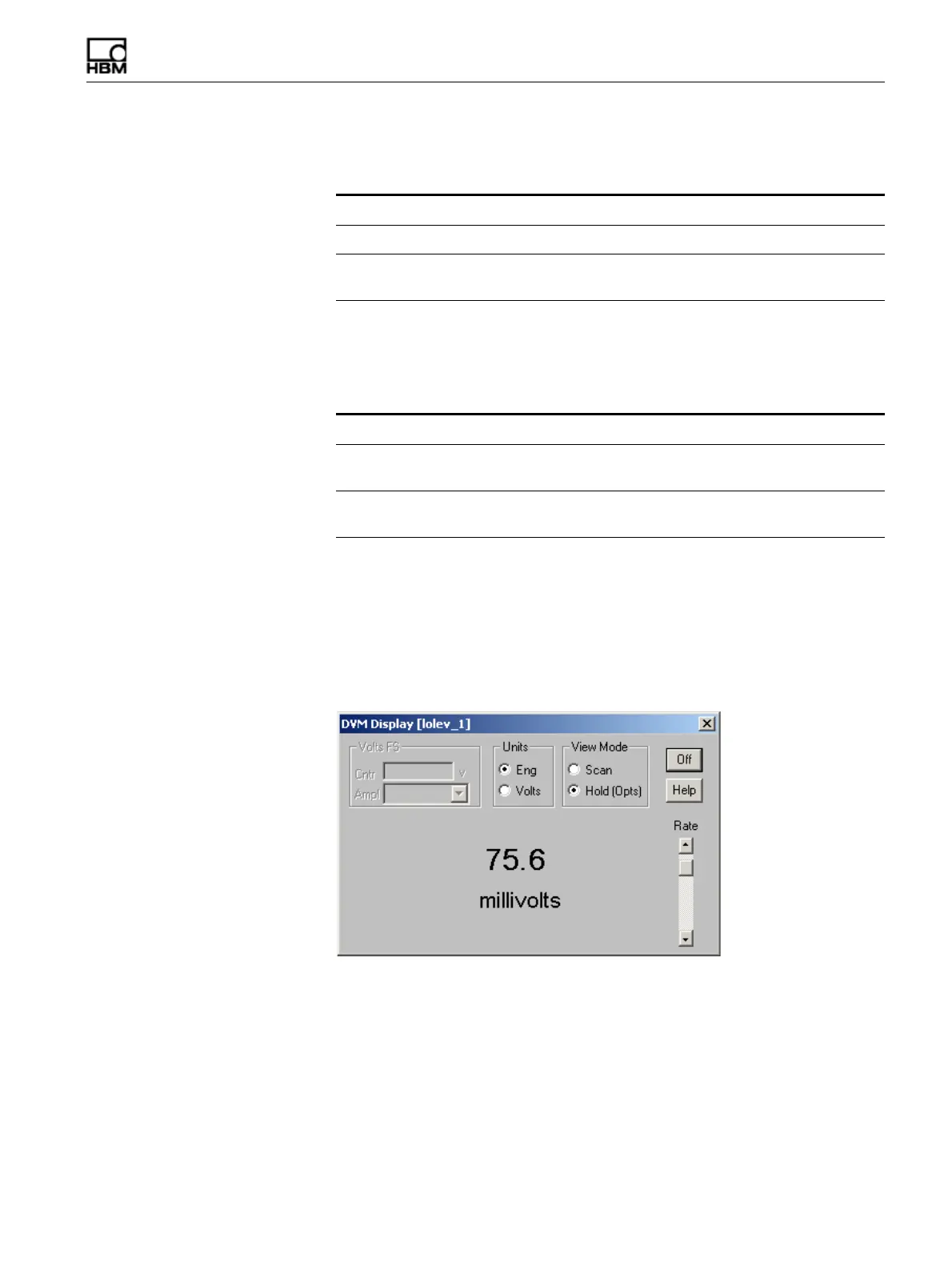
option. TCE presents the DVM display window differently for a single channel and a
group of channels.
Figure 4-2:
A TCE DVM signal display for a single channel.
View Mode Description
Scan Update data in the display as it is received.
Hold Do not update the display. For some displays, the Hold mode allows
access to certain display options.
Units Description
Signal / Volts Display the transducer in signal units (e.g., volts). This is the only
option available for uncalibrated transducers.
Engineering Display the transducer in engineering units (e.g., microstrain). This is
the default option for calibrated transducers.
HBM: public



 To Next Page