Types of trouble and how to correct trouble
6
Symptom Cause and/or Corrective Actions
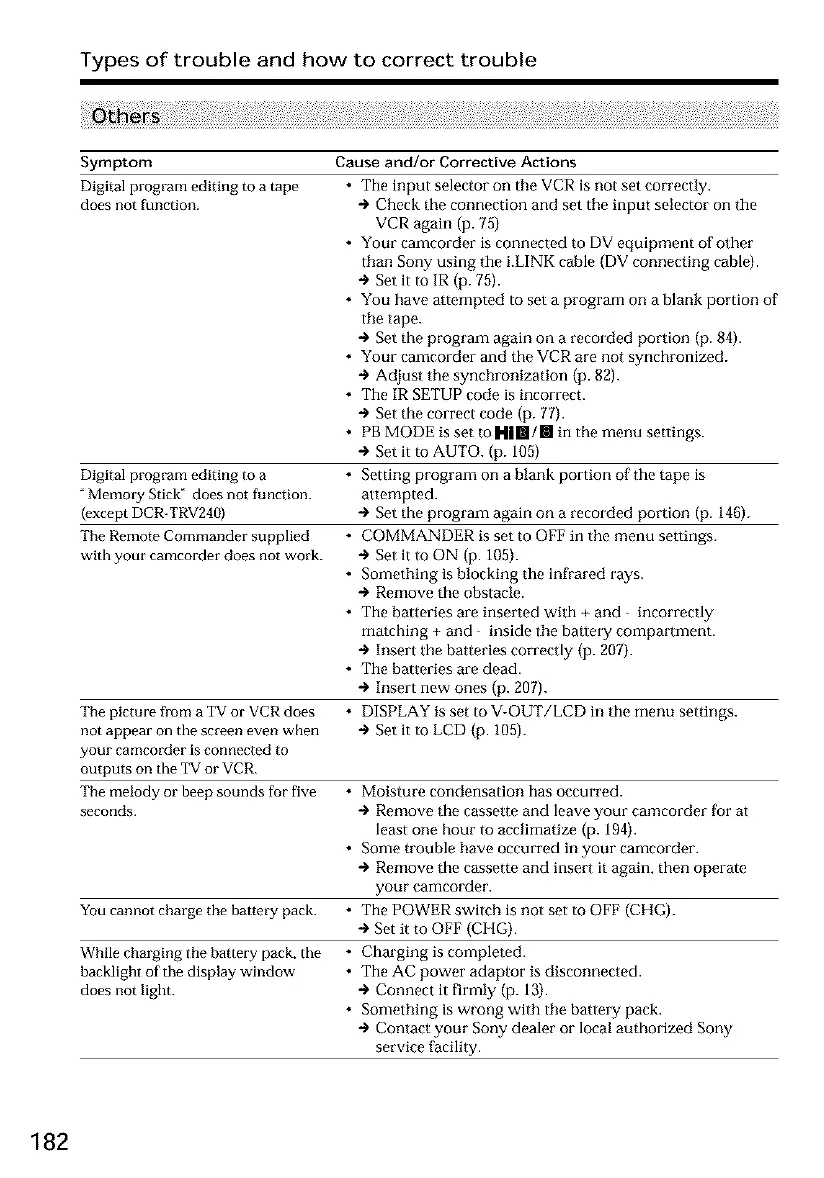
Digital program editing to a tape
does not function.
Digital program editing to a
"Memory Stick" does not function.
(except DCR-TRV240)
The Remote Commander supplied
with your camcorder does not work.
• The input selector on the VCR is not set correctly.
+ Check the connection and set the input selector on the
VCR again (p. 75)
• Your camcorder is connected to DV equipment of other
than Sony using the i.LINK cable (DV connecting cable).
÷ Set it to IR (p. 75).
• You have attempted to set a program on a blank portion of
the tape.
+ Set the program again on a recorded portion (p. 84).
• Your camcorder and the VCR are not synchronized.
+ Adjust the synchronization (p. 82).
• The IR SETUP code is incorrect.
+ Set the correct code (p. 77).
• PB MODE is set m H|RI/II in the menu settings.
÷ Set it to AUTO. (p. 105)
• Setting program on a blank portion of the tape is
attempted.
+ Set the program again on a recorded portion (p. 146).
• COMMANDER is set to OFF in the menu settings.
÷ Set it to ON (p. 105).
• Something is blocking the infrared rays.
+ Remove the obstacle.
• The batteries are inserted with + and incorrectly
matching + and inside the baflery compartment.
+ Insert the batteries correctly (p. 207).
• The batteries are dead.
+ Insert new ones (p. 207).
The picture fi-om a _I'Vor VCR does • DISPLAY is set to V-OUT/LCD in the menu settings.
not appear on the screen even when + Set it to LCD (p. 105).
your camcorder is connected to
outputs on the ]_V"or VCR.
The melody or beep sounds for five • Moisture condensation has occurred.
seconds. + Remove the cassette and leave your camcorder for at
least one hour to acclimagze (p. 194).
• Some trouble have occurred in your camcorder.
+ Remove the cassette and insert it again, then operate
your camcorder.
You cannot charge the battery pack. • The POWER switch is not set to OFF (CHG).
+ Set it to OFF (CHG).
While charging the battery pack, the • Charging is completed.
backlight of the display window • The AC power adaptor is disconnected.
does not light. + Connect it firmly (p. 13).
• Something is wrong with the batlery pack.
+ Contact your Sony dealer or local authorized Sony
service facility.
182













 To Next Page