Viewing images recorded on a tape on your computer
(Windows users only)
Viewing images live from your ¢amcorder
(1) Follow tile steps (I), (2) on page 101, then connect tile AC power adaptor to
your camcorder and then to a wall outlet.
(2) Set tile POWER switch m CAMERA.
Select USB STREAM to ON in _ in the menu settings (p. 105).
(3) Follow tile steps (5) to (7) on page 101,102.
The image from your camcorder appears live in the preview window.
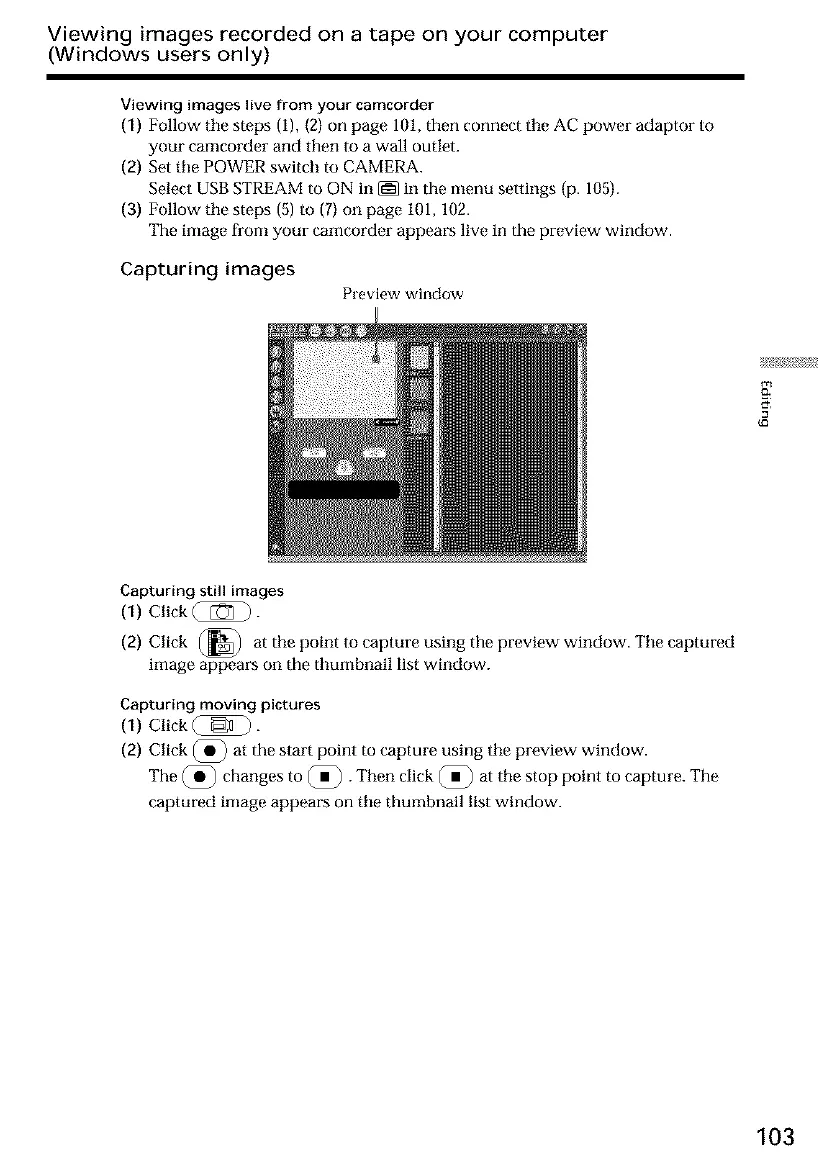
Capturing images
Preview window
g
Capturing still images
(1) Click _.
(2) Click (_
at the point to caplure using the preview window. The captured
image appears on the thumbnail list window.
Capturing moving pictures
(1) Click Q _]).
(2) Click @ at the start point to capture using tile preview window.
The @ changes to @ . Then click @ at the stop point to capture. The
captured image appears on tile thumbnail list window.
103













 To Next Page