Checking recordings
- END SEARCH/EDITSEARCH/Rec Review
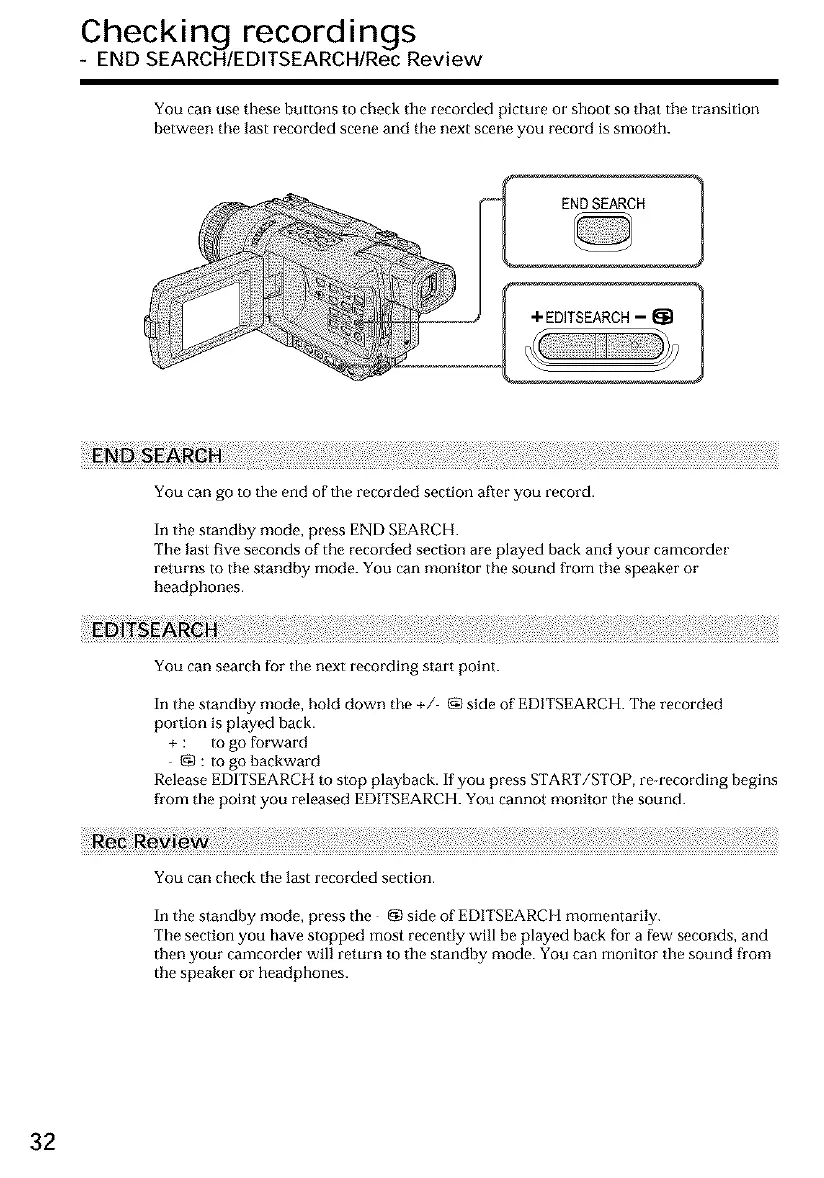
You can use these buttons to check the recorded picture or shoot so that the transition
between the last recorded scene and the next scene you record is smooth.
ENDSEARCH 1
You can go to the end of the recorded section after you record.
In the standby mode, press END SEARCH.
The last five seconds of the recorded section are played back and your camcorder
returns to the standby mode. You can monitor the sound from tile speaker or
headphones.
You can search for the next recording start point.
In the standby mode, bold down the +/ _ side of EDITSEARCH. The recorded
portion is played back.
+ : to go forward
gg : to go haekward
Release EDITSEARCH to stop playback. If you press START/STOP, re-recording begins
fl'om the point you released EDITSEARCH. You cannot monitor the sound.
You can check the last recorded section.
In the standby mode, press the {N side of EDITSEARCH momentarily.
The section you have stopped most recently will be played back ['or a few seconds, and
then your camcorder will return to the standby mode. You can monitor the sound from
the speaker or headphones.
32













 To Next Page