Warning indicators and messages
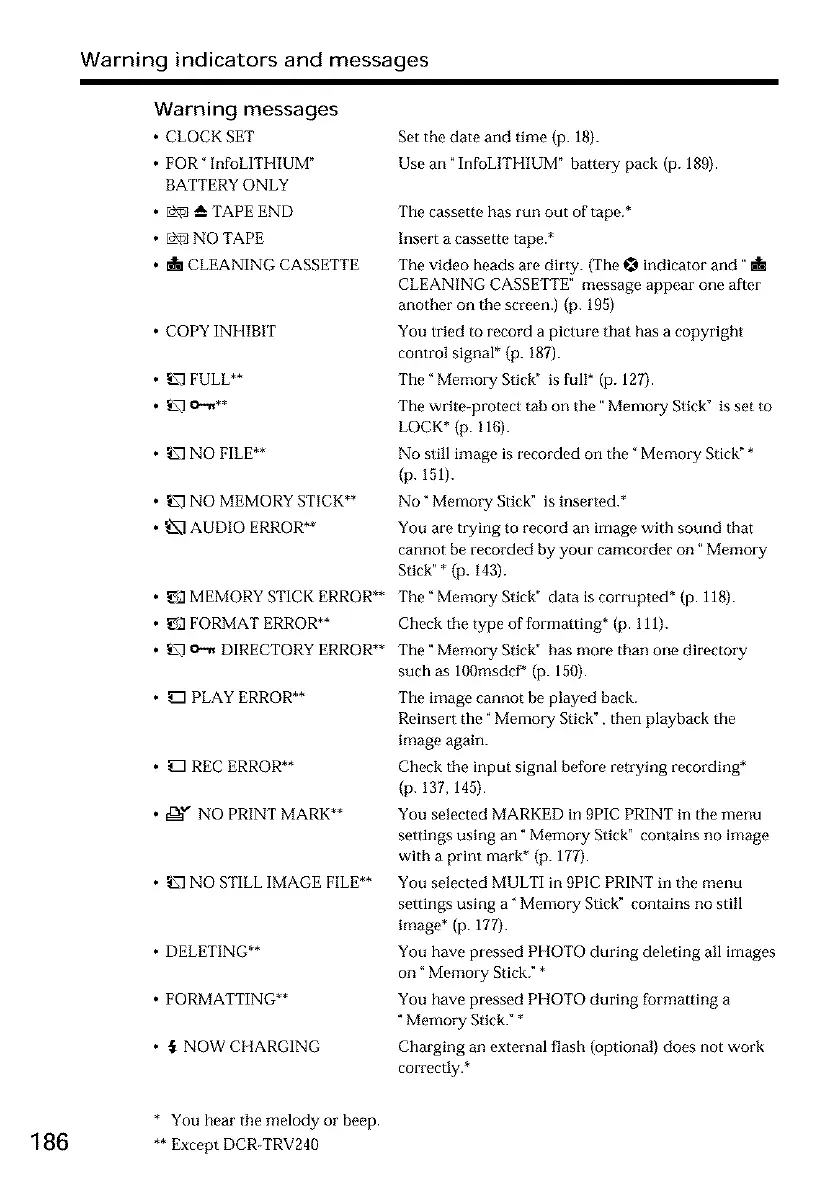
Warning messages
• CLOCK SET
• FOR" InfoLITHIUM"
BATTERY ONLY
• _--TAPEEND
• L_ NO TAPE
•dil CLEANING CASSETTE
• COPY INHIBIT
• _ FULL**
• _ NO FILE**
• _7] NO MEMORY STICK**
• _ AUDIO ERROR**
• _.3 MEMORY STICK ERROR**
• _.3 FORMAT ERROR**
• _ o._ DIRECTORY ERROR**
• _PLAYERROR**
• _ REC ERROR**
• ,_,_" NO PRINT MARK**
• _ NO STILL IMAGE FILE**
• DELETING**
• FORMATTING**
• ,_ NOW CHARGING
Set the date and time (p. 18).
Use an "InfoLITHIUM" battery pack (p. 189).
The cassette has run out of tape.*
Insert a cassette tape.*
The video heads are dirty. (The _ indicator and"
CLEANING CASSETTE" message appear one after
another on the screen.)(p. 195)
You tried to record a picture that has a copyright
control signal* (p. 187).
The" Memory Stick" is full* (p. 127).
The write-protect tab on the" Memory Stick" is set to
LOCK* (p. 118).
No still image is recorded on the" Memory Stick" *
(p. 151).
No" Memory Stick" is inserted.*
You are trying to record an image with sound that
cannot be recorded by your camcorder on" Memory
Stick" * (p. 143).
The" Memory Stick" data is corrupted* (p. 118).
Check the type of formatting* (p. 111).
The" Memory Stick" has more than one directory
such as 100msdcf* (p. 150).
The image cannot be played back.
Roinser t the" Memory Stick", then playback the
image again.
Check the input signal before retrying recording*
(p. 137, 145).
You selected MARKED in 9PIC PRINT in the menu
settings using an" Memory Stick" contains no image
with a print mark* (p. 177).
You selected MULTI in 9PIC PRINT in the menu
settings using a" Memory Stick" contains no still
image* (p. 177).
You have pressed PHOTO during deleting all images
on" Memory Stick." *
You have pressed PHOTO during formatting a
"Memory Stick." *
Charging an external flash (optional) does not work
correctly.*
* You hear the melody or beep.
186 **ExceptDCR-TRV240













 To Next Page