4-18
DNW-A75/A75P
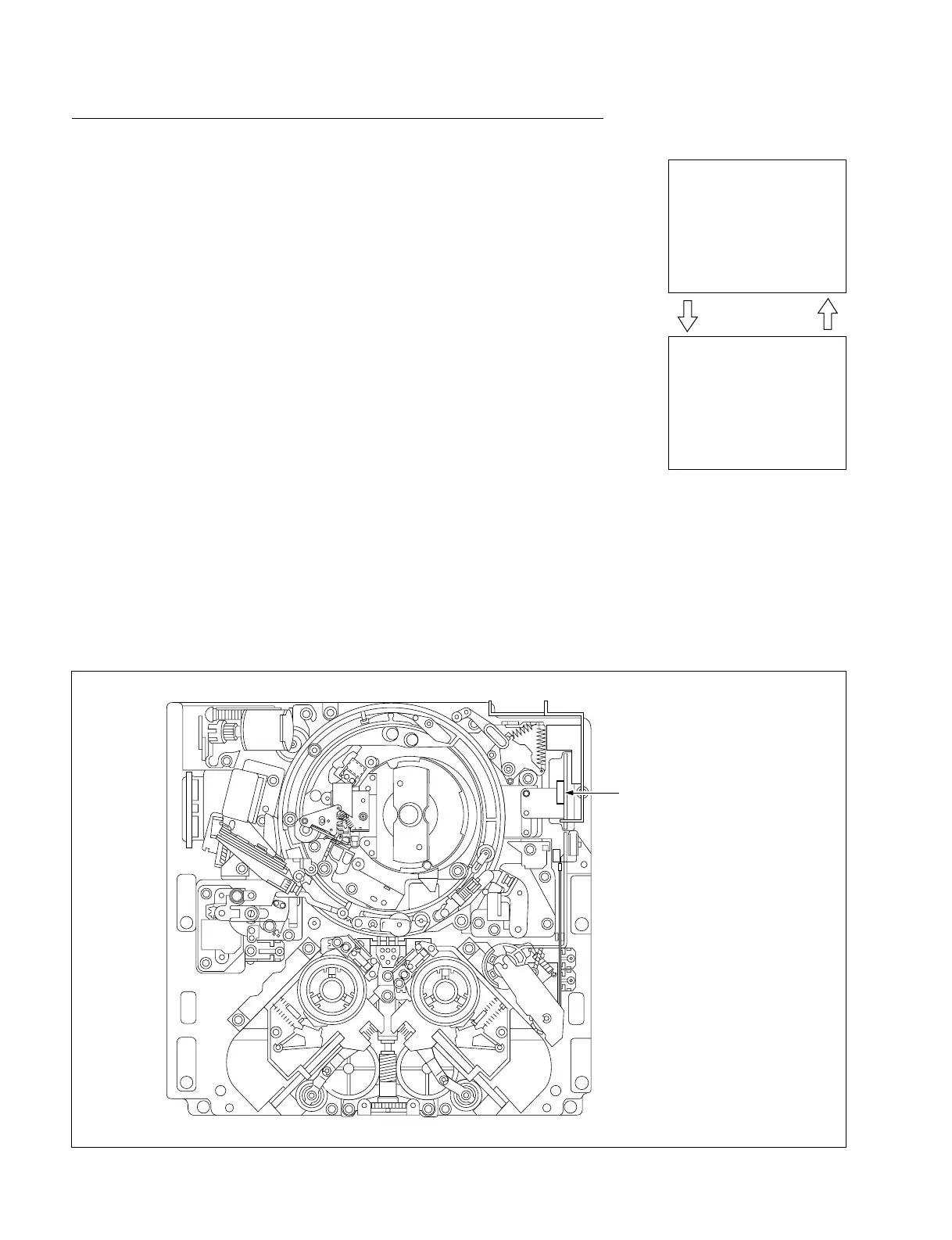
Dew condensation sensor
SERVO CHECK
INPUT CHECK
C003:DEW SENSOR
DEW SENSOR : DRY
SERVO CHECK
INPUT CHECK
C003:DEW SENSOR
DEW SENSOR : WET!
moisten dry up
Location of Dew Condensation Sensor
C003 : DEW SENSOR
This submenu checks the function of a dew condensation sensor.
Checking
(1) Slightly touch the sensor using a cotton swab moistened by water.
. Check the superimposed display to see that a character string changes from
“DRY” to “WET!”.
(2) Wipe the sensor using a dry cotton swab to eliminate the moisture or evaporat-
ing the moisture completely using a blower.
. Check to see that “WET!” returns to “DRY”.
(3) To finish the check, press the MENU button once.
In case of NG
. Check each sensor itself.
. Check the detection circuit on the MS-58 board.
. Check the sensor input port of MPU (IC1 on the MS-58 board).
4-2. TAPE Maintenance Mode (M0)
4-2-2. SERVO CHECK Mode (C00-03)



 To Next Page