7-3
DSR-70/70P
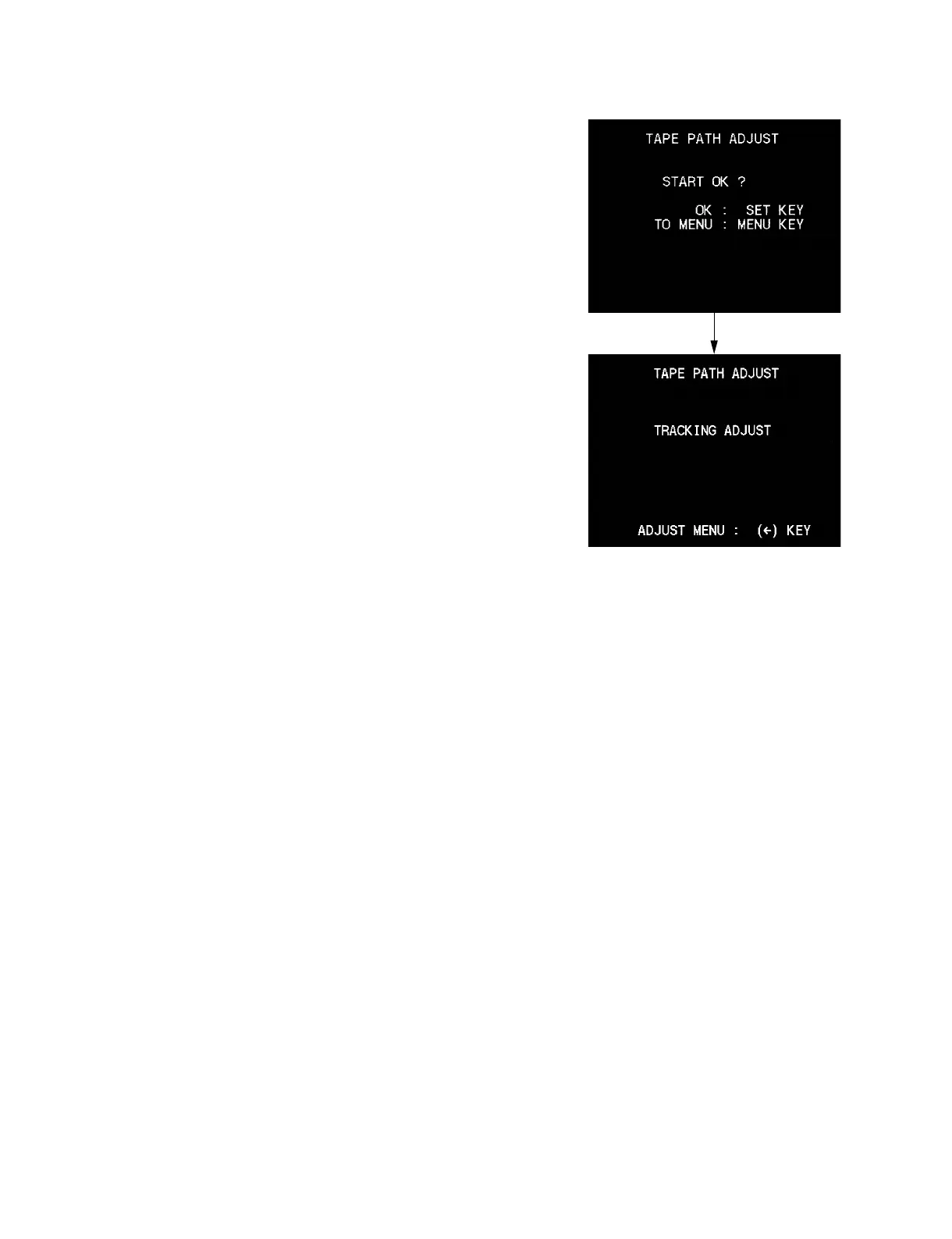
(5) Press the [OUT] (→) key to show the “START OK?”
display.
(6) Press the [SET] key.
(7) Let the “TRACKING ADJUST” display appear on the
screen. The adjustments that are described in sections 7-2,
7-4 to 7-9 are performed in this mode.
*
This unit does not have the tracking shift function.
Instead of having the tracking shift function, the tracking
alignment tape XH2-1AST has already been recorded in
the factory so that the servo is locked at 50 % off-track
automatically.



 To Next Page