Chapter 7 Setup Menu
110
Chapter 7 Setup Menu
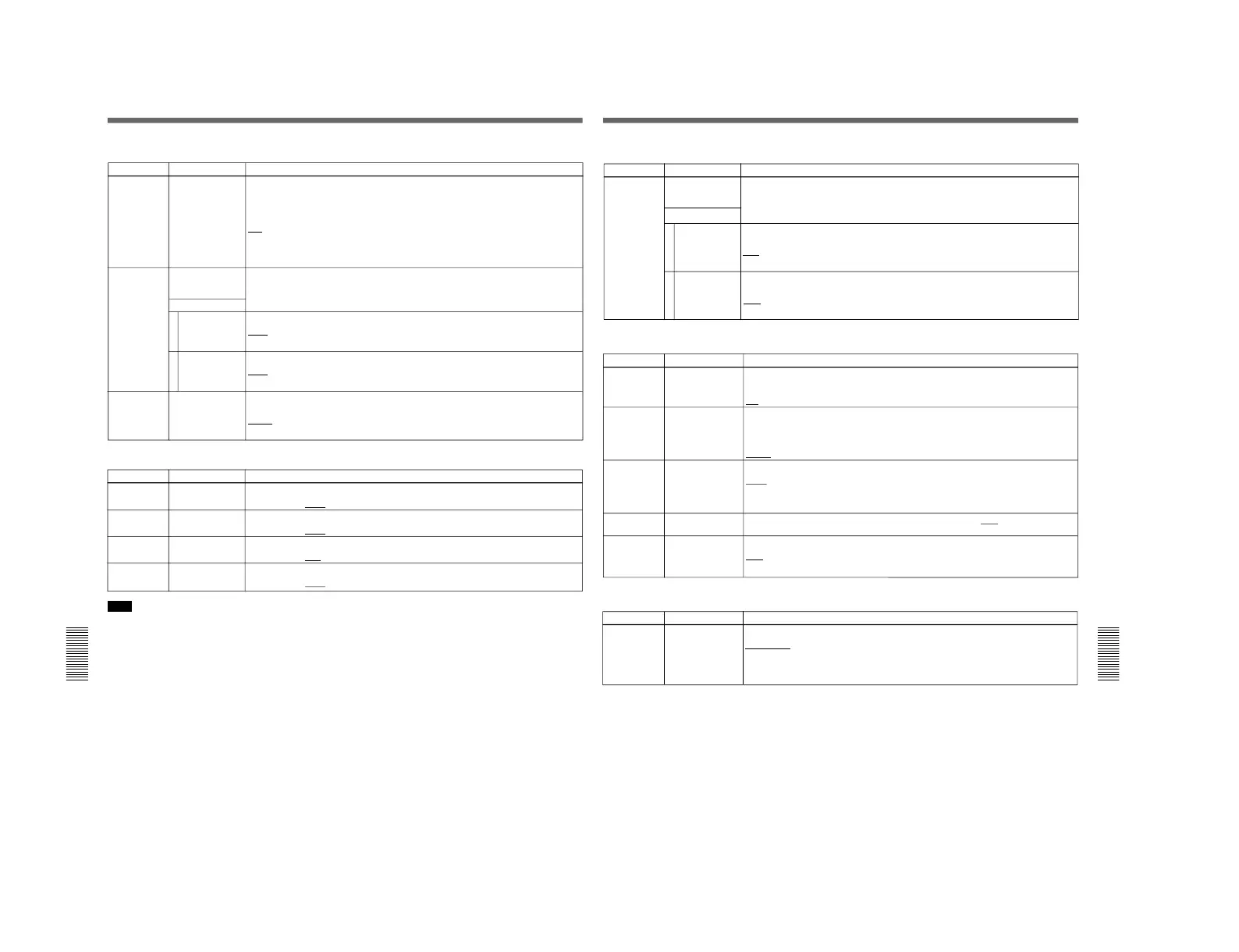
Extended Menu
Item number Item name Settings
708 CHROMA PHASE
ROTATION MODE
Select the phase rotation mode for chroma phase control.
The effect of this setting applies to the output levels of all of the composite video, S
video, SDI (when the DSBK-160 is installed) and component video (when the DSBK-
170 is installed) signals.
U/V: Select this setting when observing the unit's composite video output level using a
composite vectorscope.
PB/PR: Select this setting when observing the unit's component video output level using
a component vectorscope.
Menu items in the 700s, relating to video control
713 VIDEO SETUP
REFERENCE
(DSR-70 only)
Select whether to remove the setup (7.5%) from the input analog video signals and
whether to add the setup (7.5%) to the output analog video signals.
Item number Item name Settings
715 VIDEO GAIN
CONTROL
Adjust the video output level.
Default value:
200H
Items 715 to 718 : Settings for controlling the video processing system according to the menu settings.
716 CHROMA GAIN
CONTROL
Adjust the chroma output level.
Default value:
200H
717 CHROMA PHASE
CONTROL
Adjust the chroma phase.
Default value:
80H
718 SETUP LEVEL Adjust the setup level (DSR-70)/black level (DSR-70P)).
Default value:
200H
Note
When you make settings for items 715 to 718, set the
PROCESS CONTROL in the sub LCD menu to
SETUP. When set to SETUP, all controls on the front
control panel are disabled.
714 VIDEO ADJUST
RANGE
Select the variable range of the VIDEO and CHROMA knobs when the PROCESS
CONTROL in the sub LCD menu is set to PANEL.
–3~+3: –3 dB to +3 dB
WIDE: – ∞ to +3 dB
Sub items
INPUT LEVEL1
2
OUT PUT LEVEL
Whether to remove the setup from the input.
0.0%: Do not remove.
7.5%: Remove.
Whether to add the setup to the output.
0.0%: Do not add.
7.5%: Add.
Chapter 7 Setup Menu
Chapter 7 Setup Menu
111
Item number Item name Settings
801 DIGITAL JOG
SOUND
Select whether to adjust the audio playback speed during slow playback.
OFF: Do not adjust the audio playback speed.
ON: Adjust the audio playback speed.
Menu items in the 800s, relating to audio control
811 AUDIO
REFERENCE
LEVEL
Select the audio reference level (headroom) for recording on tape.
–12dB
–18dB (factory default for DSR-70P)
–20dB (factory default for DSR-70)
812 AUDIO OUTPUT
LEVEL
Select the audio output reference level.
+4dB
0dB
–6dB
813 PEAK HOLD TIME Set the peak hold time for the audio level meter in the range of
OFF (no peak hold) to
1.5 seconds in 0.1 second steps.
814 OVER RANGE
DISPLAY HOLD
Select whether to hold the audio level meter OVER display.
OFF: Do not hold.
ON: Hold.
Item number Item name Settings
912 SEQUENTIAL
RECORD INPUT
SIGNAL
Selects the signal input method for sequential recording on the recorder and player.
PARALLEL: The video and audio signals you will record are input to the recorder and
player separately.
CASCADE: The video and audio signals you will record are input to the player, and
input to the recorder as output signals from the player.
Menu items in the 900s, relating to digital process
Item number Item name Settings
Menu items in the 700s, relating to video control (continued)
729 CLOSED
CAPTION BLANK
(DSR-70 only)
Select whether to mute the closed caption signal to be superimposed on the 1st and
2nd fields of the output video signal.
Sub items
FIELD 1
1
2 FIELD 2
Select whether to mute the closed caption signal to be superimposed on the 1st field of
the output video signal.
OFF: Do not mute.
ON: Mute.
Select whether to mute the closed caption signal to be superimposed on the 2nd field of
the output video signal.
OFF: Do not mute.
ON: Mute.


 To Next Page
 Loading...



