Chapter 6 First-Time Configuration 6-27
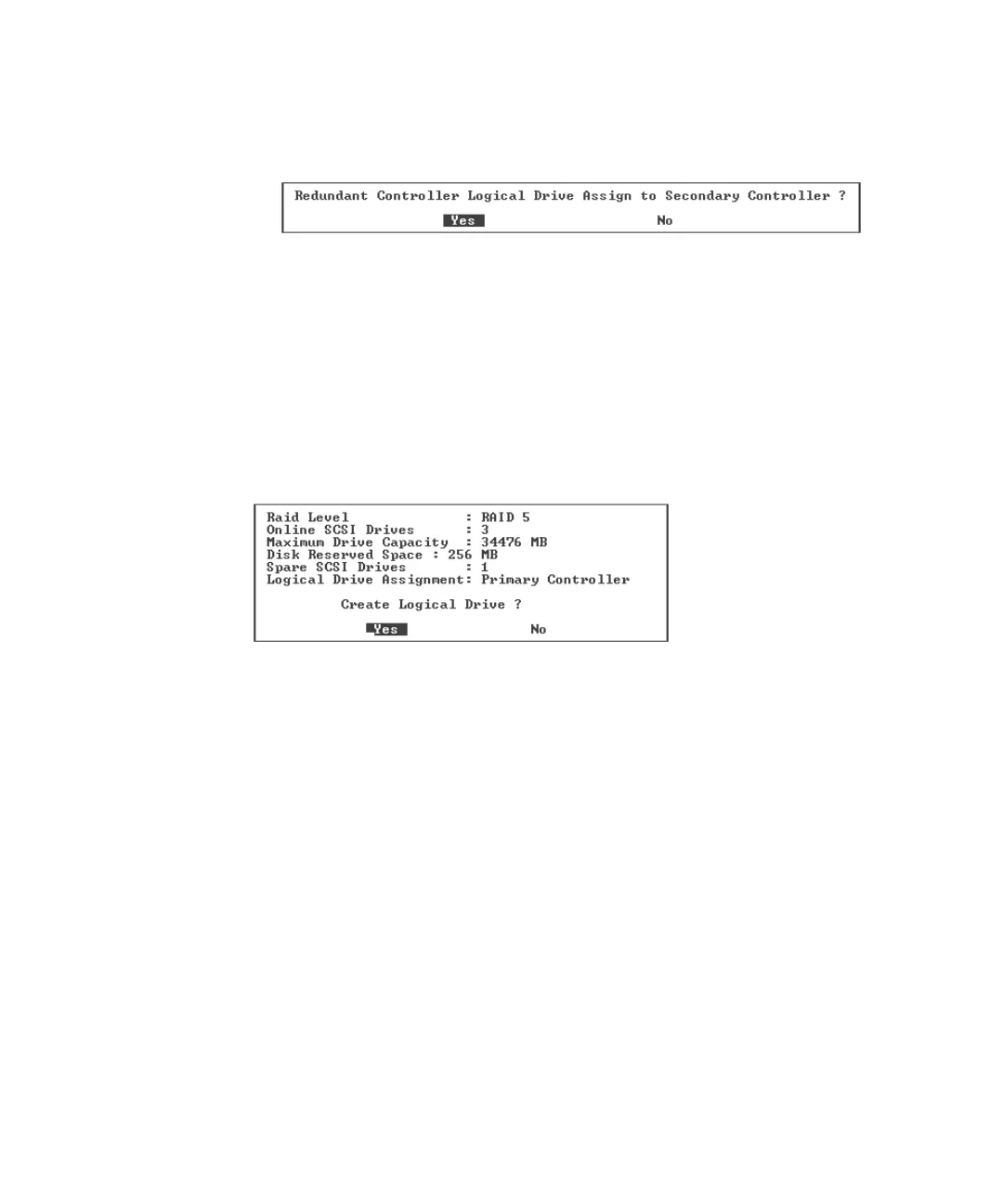
a. Choose “Logical Drive Assignments.”
A confirmation message is displayed.
If you use two controllers for a redundant configuration, a logical drive can be
assigned to either of the controllers to balance the workload. Logical drive
assignments can be changed later, but that operation requires a controller reset to
take effect.
b. Choose Yes to assign the logical drive to the redundant controller.
The menu of logical drive options is displayed.
9. Press the Escape key.
A confirmation window is displayed.
10. Verify all information in the window and if it is correct, choose Yes.
A message indicates that the logical drive initialization has begun.
11. Press Escape to close the drive initialization message.
A progress bar displays the progress of initialization as it occurs.



 To Next Page
 Loading...



