5-12 Sun Fire X4150 Server Service Manual • November 2009
5.4.1 Removing the Front Control Panel Light Pipe
Assembly
1. Remove the drives cage.
See Section 5.2.1, “Removing the Drives Cage” on page 5-5.
2. Remove the drives backplane.
See Section 5.3.1, “Removing the Drives Backplane” on page 5-9.
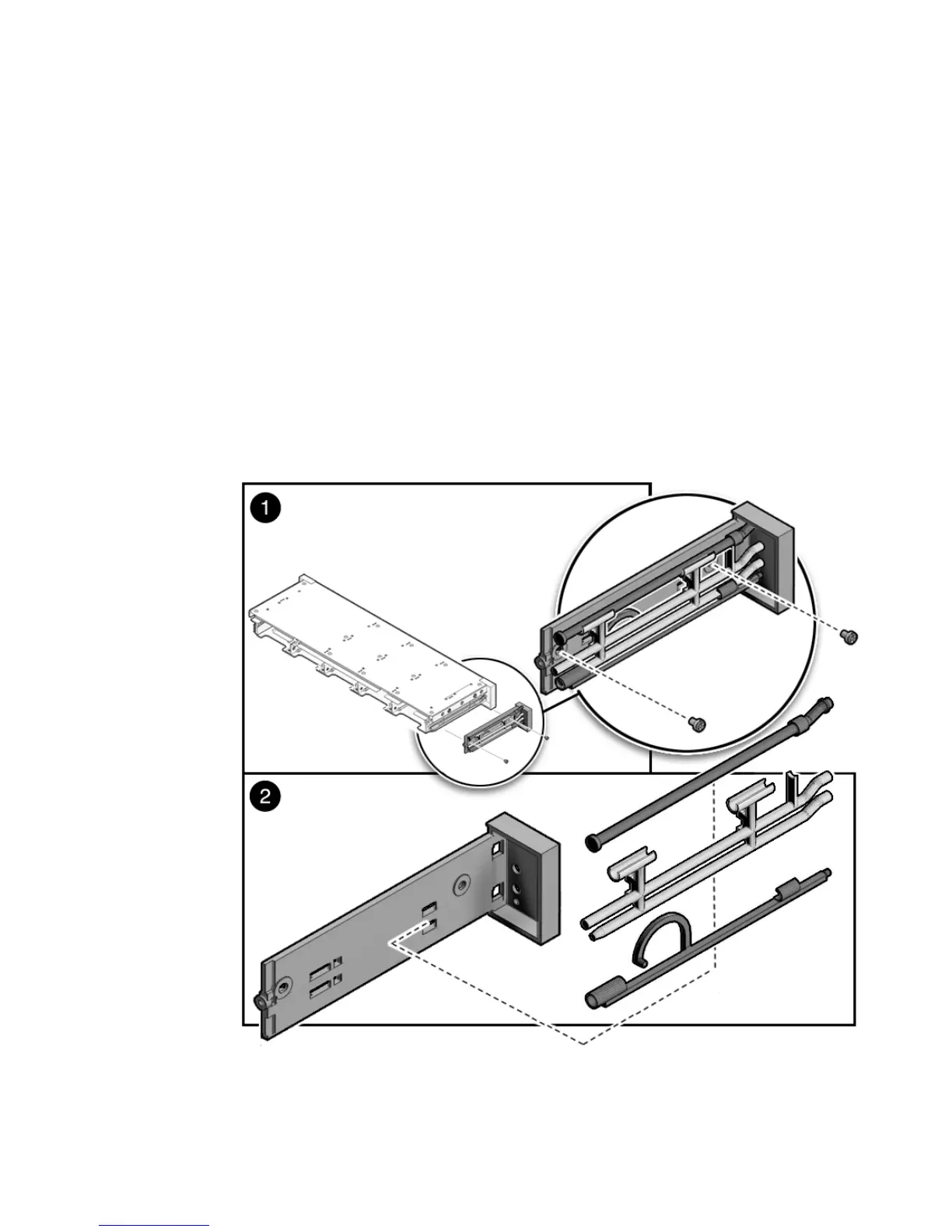
3. Remove the two No. 2 Phillips screws securing the front control panel light pipe
assembly to the drives cage (
FIGURE 5-7).
4. Slide the light pipe assembly out of the drives cage.
FIGURE 5-7 Removing the Light Pipe Assembly














 To Next Page