6-2 Sun Fire X4150 Server Service Manual • November 2009
6.1 Installing the Top Cover
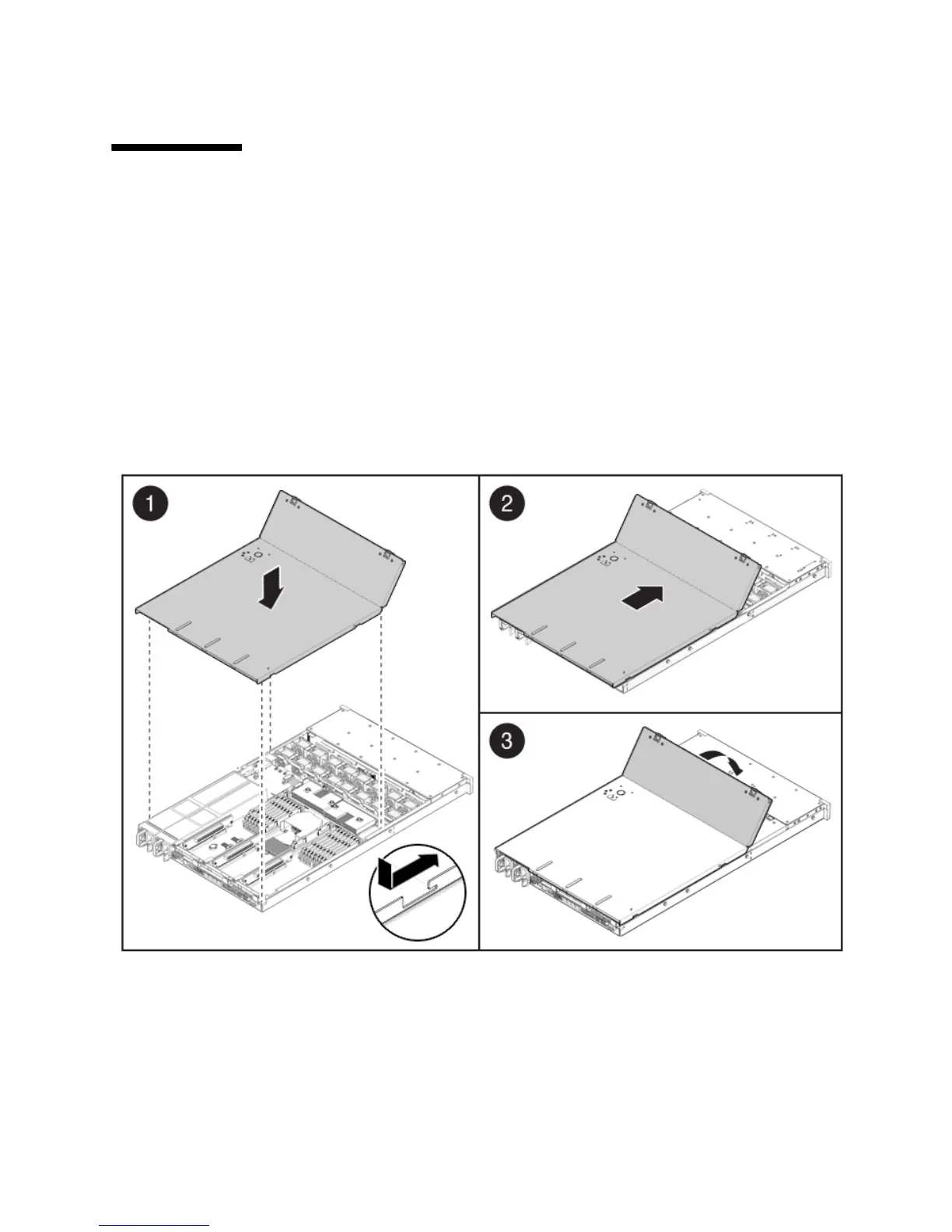
If you removed the top cover, perform the following steps to replace it:
1. Place the top cover on the chassis.
Set the cover down so that it hangs over the rear of the server by about an inch
(25.4 mm).
2. Slide the top cover forward until it seats (
FIGURE 6-1).
3. Close the fan cover.
FIGURE 6-1 Installing the Top Cover














 To Next Page