Chapter 3 Servicing Customer Replaceable Devices 3-17
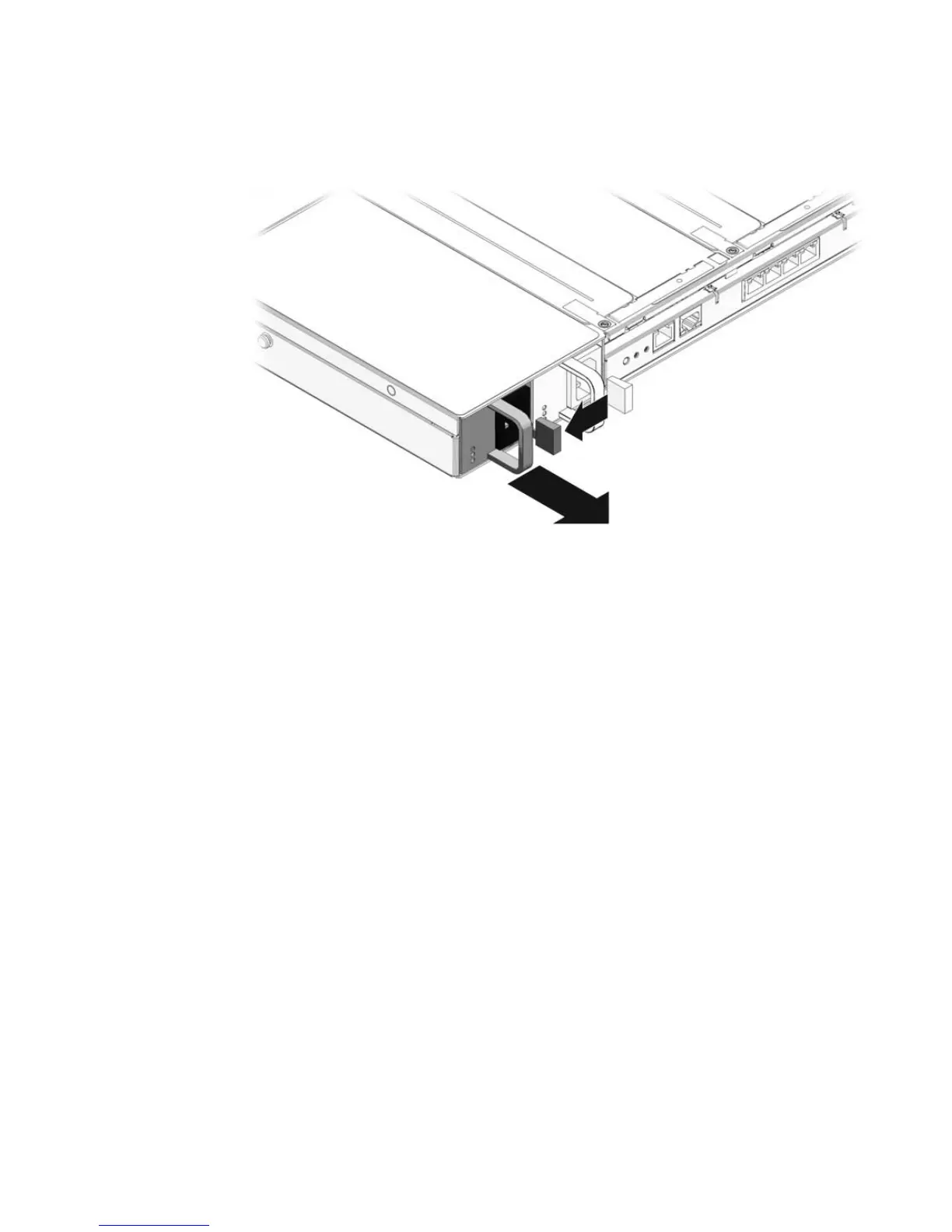
FIGURE 3-10 Power Supply Release Handle
3.4.4 Installing a Power Supply
1. If you are installing a second power supply in a one power supply system,
remove the filler panel. Grasp the vertical wall, and pull the filler panel straight
out.
2. Align the replacement power supply with the empty power supply chassis bay.
3. Slide the power supply into the bay until it is fully seated (
FIGURE 3-11).














 To Next Page