3-16 Sun Fire X4150 Server Service Manual • November 2009
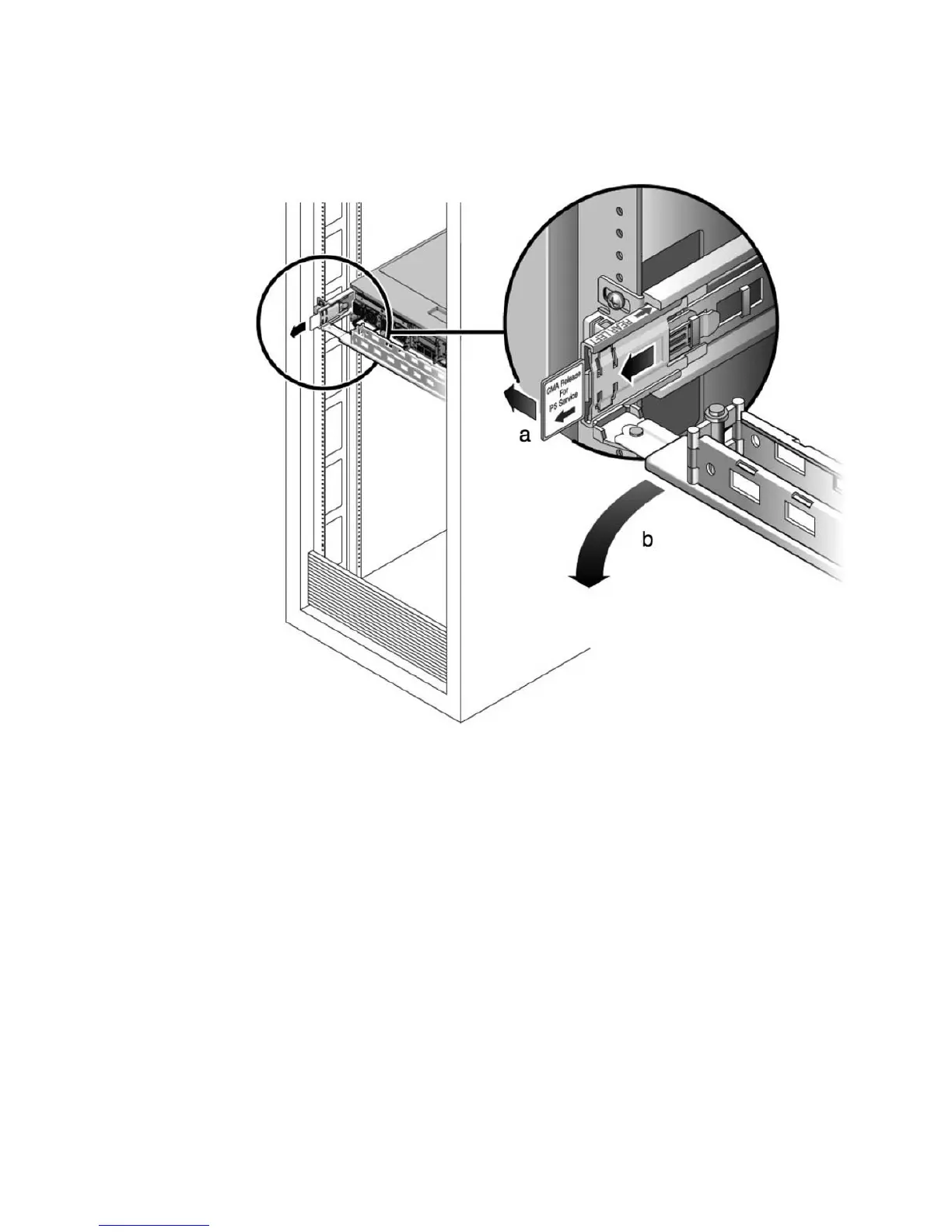
FIGURE 3-9 Releasing the Cable Management Arm
a. Press and hold the tab.
b. Rotate the cable management arm out of the way so that you can access the
power supply.
4. Disconnect the power cord from the faulty power supply.
5. Grasp the power supply handle and press the release latch (
FIGURE 3-10).
6. Pull the power supply out of the chassis.














 To Next Page