3-20 Sun Fire X4150 Server Service Manual • November 2009
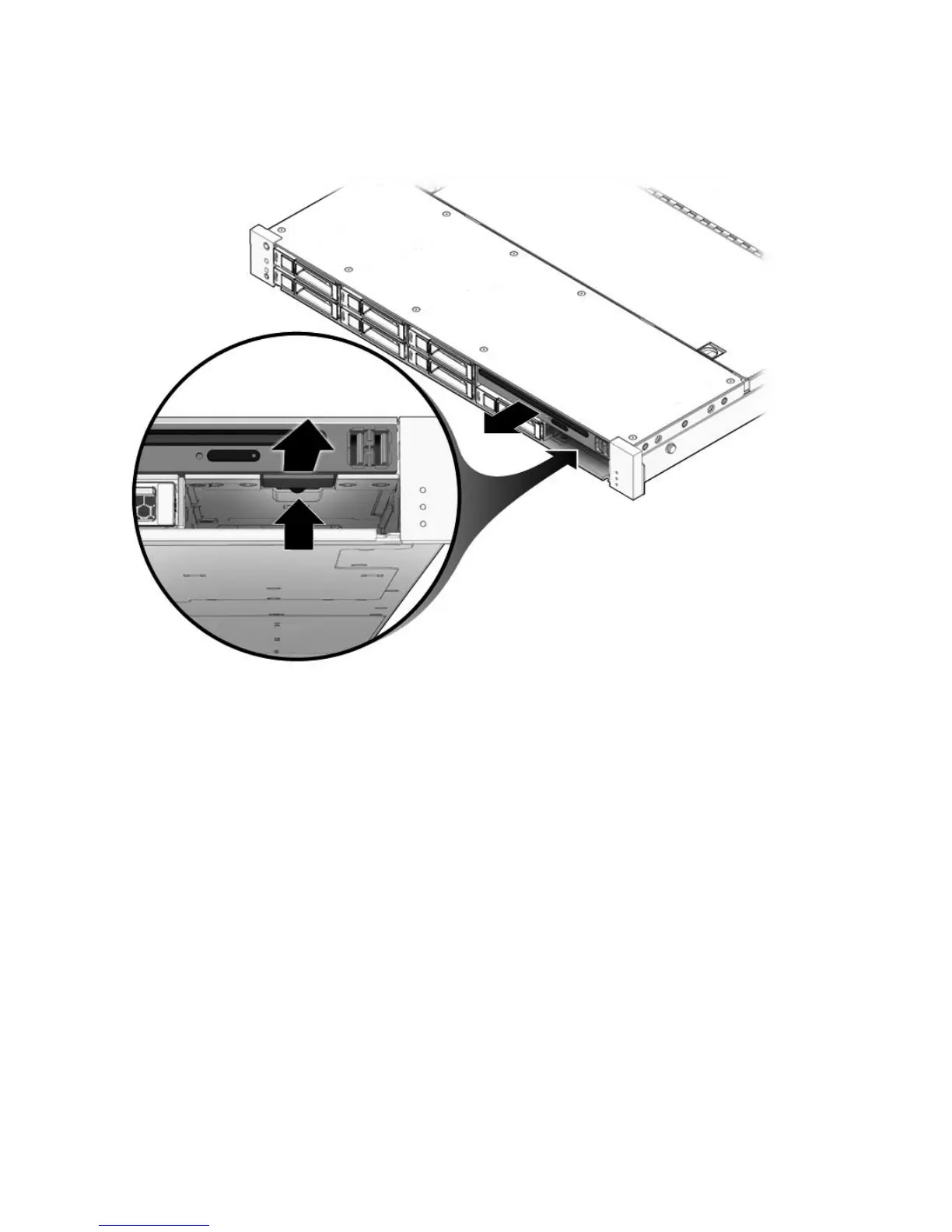
FIGURE 3-12 Removing the DVD/USB Module
3.5.2 Installing the DVD/USB Module
1. Slide the DVD/USB module into the front of the chassis until it seats
(
FIGURE 3-13).
2. Install the drive you removed during the DVD/USB module removal procedure.
3. Power on the server.
See Section 6.4, “Powering On the Server” on page 6-6.














 To Next Page