4-28 Sun Fire X4150 Server Service Manual • November 2009
▼ To Detect Processor Failure
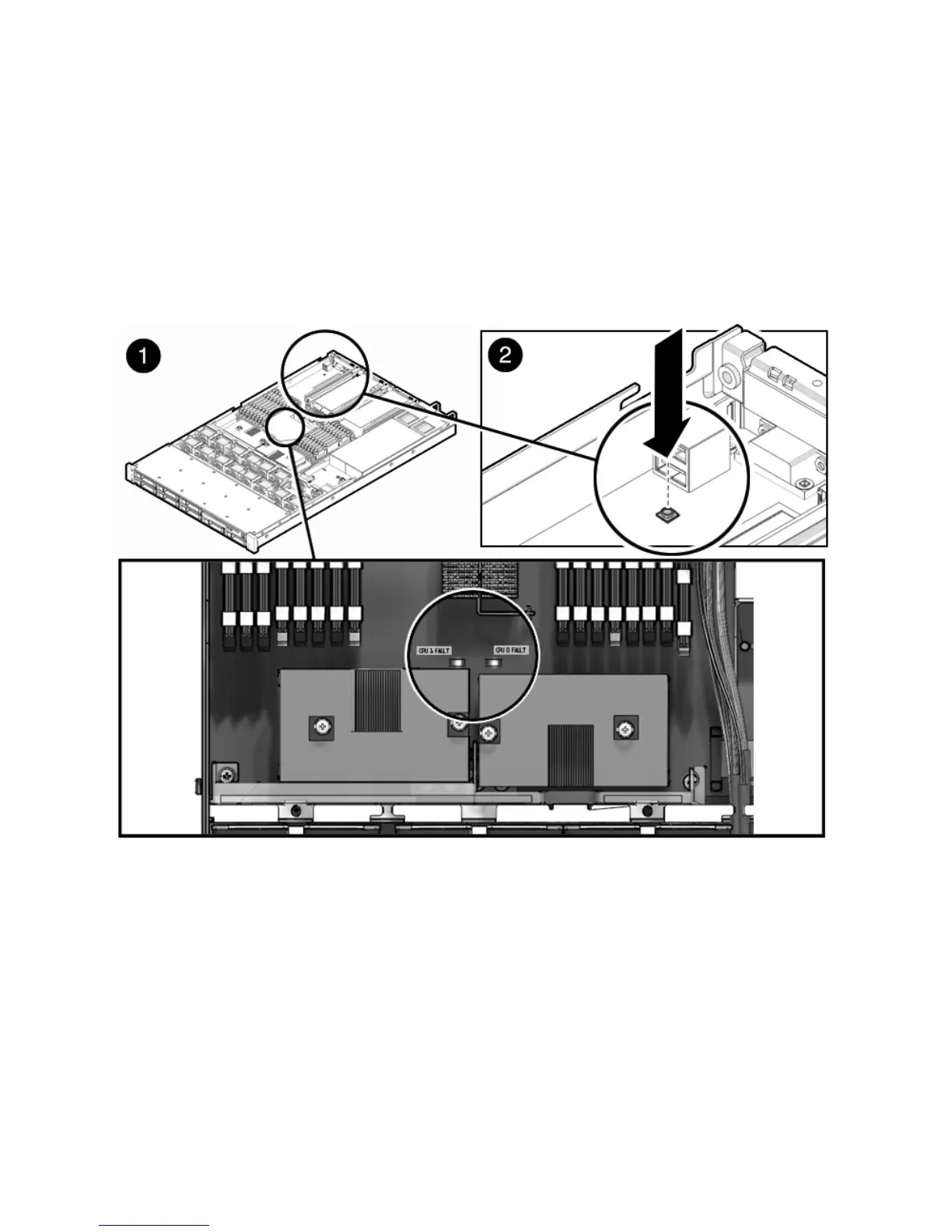
The following LEDs are lit when a processor fault is detected:
■ Front and rear Service Required LEDs
■ Failure LED on the motherboard, one per processor (FIGURE 4-16)
FIGURE 4-16 Detecting Processor Failure
4.7.1 Removing a Processor
To remove a processor.
1. Prepare the server for service.
a. Power off the server.
See Section 2.4, “Powering Off the Server” on page 2-3.














 To Next Page