Chapter 6 Returning the Server to Operation 6-5
6.3 Returning the Server to the Normal Rack
Position
If you extended the server to the maintenance position, use this procedure to return
the server to the normal rack position.
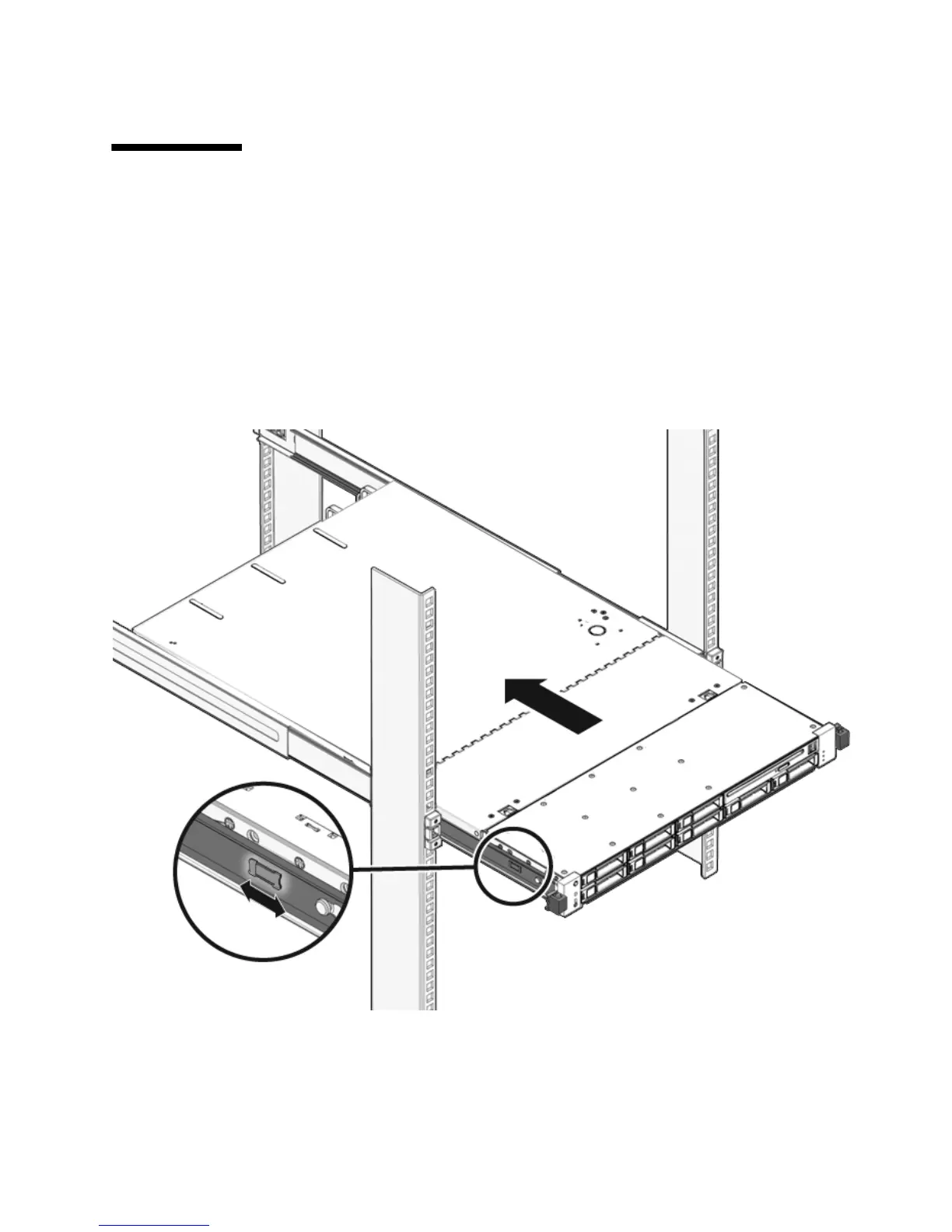
1. Release the slide rails from the fully extended position by pushing the release
tabs on the side of each rail (
FIGURE 6-3).
FIGURE 6-3 Release Tabs on Rails
2. While pushing on the release tabs, slowly push the server into the rack.
Ensure that the cables do not get in the way.














 To Next Page