Chapter 4 Servicing Motherboard Components 4-21
Note – This is a customer-replaceable unit.
Caution – Ensure that all power is removed from the server before removing or
installing the battery. You must disconnect the power cables from the system before
performing this procedure.
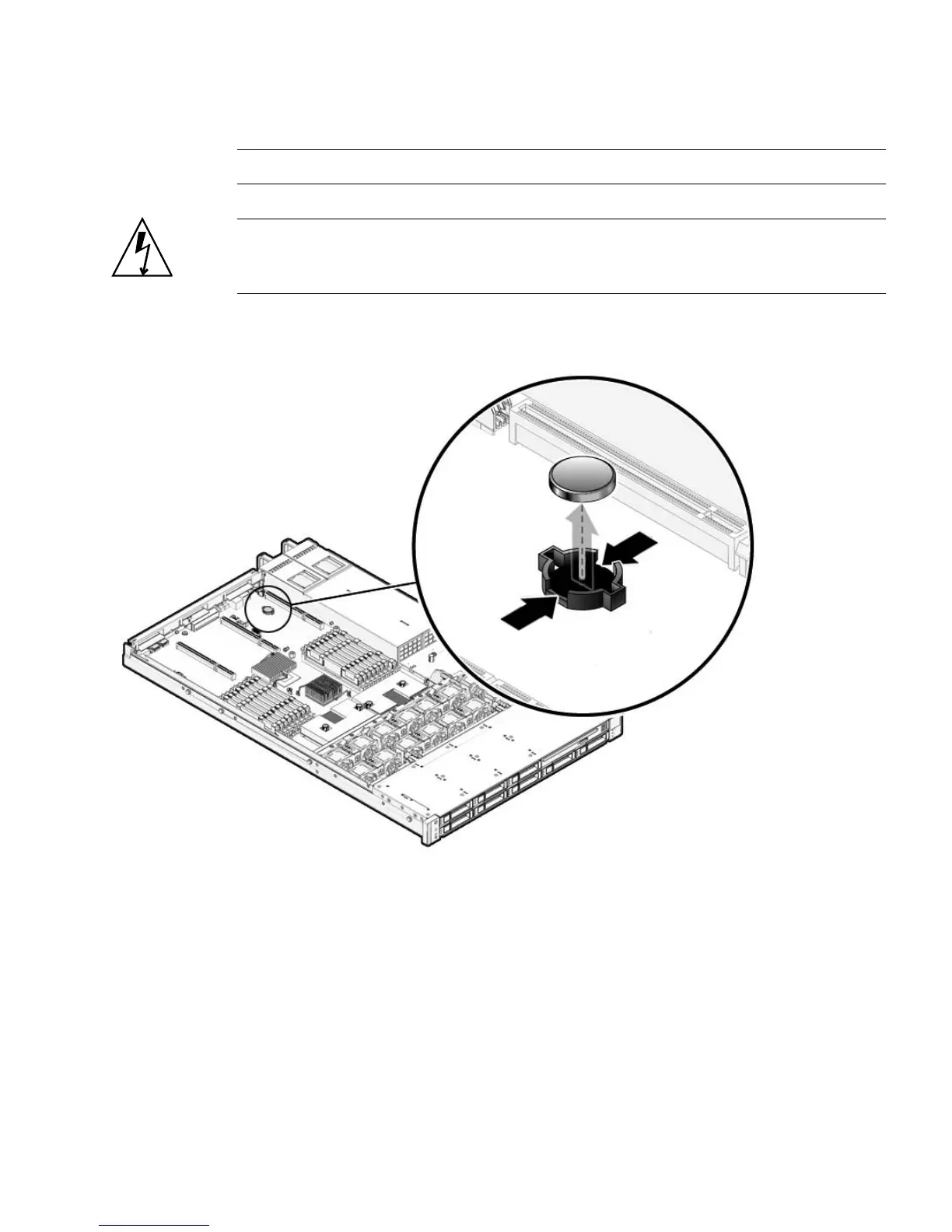
FIGURE 4-13 Battery Location
▼ To Remove the Battery
1. Remove PCIe riser 0.
See “To Remove a PCIe Riser” on page 4-14.
See Section 4.4.1, “Sun Fire X4150 Server PCIe Card Guidelines” on page 4-18.
2. Using a small (No. 1 flat-blade) screwdriver, press the latch and remove the
battery from the motherboard.














 To Next Page