6-6 Sun Fire X4150 Server Service Manual • November 2009
3. Reconnect the cables to the back of the server.
If the CMA is in the way, disconnect the left CMA release and swing the CMA
open.
4. Reconnect the CMA.
Swing the CMA closed and latch it to the left rack rail.
6.4 Powering On the Server
Before powering on your server for the first time, follow the installation and cabling
instructions provided in the Sun Fire X4150 Server Installation Guide, which is shipped
with the system and is also available online.
To connect power cords and apply power to the server:
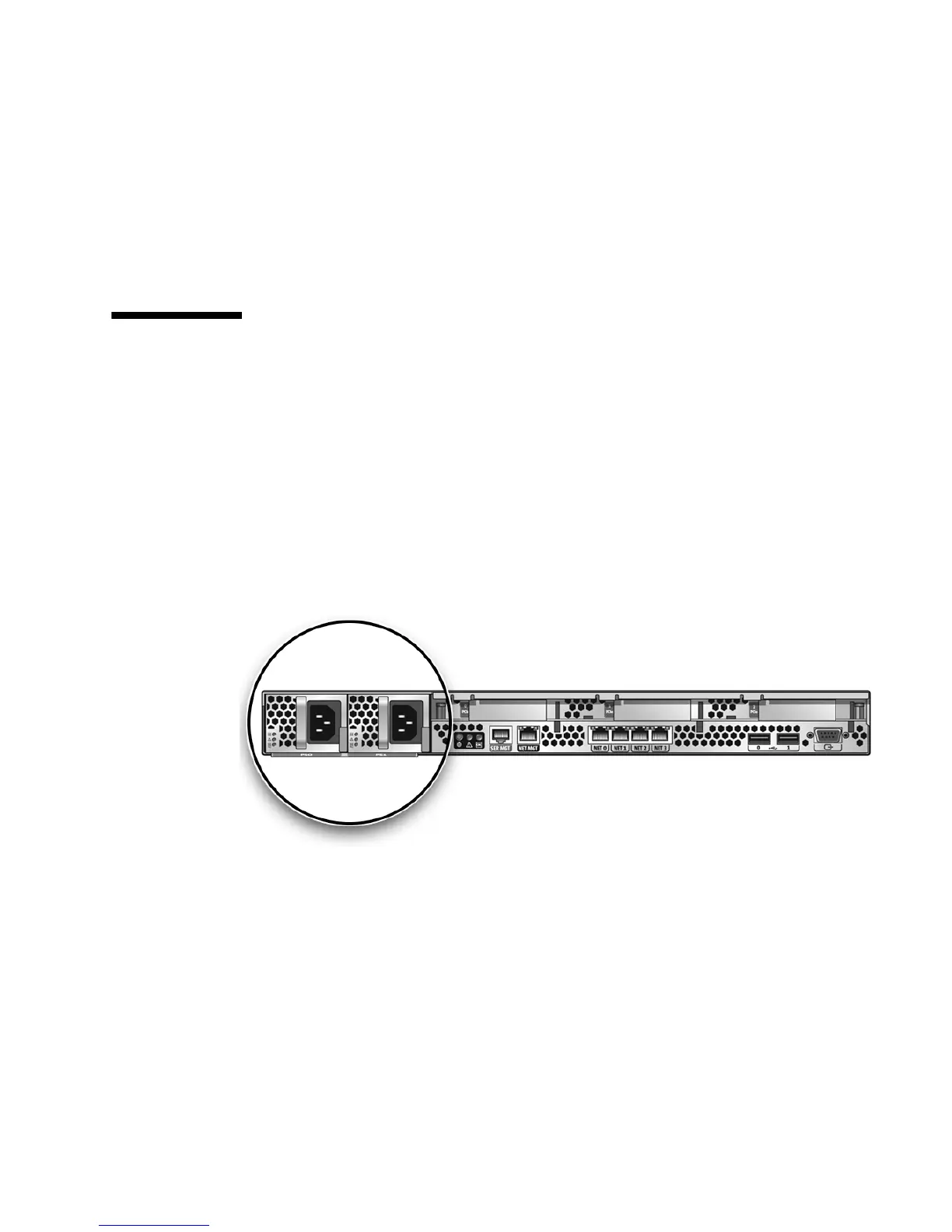
1. Connect that the power cord (or cords) to the power supply (or supplies) on the
rear panel as shown in
FIGURE 6-5.
FIGURE 6-4 Rear Panel Power Supplies
2. Verify that standby power is on.
In standby power mode, the Power/OK LED on the front panel flashes.
3. Use a pen, or other pointed object, to press and release the recessed Power
button on the server front panel.
When the main power is applied to the server, the Power/OK LED next to the
Power button lights and remains lit, as shown in
FIGURE 6-5.














 To Next Page