4-20 Sun Fire X4150 Server Service Manual • November 2009
b. Slide the server into the rack.
See Section 6.3, “Returning the Server to the Normal Rack Position” on
page 6-5.
c. Connect any data cables required to the PCIe card.
Route data cables through the cable management arm.
d. Reconnect the power cord (or cords) to the power supply (or supplies).
Verify that the AC Present LED is lit.
See Section 6.4, “Powering On the Server” on page 6-6.
e. Power on the server.
See Section 6.4, “Powering On the Server” on page 6-6.
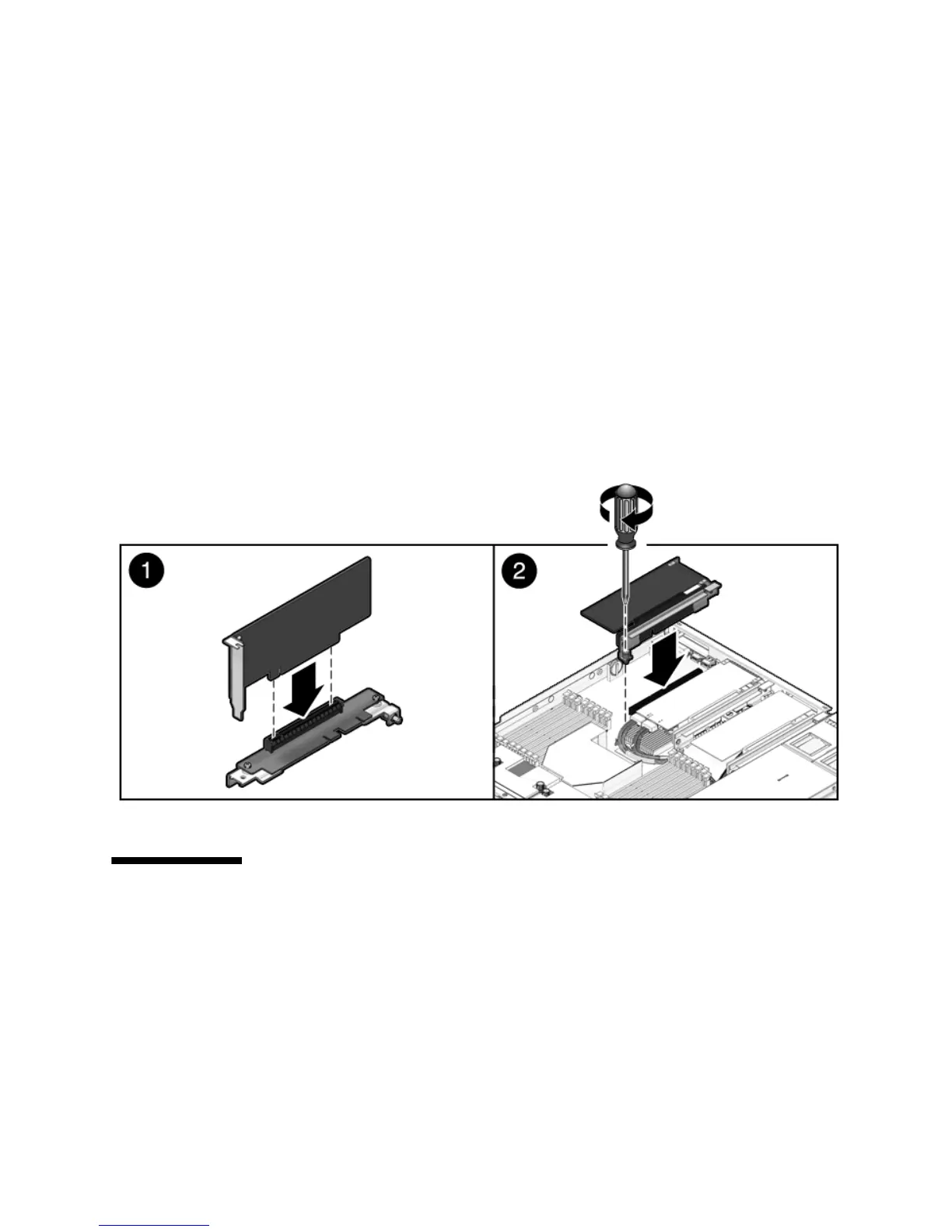
FIGURE 4-12 Installing a PCIe Card
4.5 Servicing the Battery
The battery maintains system time when the server is powered off and a time server
is unavailable. If the server fails to maintain the proper time when powered off and
not connected to a network, replace the battery.
You need a small (No. 1 flat-blade) screwdriver.














 To Next Page