Chapter 5 Servicing Infrastructure Boards and Components 5-15
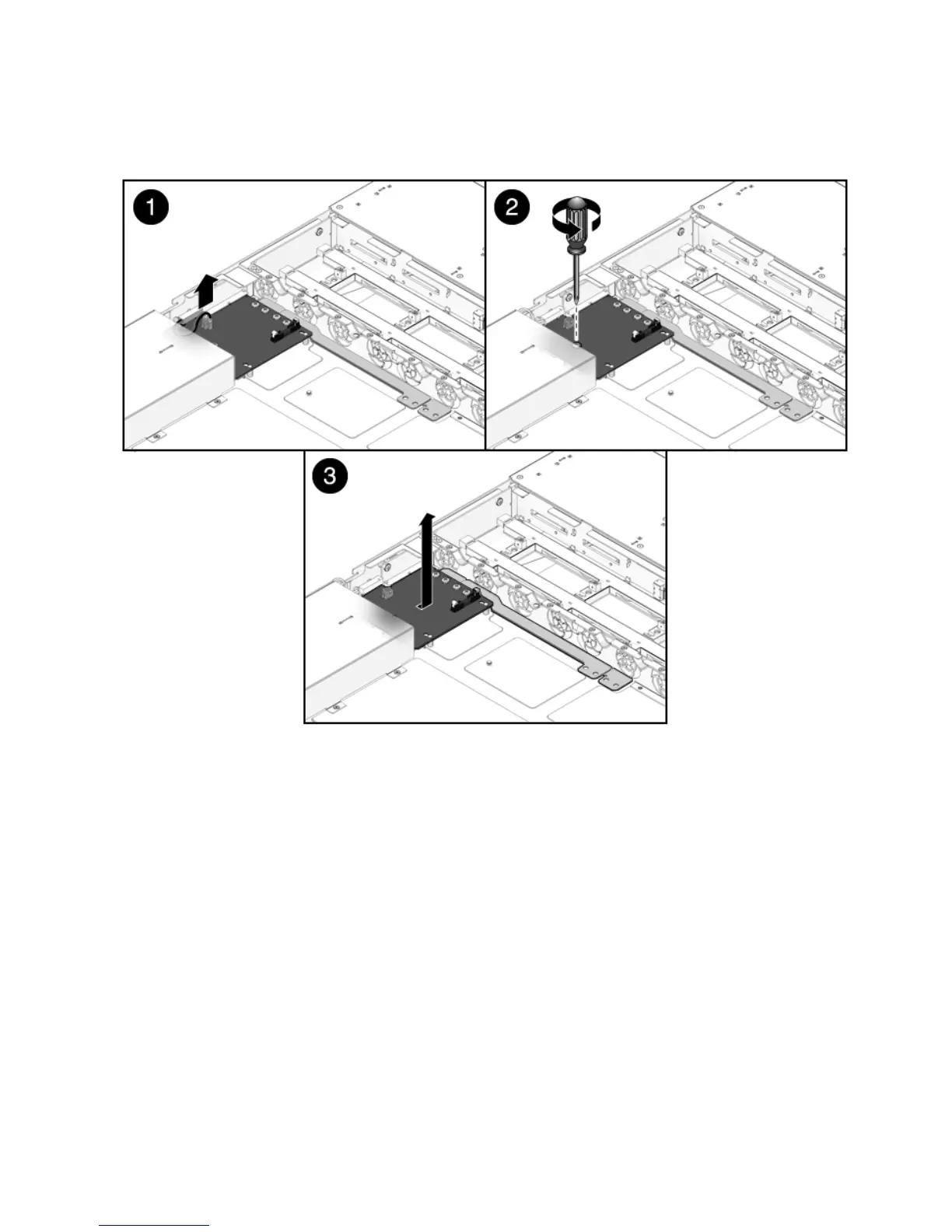
FIGURE 5-8 Removing the Power Distribution Board
5.5.2 Installing the Power Distribution Board
1. Lower the PDB/bus bar assembly into the chassis (FIGURE 5-9).
The PDB fits over a series of mushroom standoffs in the floor of the chassis.
2. Slide the PDB/bus bar assembly to the right, until it plugs into the paddle card.
3. Install the No. 2 Phillips screw to secure the PDB to the chassis.
4. Connect the top cover interlock cable to the power distribution board.














 To Next Page