4-16 Sun Fire X4150 Server Service Manual • November 2009
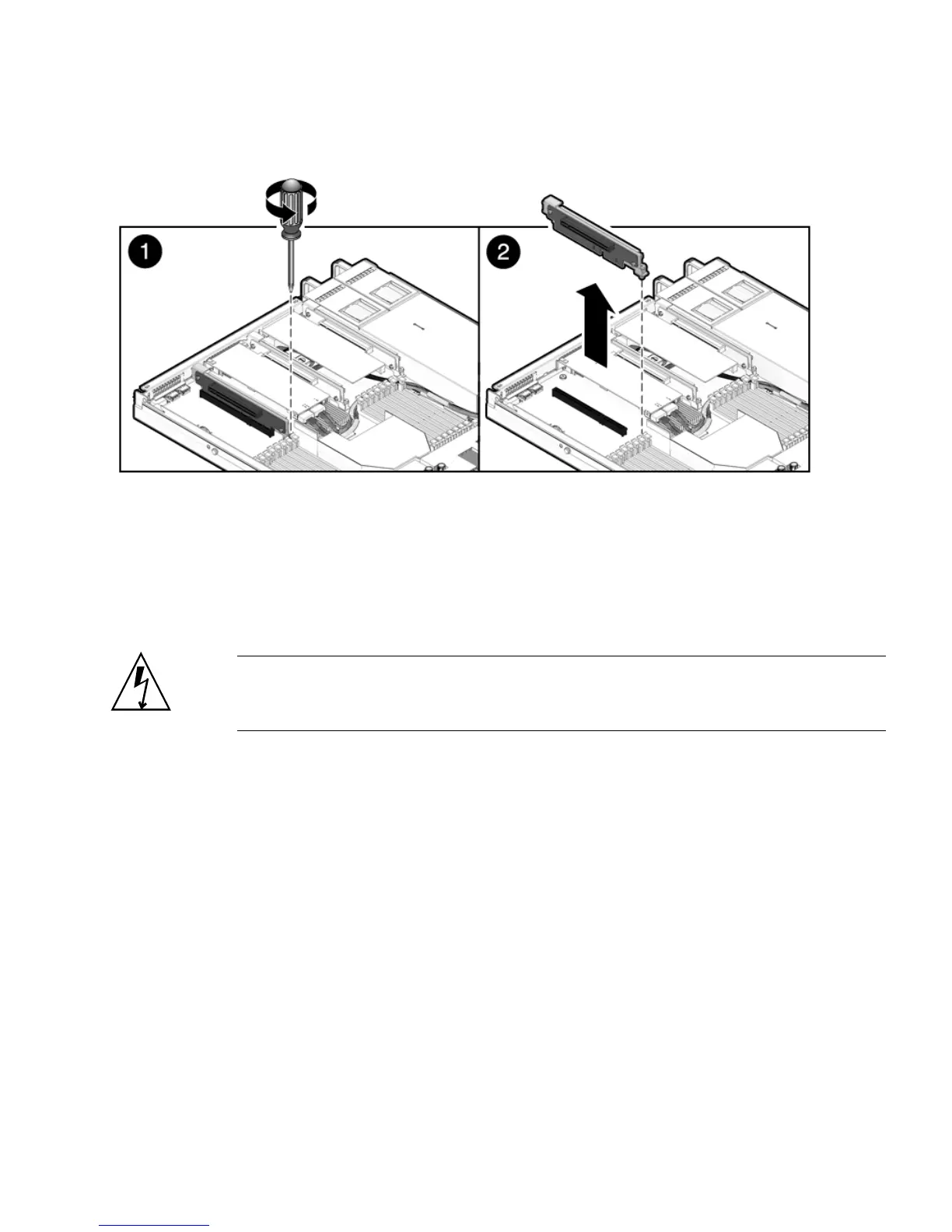
FIGURE 4-9 Removing a PCIe Riser
▼ To Install a PCIe Riser
The following tools are needed for this procedure:
■ Phillips screwdriver
Caution – Ensure that all power is removed from the server before removing or
installing risers. You must disconnect the power cables before performing this
procedure.
1. Lower the PCIe riser and any cards attached to it into the system.
2. Slide the back of the riser into the motherboard back panel stiffener.
3. Install the screw that secures the riser to the motherboard (
FIGURE 4-10).
4. Install the back panel crossbar.
Slide the crossbeam down over the PCIe risers. The crossbar is secured with two
captive Phillips screws.
5. Slide the server into the rack. See Section 6.3, “Returning the Server to the
Normal Rack Position” on page 6-5.
6. Connect any data cables you removed to service the PCIe cards.














 To Next Page