Chapter 3 Servicing Customer Replaceable Devices 3-13
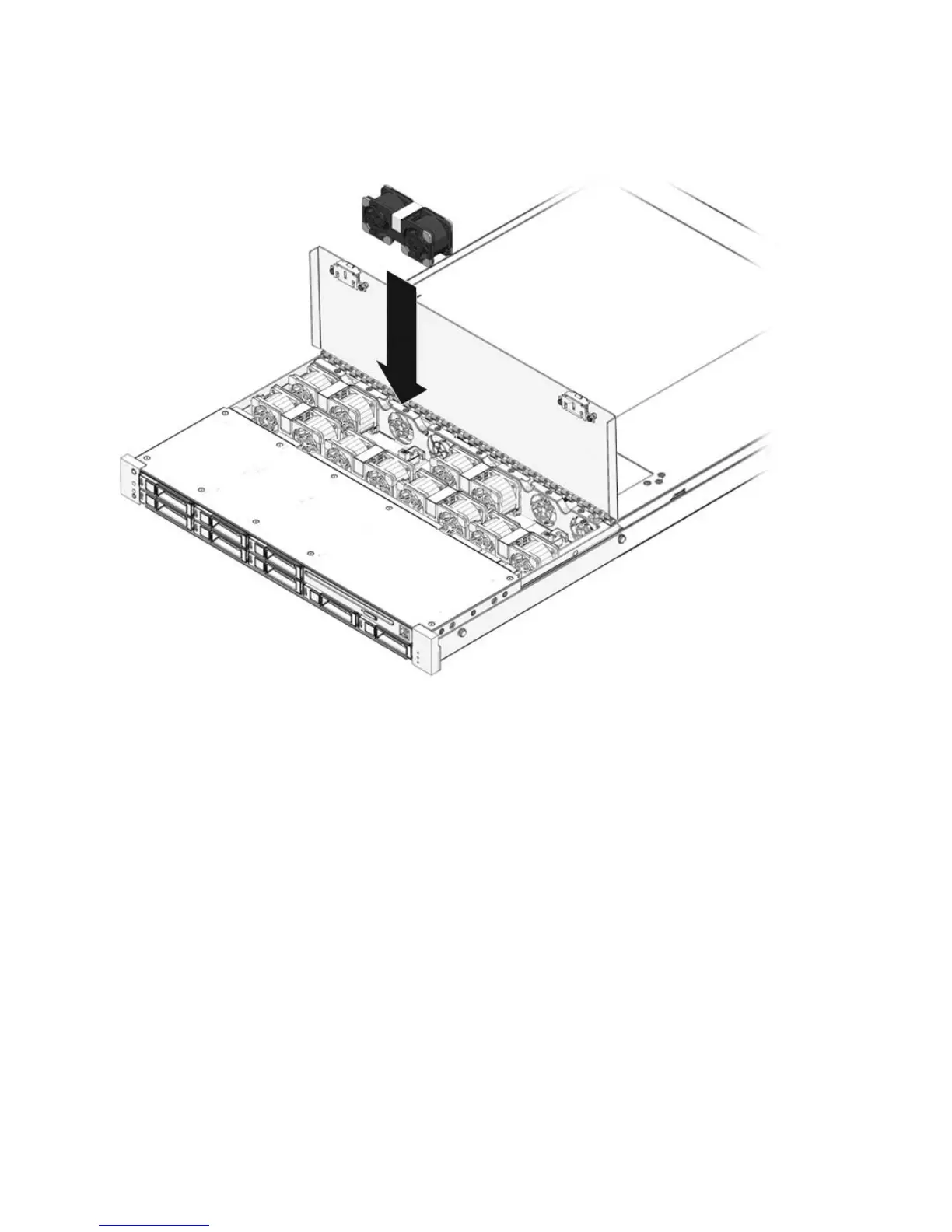
FIGURE 3-7 Installing a Fan Module
2. Apply firm pressure to fully seat the fan module.
3. Verify that the Fan Fault LED on the replaced fan module is not lit.
4. Close the top cover door.
5. Verify that the Top Fan LED, Service Required LEDs, and the Locator
LED/Locator button are not lit.
See Section 1.2, “Sun Fire X4150 Server Chassis Overview” on page 1-3 for more
information about identifying and interpreting system LEDs.














 To Next Page