4.3.5. Clearing calibration records - Clear Calibr. History
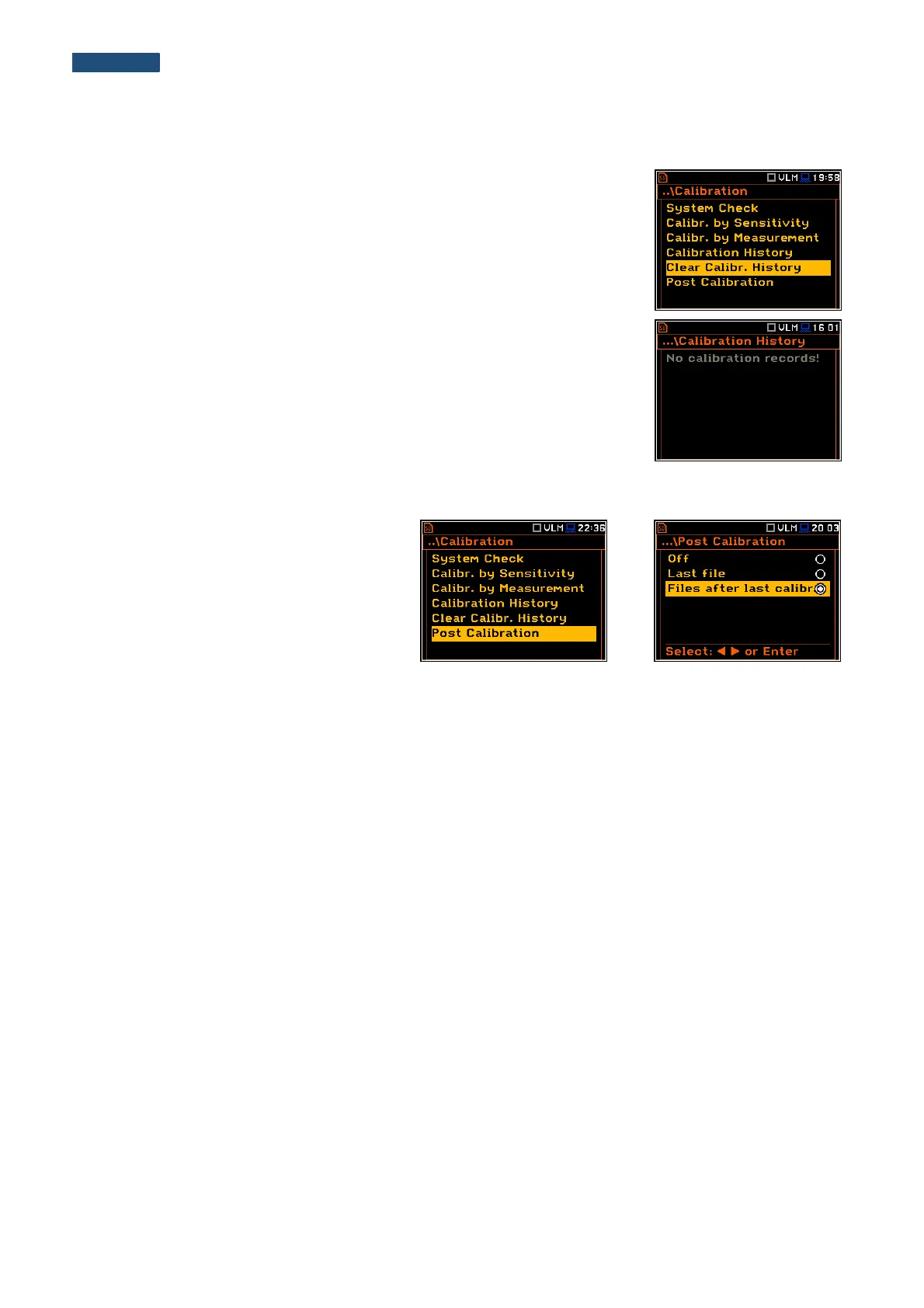
The user can clear all stored vibration calibration records. In order to do this the
user has to choose the position Clear Calibr. History in the Calibration sub-list
and press <ENTER> to perform this operation.
The instrument requests the confirmation of the operation. The next pressing of
the <ENTER> push-button, when the No option is selected, closes the window
and returns the instrument to the Calibration sub-list.
After this operation, the Calibration History window will not contain any
previous calibration records. The content of this window is also cleared after the
Factory Settings operation.
4.3.6. Post measurement calibration – Post Calibration
Sometimes it is required to perform so called
post-calibration of the instrument. Position
Post Calibration enables the user to perform
additional calibration after a measurement
session and add the results to the file saved
in the memory. The Post Calibration list
includes three options for saving post-
calibration results: not to save (Off), save in
the last file (Last file) or save in the files
which will be created after the last calibration
(Files after last calibr).



 To Next Page