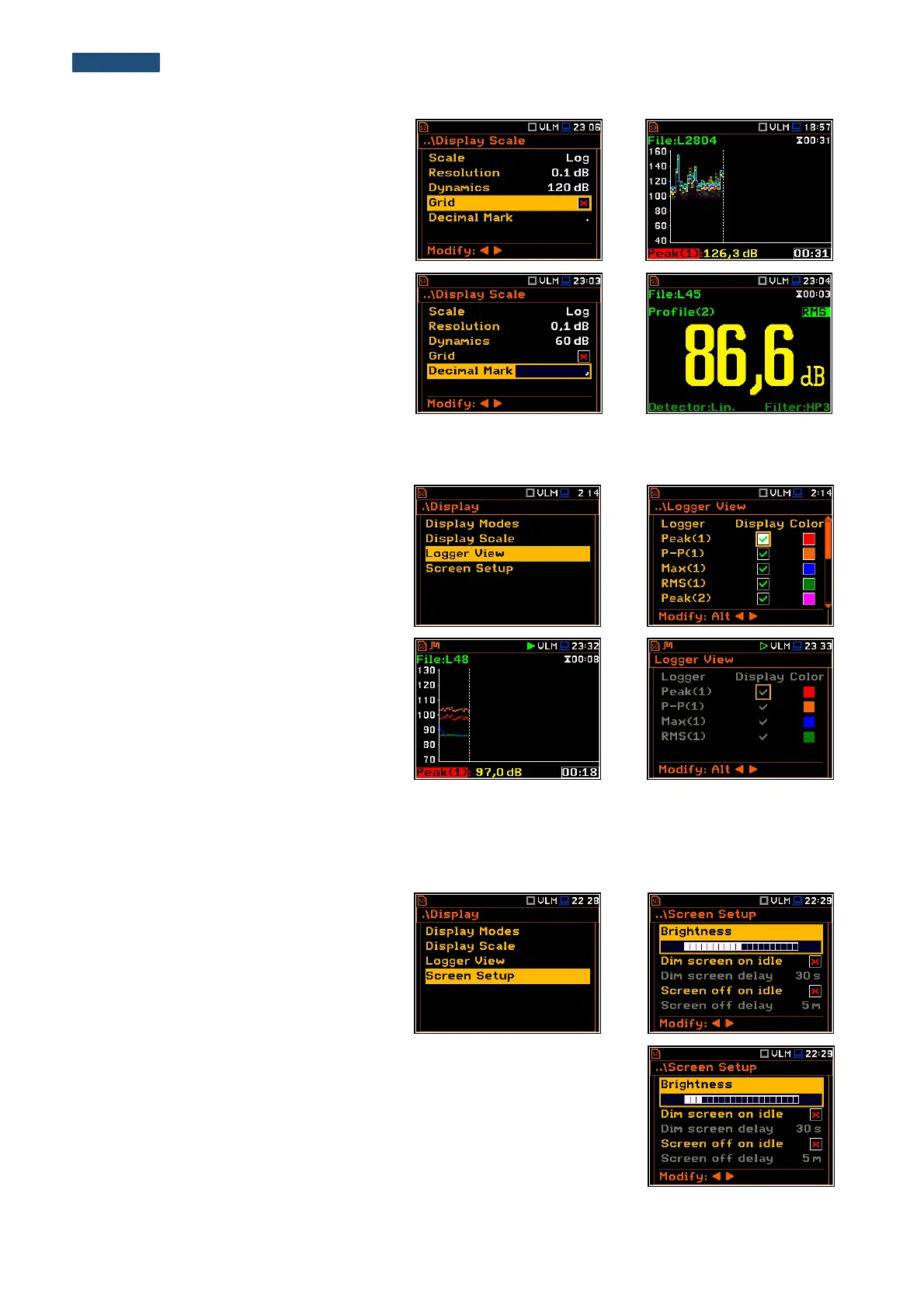
Switching the grid on/off
The Grid position enables the user to
switch on or off the horizontal grid lines in
any graphical presentation – history plot or
spectrum.
The Decimal Mark position enables the
user to select type of decimal mark: point or
comma. The selected decimal mark will be
used in all displayed numbers.
6.3 Setting up the view of the logger plot - Logger View
The Logger View position enables the
user to change the colour of the logger
curves. Every logger curve shows the
history of one result measured in a profile,
like Peak(1). It is possible to include or
exclude the curve from the logger plot, and
define the colour of this curve.
The view of the logger screen can be
adjusted quickly without stopping the
measurement. Highlight the function field in
the bottom left hand corner, then press the
<ENTER> push-button and the
Logger View list will be displayed. The
user can make necessary adjustments and
return to the Logger view after confirmation
of the performed changes by means of the
<ENTER> push-button.
6.4 Setting up the display brightness and power saver - Screen Setup
The Screen Setup window enables the
user to set up the brightness of the display
and to switch on the screen saver.
Brightness of the display
The Brightness position enables the user to set the proper brightness of the
display by means of the ◄ or ► push-buttons. The user can select 20 different
values of this parameter. The new value of the brightness level is confirmed
after each press of the ◄ or ► push-buttons.



 To Next Page