106 Maintenance and Service 083730300A DCN8101
5.3 OPERATIONAL HEALTH CHECKS
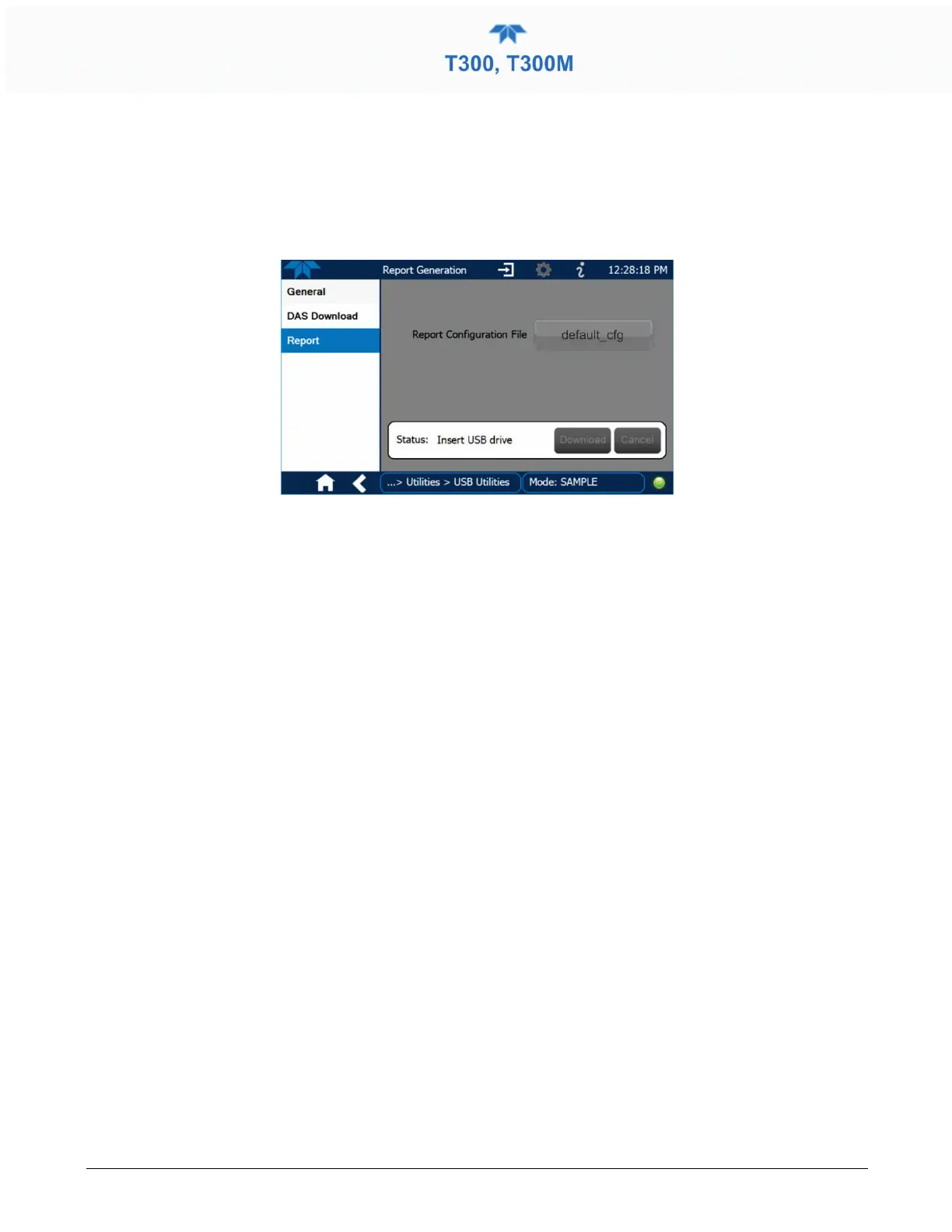
Navigate to the Utilities>USB Utilities>Report menu (Figure 5-1) to download a report
on the basic operations of the instrument. To download the report for your own viewing
on a computer or to send to others, insert a flash drive into a front panel USB port and
press the Download button, which is enabled when the instrument detects the flash drive.
Figure 5-1: Report Generation Page
The report can also be set to generate periodically and sent to a Web services “cloud”
where it is available for viewing by Teledyne API technical support personnel. Set this
function with two Vars:
Setup>Vars>Upload Report to Cloud: set to True.
Setup>Vars>Report Upload>Interval: edit the number of hours between report uploads.



 To Next Page