62 Getting Started 083730300A DCN8101
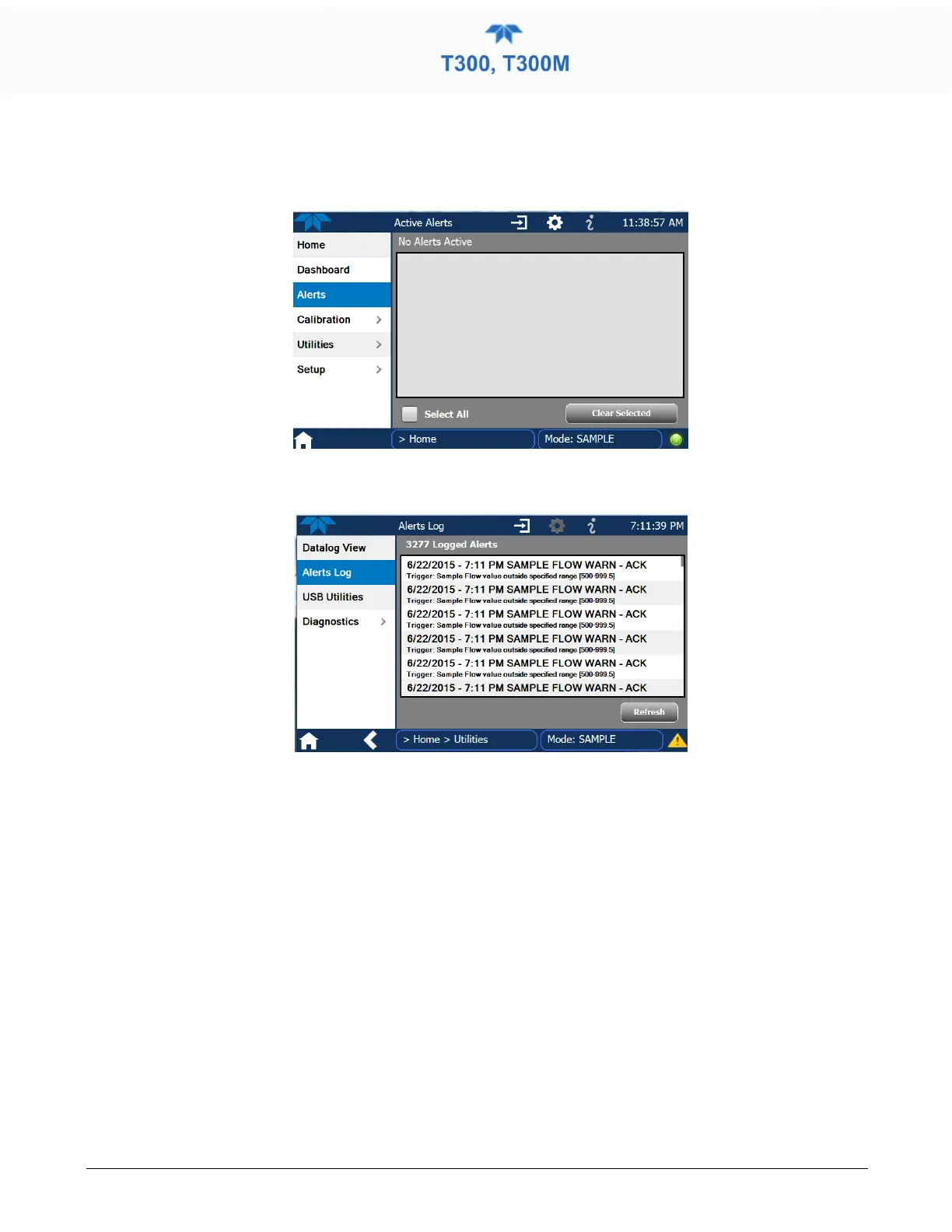
When all Alerts are cleared, the Alerts menu tab no longer shows the caution symbol, and
a green LED replaces the caution symbol in the bottom right corner of the interface
(Figure 2-36). However, Alerts can reappear if the conditions causing them are not
resolved. For troubleshooting guidance, refer to Section 5.7.
Figure 2-36. Active Alerts Cleared
Alerts and Events remain recorded in the Utilities>Alerts Log (Figure 2-37).
Figure 2-37. Utilities>Alerts Log of Active and Past Alerts and Events
2.4.4 CALIBRATION
The Calibration menu is used for multipoint calibrations as well as calibrations for zero
and span with valve options, and for external calibration with valve options installed.
Calibration procedures are presented in Section 4.



 To Next Page