36 Getting Started 083730300A DCN8101
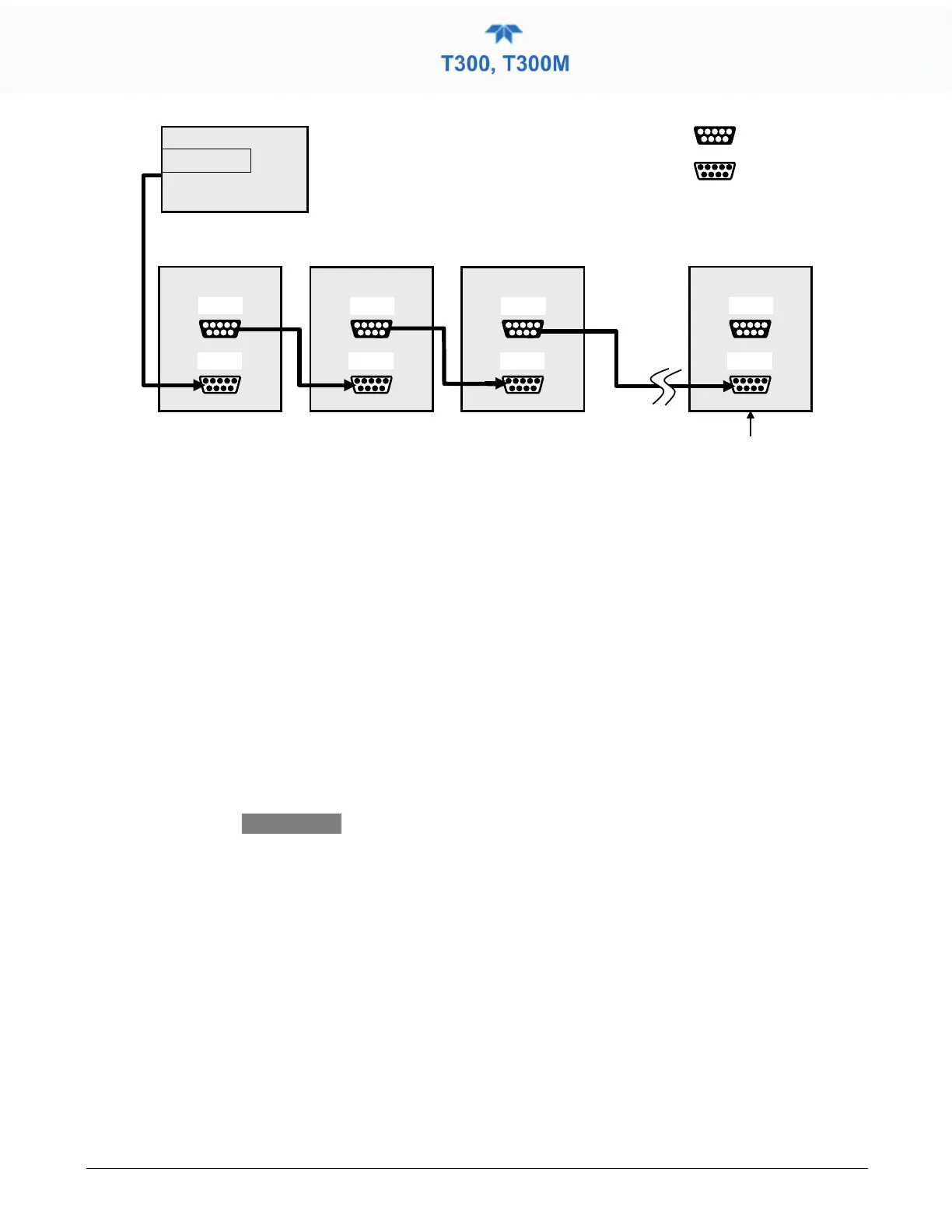
Ensure jumper is
installed
between
JP2 pins 21
↔
22 in
last instrument of
multidrop chain.
Figure 2-14. RS-232-Multidrop PCA Host
/Analyzer Interconnect Diagram
7. BEFORE communicating from the host, power on the instruments and check that
the Machine ID code is unique for each. In the Setup>Vars menu, check Instrument
ID in the list of variables. To change, select the variable and press the Edit button;
once changed, press the Enter button.
8. Next, in the Setup>Comm>COM1 menu (do not use the COM2 menu for multidrop),
use the Edit button to set COM1 Quiet Mode and COM1 Multidrop to ENABLED;
then press the Accept button.
9. Also check the COM1 Baud Rate to ensure it reads the same for all instruments
(edit if needed and press the Accept button).
•
Instrument ID’s must not be duplicated.
• The (communication) Host instrument can only
address one instrument at a time.
• Teledyne API recommends setting up the first link,
between the Host and the first analyzer, and testing
it before setting up the rest of the chain.



 To Next Page