6. COORDINATE MEASUREMENT
6-5
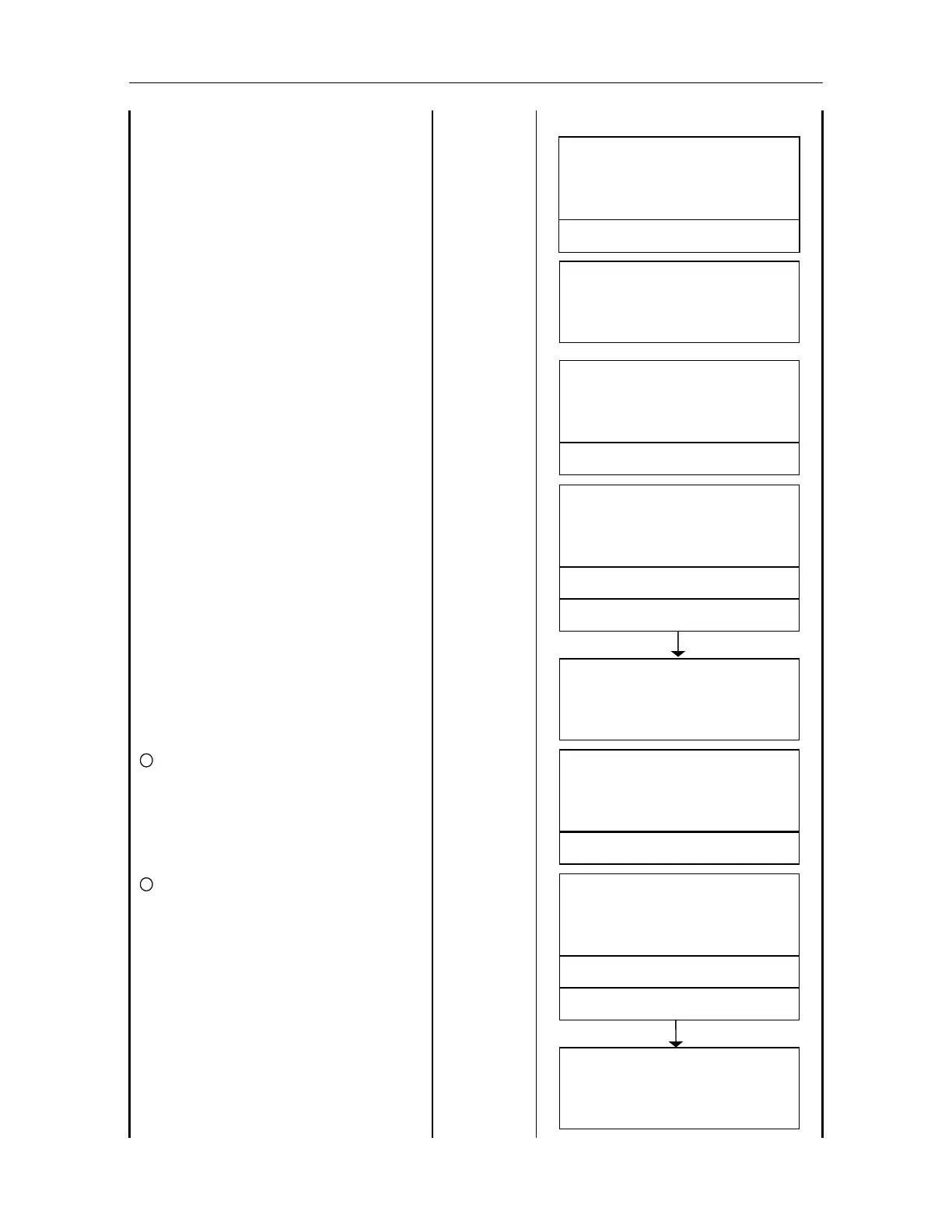
Enter the coordinate value of known
point B and Prism height, and press
[ENT] key.
Input N data
[ENT]
Input E data
[ENT]
Input Z data
[ENT]
Input Prism R.HT
[ENT]
POINT B
Z :
.
m
R . HT :
.
m
EXIT
CLR
SET OK
YES
NO
Press [F3](YES) key. [F3]
V: 90
10
'
20
"
HR : 120
30
'
40
"
POI
TA
[ SET ]
Sight the instrument at the known point
A by operating Horizontal / Vertical jog /
shuttle, auto tracking to the known point
A starts by pressing [A/M] key.
V: 90
10
'
20
"
HR : 10
20
'
30
"
POI
TA
POI
TA
[ SET ]
[ SET ]
After tracking to the known point A is
confirmed, press [F3](SET) or [REC]
key.
Measurement will be done 2 times after
checking the tracking condition
automatically. 3)
When measurement of the known point
A is completed, measurement of the
known point B starts.
[F3]
or
[REC]
V: 90
10
'
20
"
HR :
CHEC
I
G
MEAS
RI
G
SET ! !
10
20
'
30
"
V: 90
10
'
20
"
HR : 10
20
'
30
"
POI
TB
SET
11
Sight the instrument at the known point
B by operating Horizontal/ Vertical jog /
shuttle, auto tracking to the known point
B starts by pressing [A/M] key.
[A/M]
V: 90
20
'
30
"
HR : 70
30
'
40
"
POI
TB
SET
POI
TB
SET
12
After tracking to the known point B is
confirmed, press [F3](SET) or [REC]
key. Measurement will be done 2 times
after checking the tracking condition
automatically.
3)
When the measurement of known point
B completed, the screen displays for
the selection of measurement in
inverted position.
[F3]
or
[REC]
V: 90
10
'
20
"
HR : 70
30
'
40
"
CHEC
I
G
MEAS
RI
G
SET ! !
MEASURI
G
FACE 2 ?
[ YES ][ NO ]



 To Next Page