Powering the Receiver
P/N 7010-0557 www.topconpositioning.com
2-9
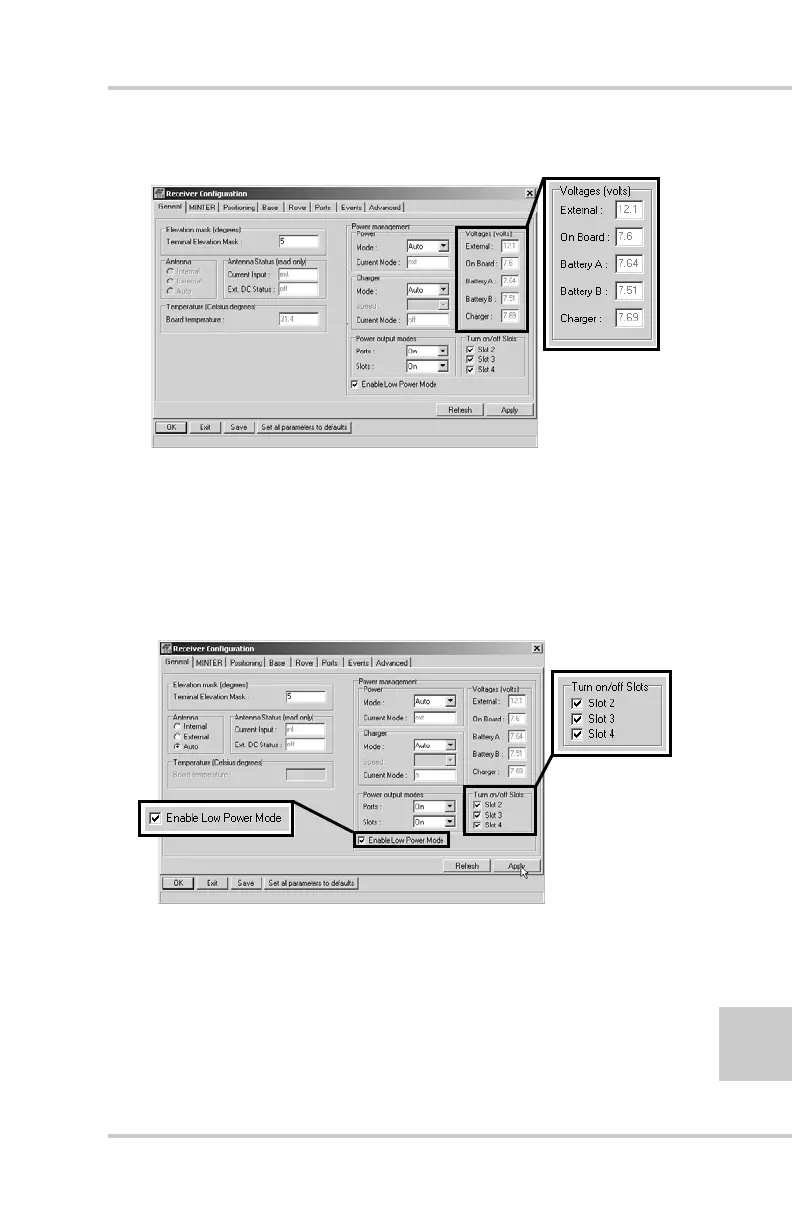
Figure 2-7. View Voltages Information
8. Select and check each of the Turn on/off Slots check boxes
to enable the corresponding internal slots (Figure 2-8).
9. Select and check the Enable Low Power Mode check box to
put the receiver’s processor into low power consumption
mode (Figure 2-8).
Figure 2-8. Enable and Apply Power Settings
10. Click Apply.



 To Next Page