Receiver Configuration
P/N 7010-0557 www.topconpositioning.com
2-19
If your jobsite is in an area that has obstructions (buildings, trees,
etc.), and/or the antenna location is near reflective objects,
configure the receiver to reduce errors from these sources.
WARNING
WARNING
Do not make other changes without consulting the
PC-CDU User’s Manual.
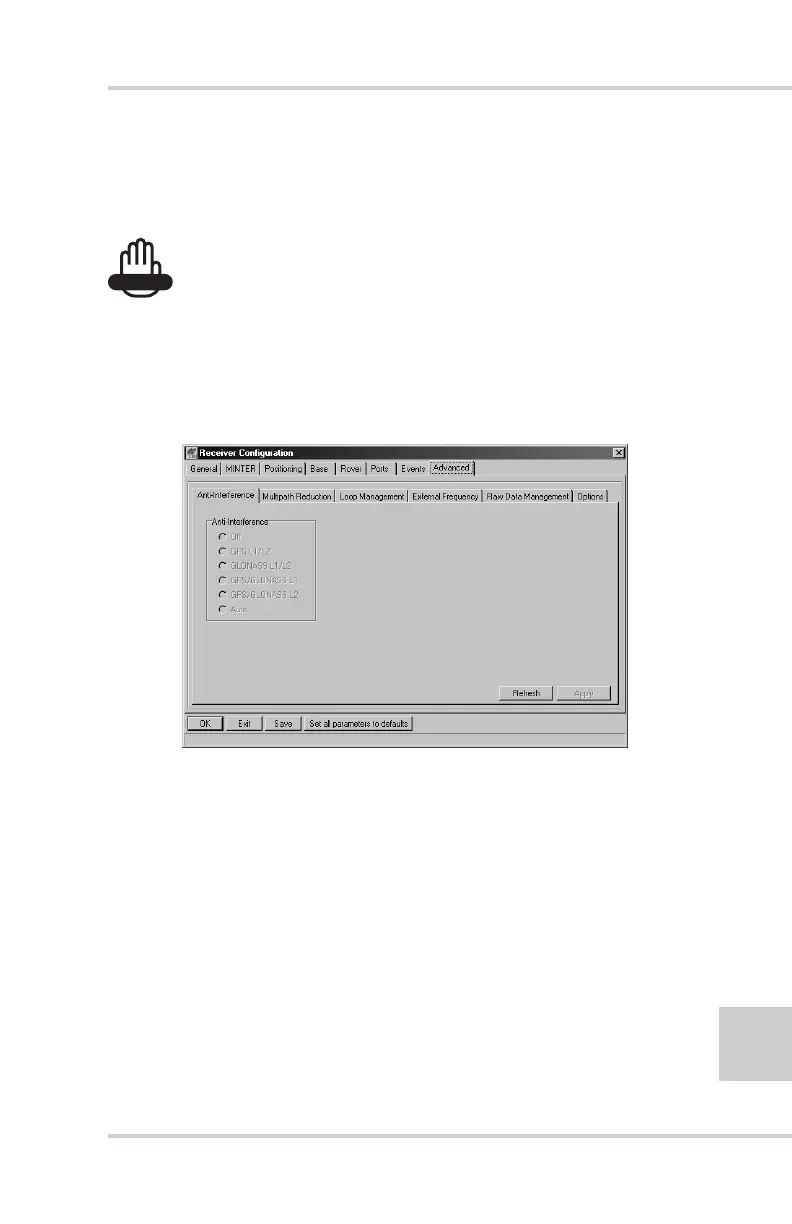
4. Click the Advanced tab on the Receiver Configuration screen
(Figure 2-17).
Figure 2-17. Receiver Configuration – Advanced Tab
5. Click the Multipath Reduction tab, enable the following
boxes, and click Apply (Figure 2-18 on page 2-20).
• Code multipath reduction
• Carrier multipath reduction



 To Next Page