MINTER Configuration
P/N 7010-0557 www.topconpositioning.com
2-23
• Show the status of post-processing mode (static or dynamic)
when performing a Post-Processing Kinematic survey with the
help of FN key (REC LED).
• Show the status (high charge, intermediate charge, or low
charge) of the battery (BATT LED).
• Show the power source for the receiver (BATT LED).
• Show the status of the modem and if it receives signals (RX
LED).
Use PC-CDU to configure MINTER settings. Refer to the PC-CDU
User’s Manual for other possible MINTER configurations.
1. Connect your receiver and computer. See “Connecting the
Receiver and a Computer” on page 2-11 for this procedure.
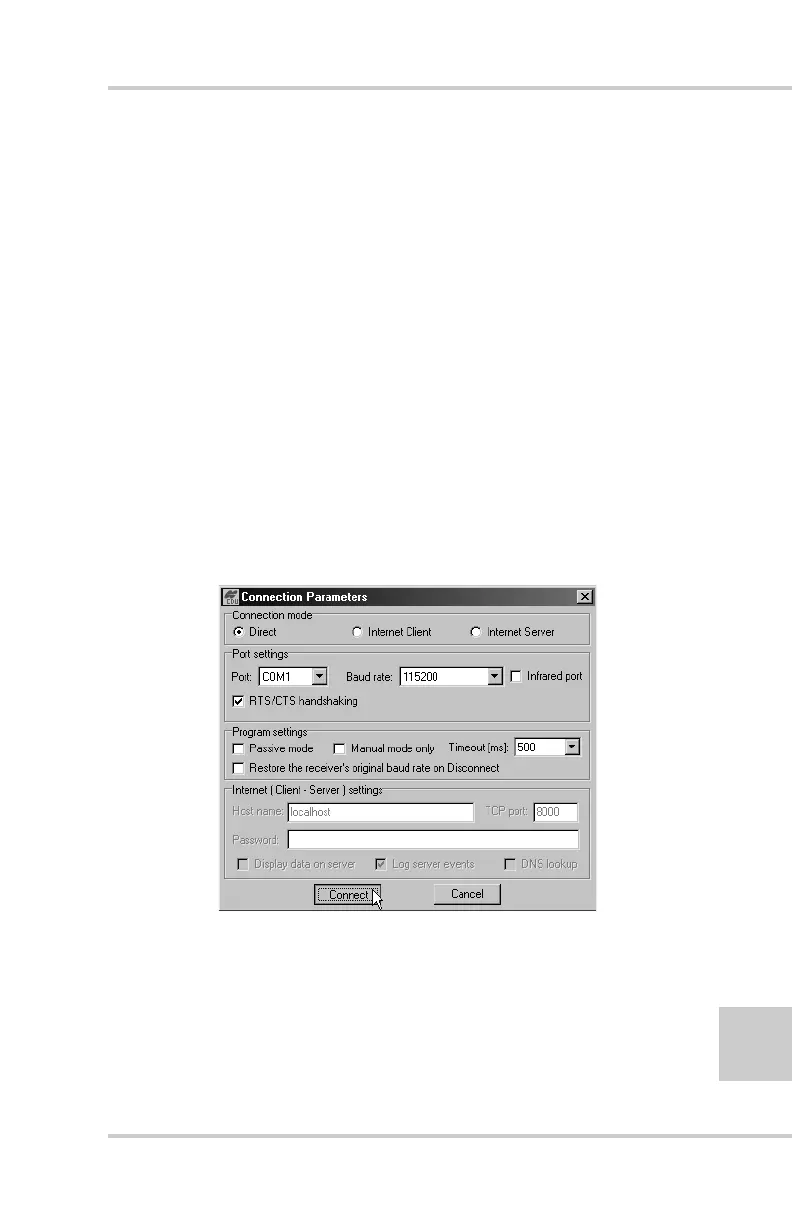
2. On the Connection parameters dialog box, enable RTS/CTS
handshaking (Figure 2-22).
Figure 2-22. Connection Parameters – MINTER Settings



 To Next Page