Radio Configuration
P/N 7010-0557 www.topconpositioning.com
2-35
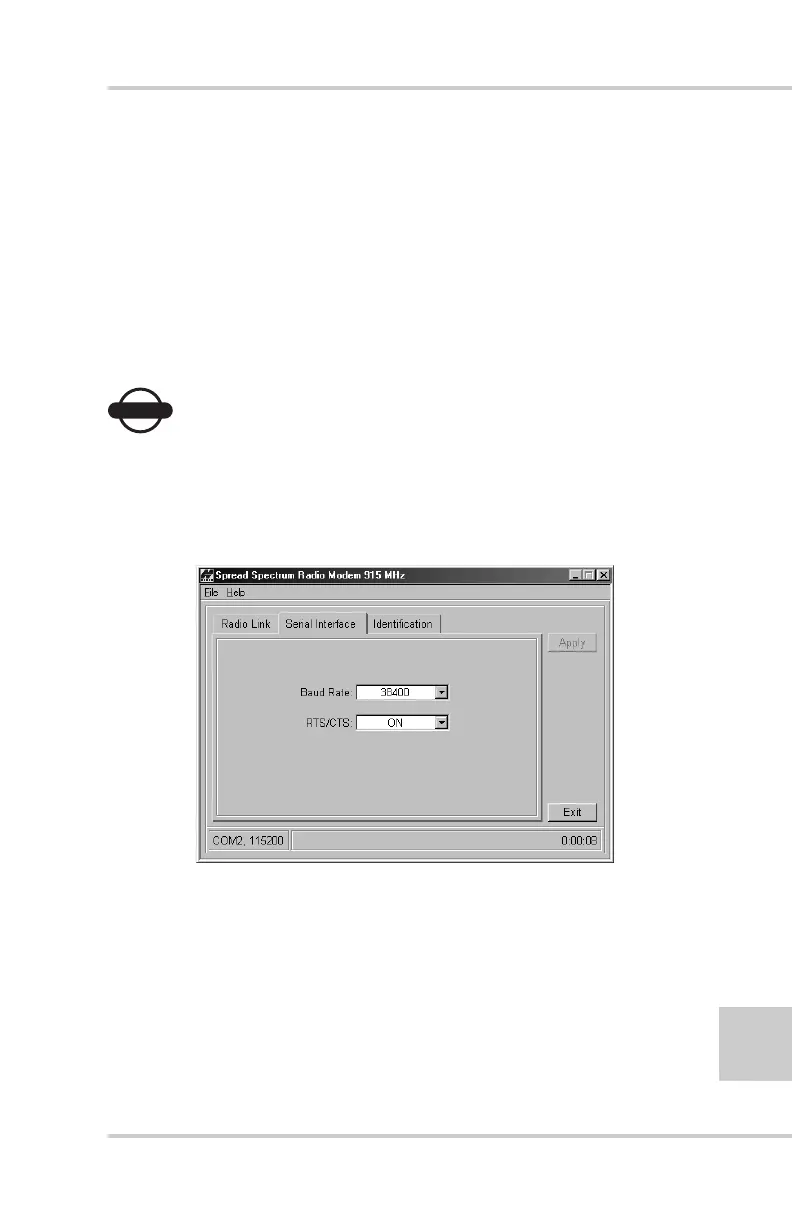
5. Click the Serial Interface tab, set the following parameters,
and click Apply (Figure 2-28):
• Baud Rate – select a baud rate for the modem’s serial port.
The same rate must be used for both the receiver and the
modem.
• RTS/CTS – controls the flow of data between the receiver
and modem. Select On to enable handshaking/hardware
flow control; select Off to disable handshaking.
NOTICE
NOTICE
If the serial baud rate exceeds the link rate, enable
hardware handshaking to prevent the radio link from
overflowing, resulting in the loss of data.
Figure 2-28. Modem-TPS Serial Interface Tab



 To Next Page