Configuration
Topcon HiPer Lite and HiPer Lite+ Operator’s Manual
2-40
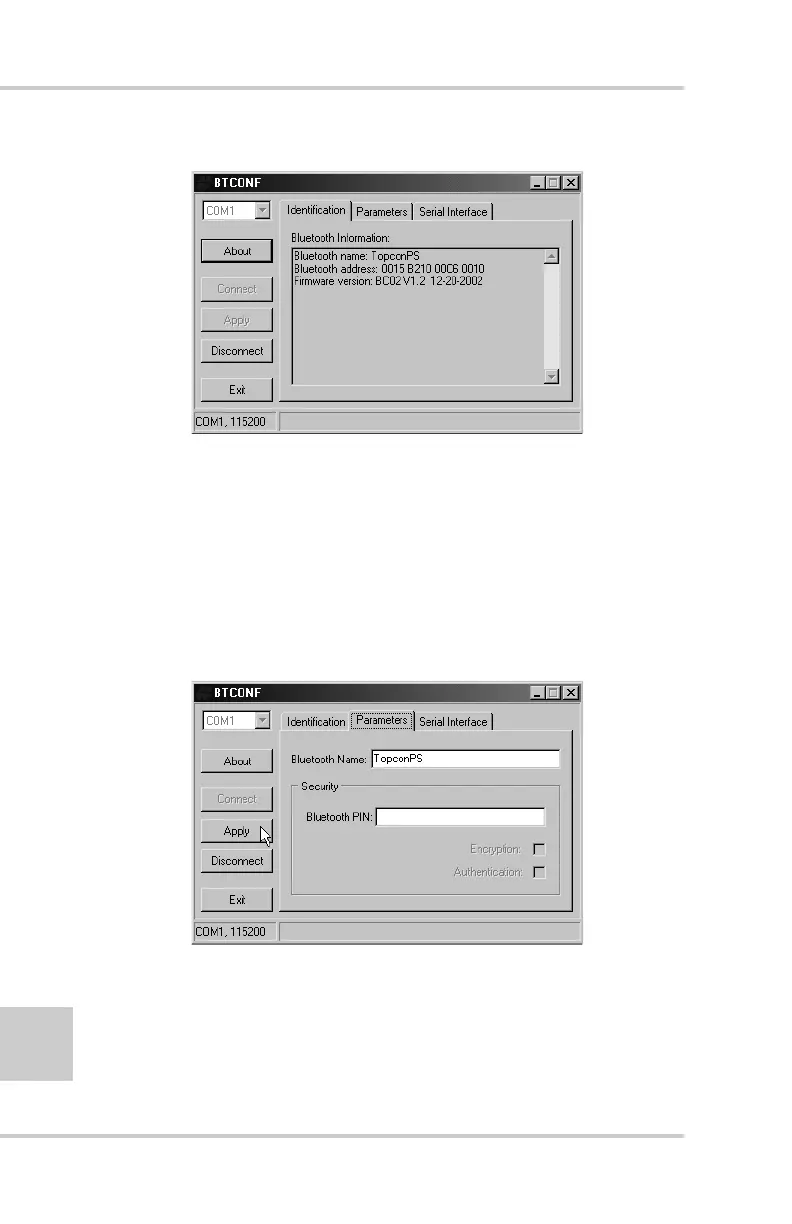
Figure 2-34. BTCONF Identification Tab
The COM port and baud rate display in the lower left corner.
6. Click the Parameters tab (Figure 2-35). The Parameters tab
sets identifying and security information for your Bluetooth
module. The security section allows you to set data security and
unauthorized access parameters for the Bluetooth module.
7. Enter up to 14 characters to set a unique name for the Bluetooth
module (Figure 2-35), and click Apply.
Figure 2-35. BTCONF Parameters Tab



 To Next Page